
From screen recordings to polished videos in minutes
Tight Studio is a free all-in-one screen recorder with auto zoom, smooth cursors, AI voiceovers, multi-clip editing, captions, and dynamic layouts. Record, edit, and share in one app without exporting to another editor. See how Tight Studio compares.
$0 / month No watermark. No credit card required.
Perfect for product videos and user tutorials
Create product demos, onboarding guides, training videos, and customer support content from recording to final share link in one app.
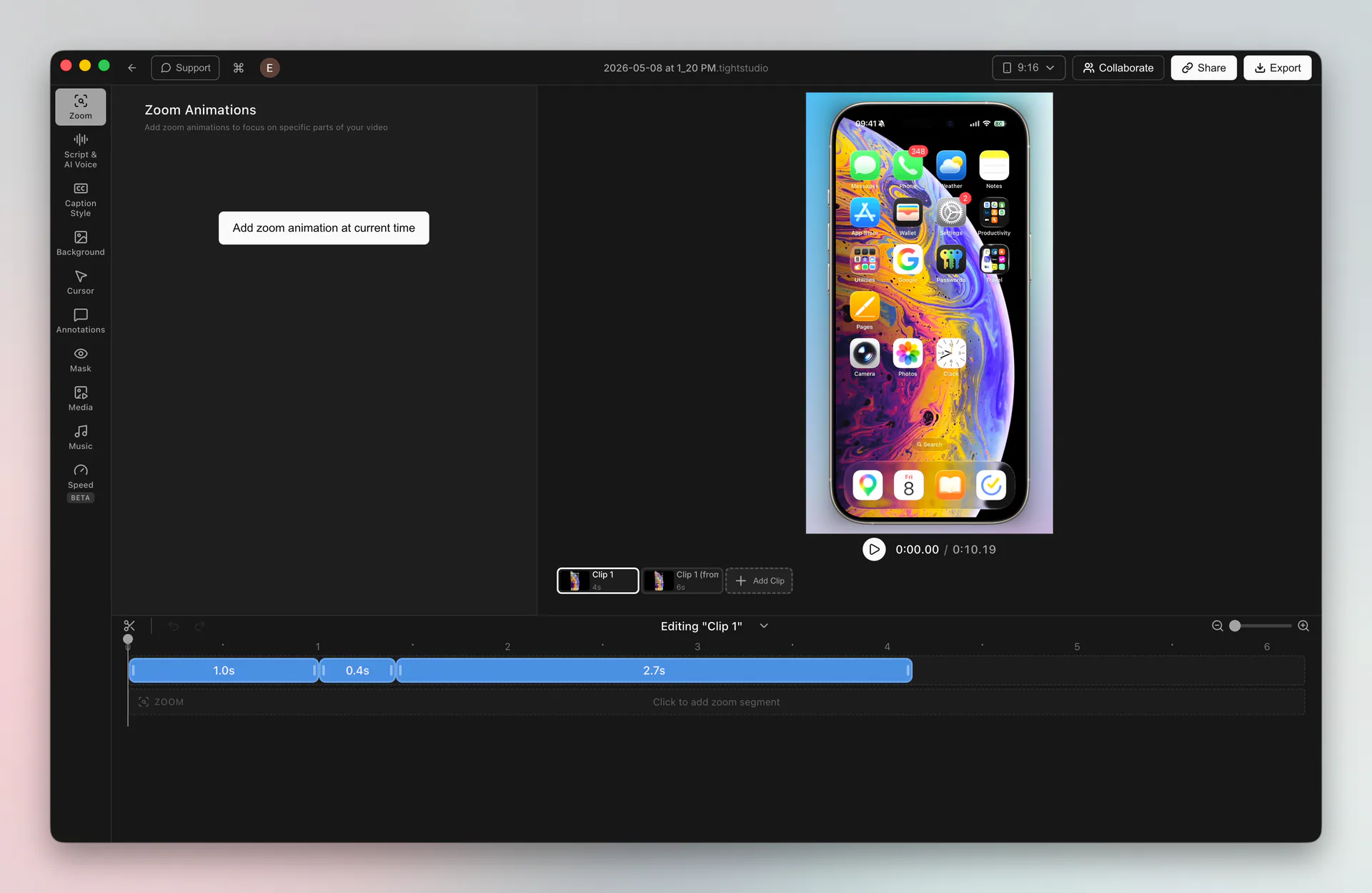
Smooth, professional motion effects
Smooth zooms and cursors, no editing needed.
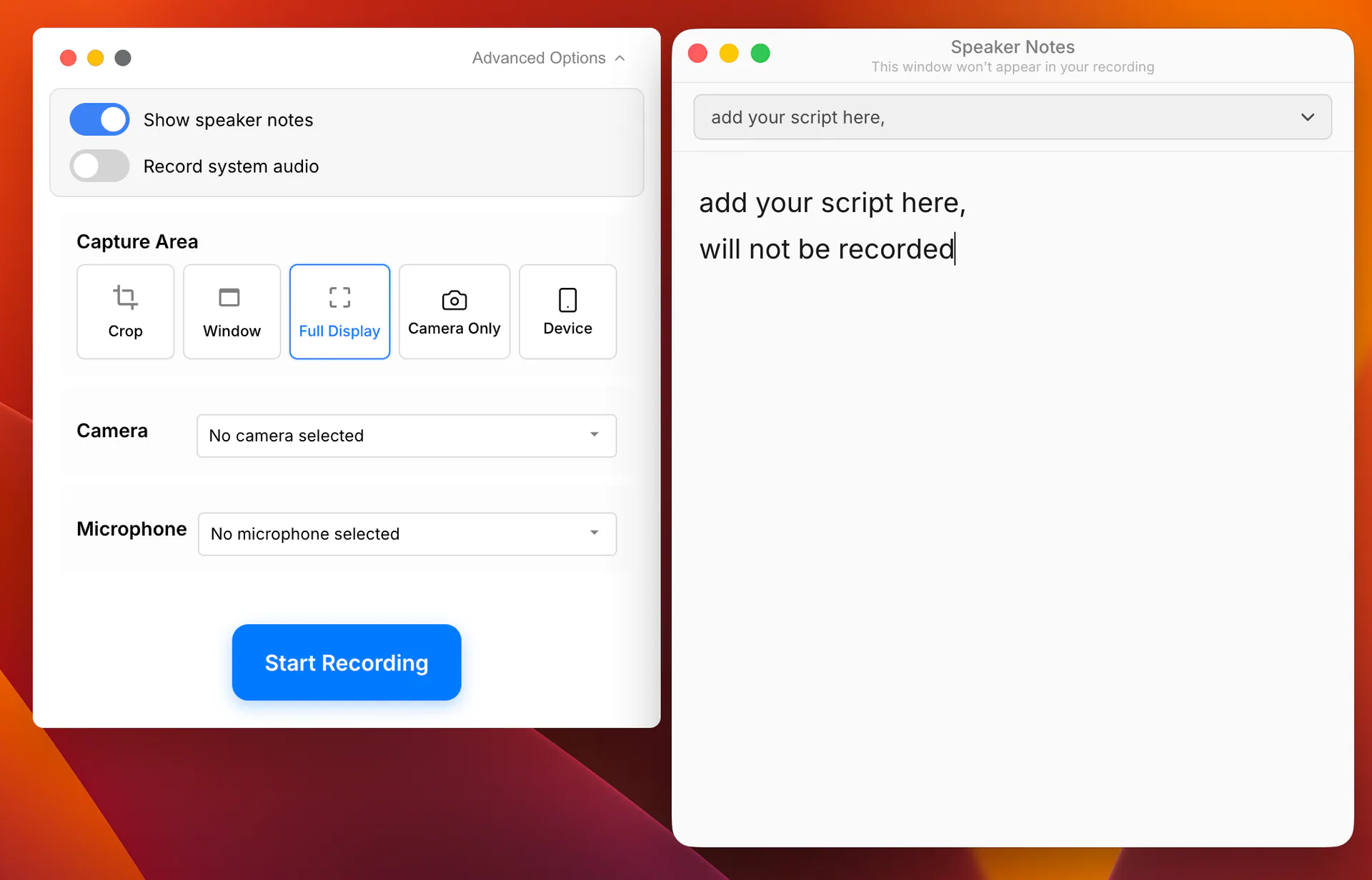
Effortless recording, end to end
Multiple takes, polished intros and outros, and your script on-screen - so recording feels routine, not high-stakes.
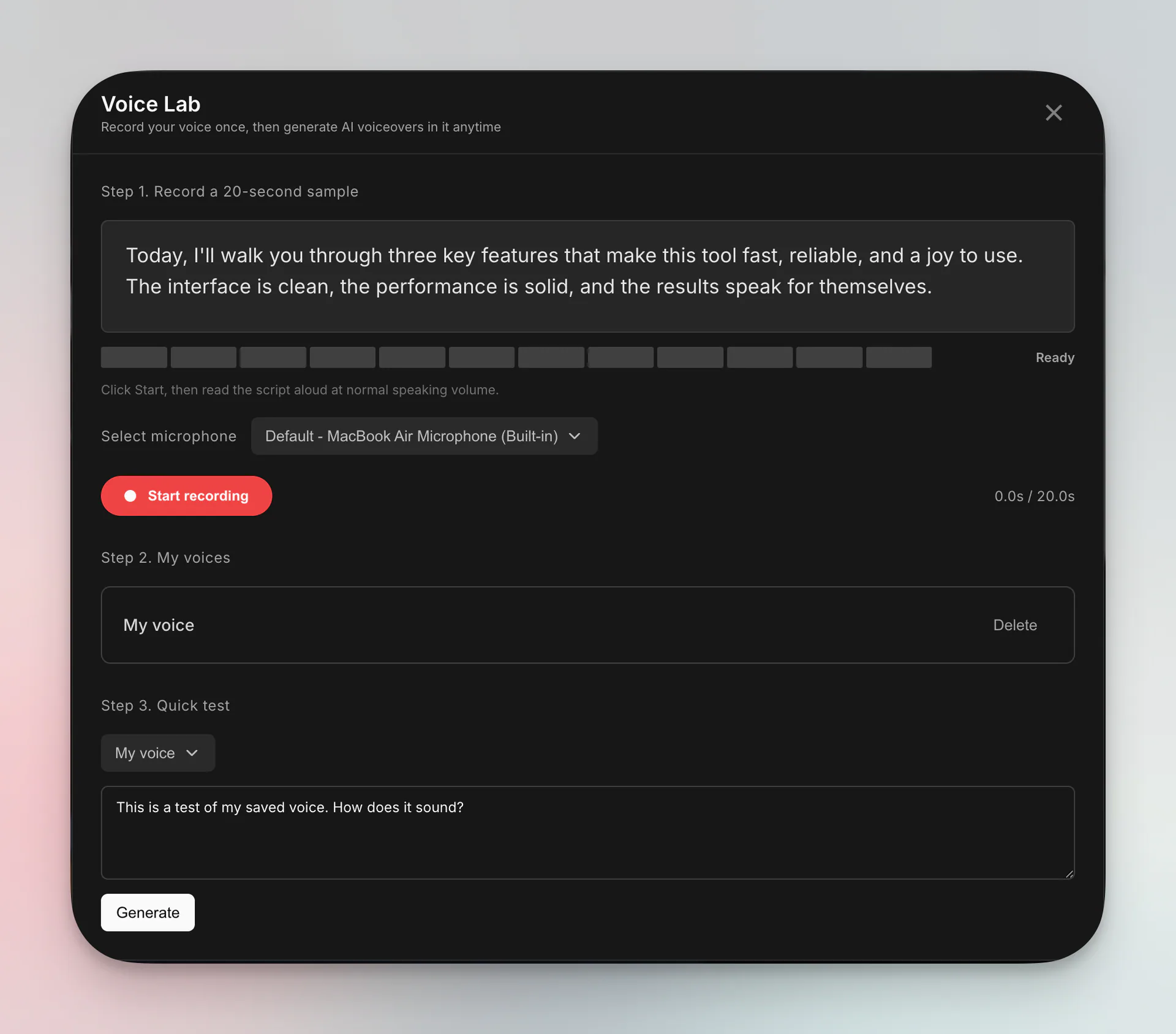
Voice and captions you can edit like text
Re-record by editing the script, not by talking again.
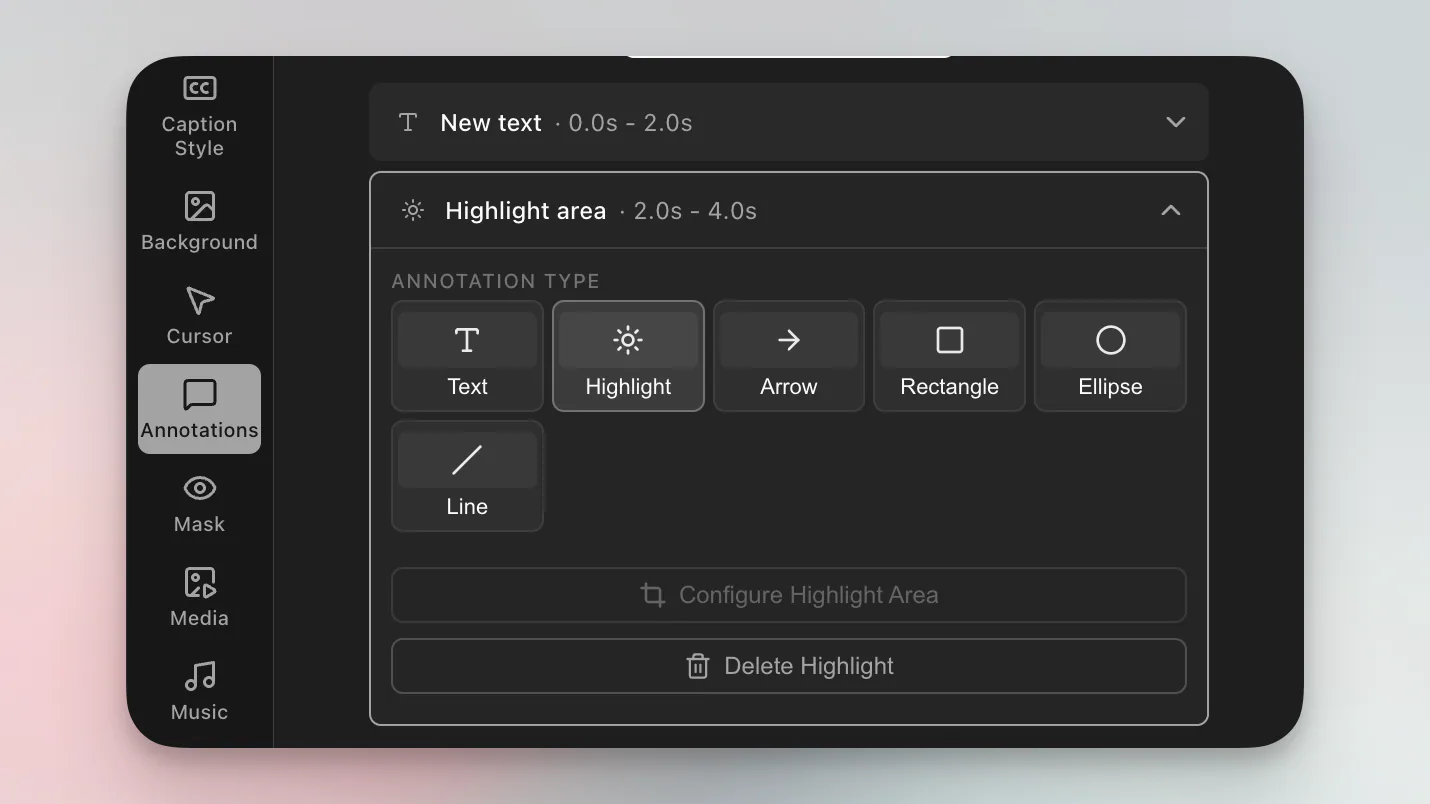
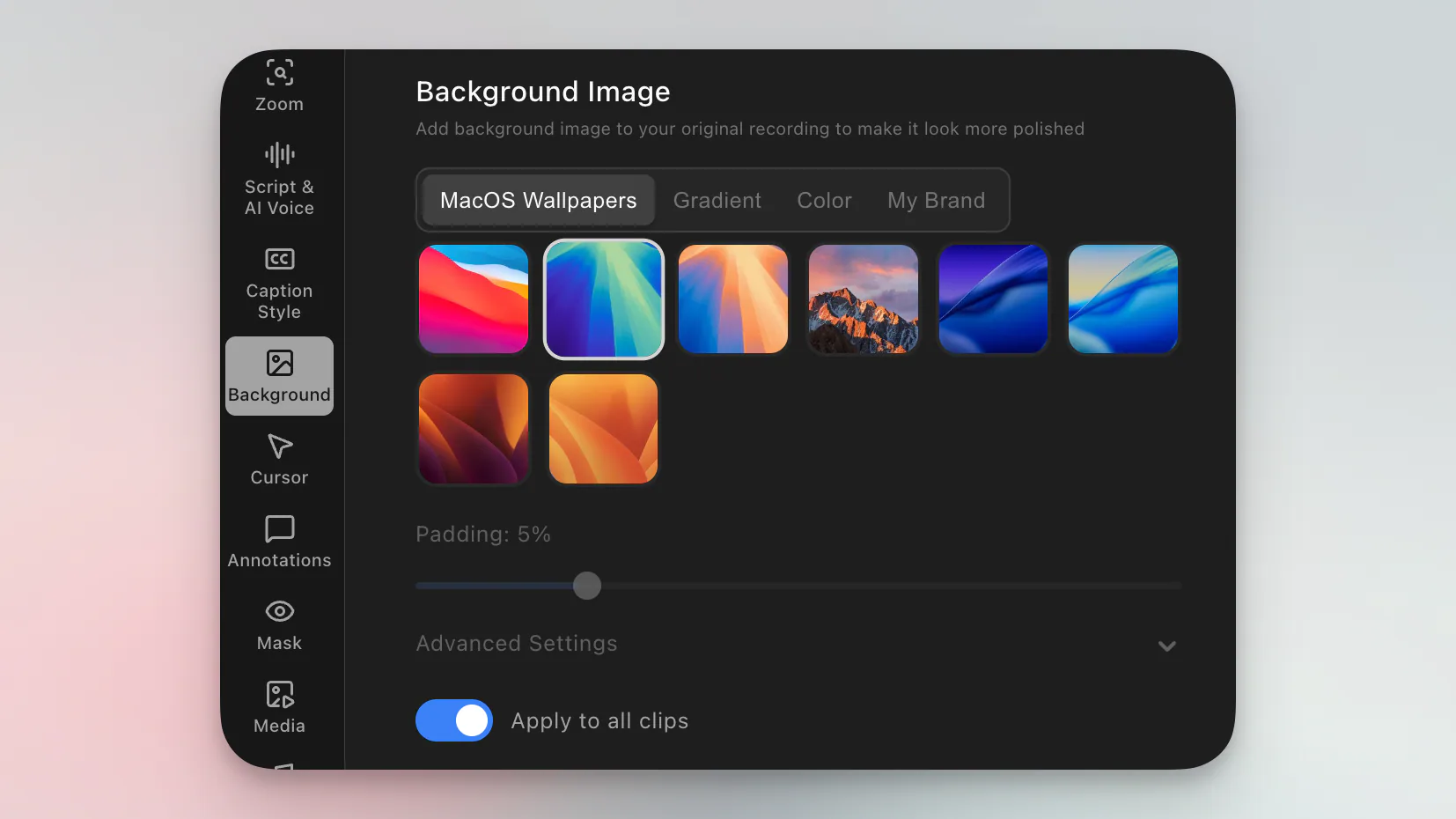
Beautiful styles and video annotations
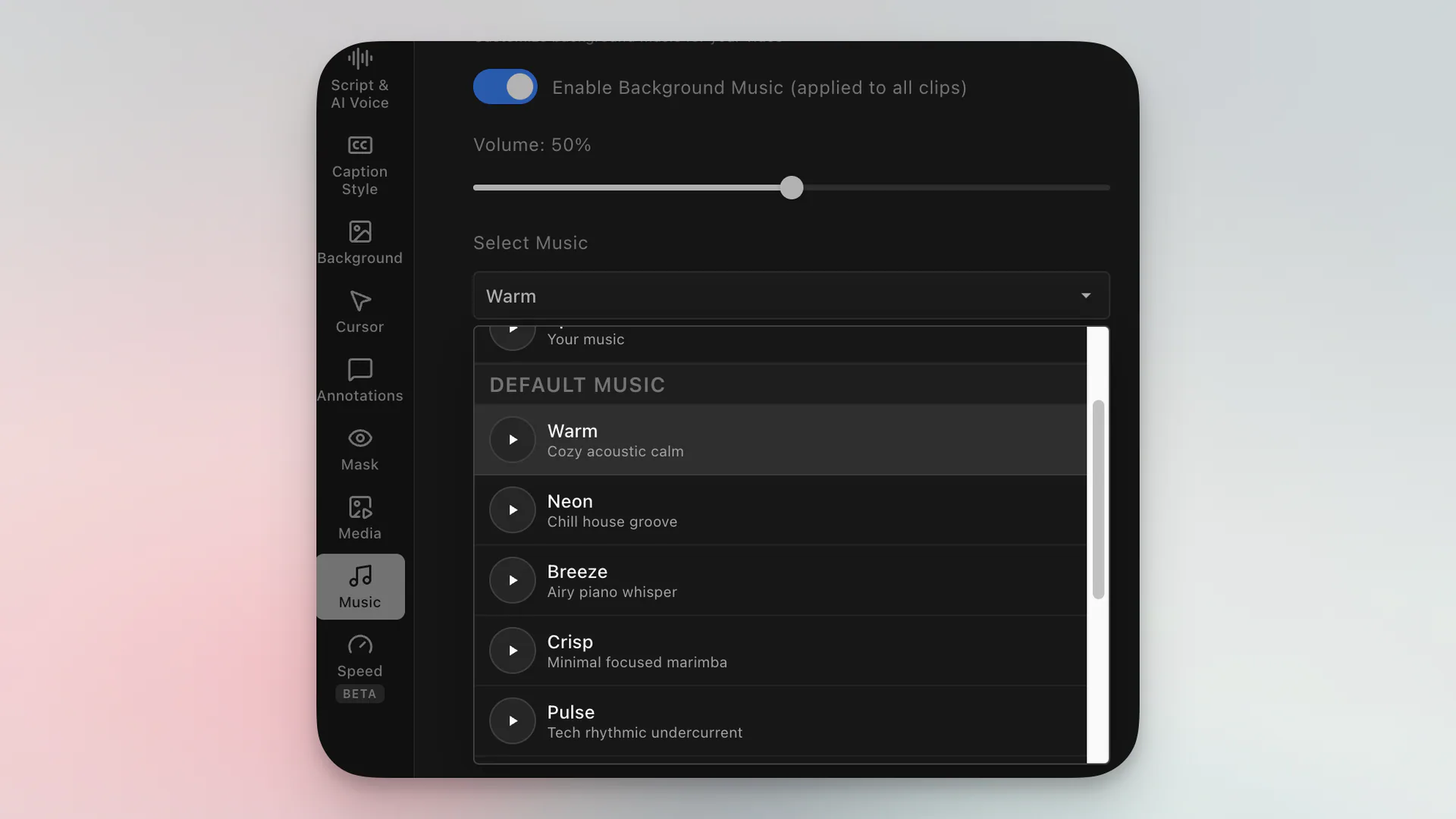
Flexible layouts, backgrounds, on-video markup, and music turn raw captures into polished cuts.
Built for teams that ship video together
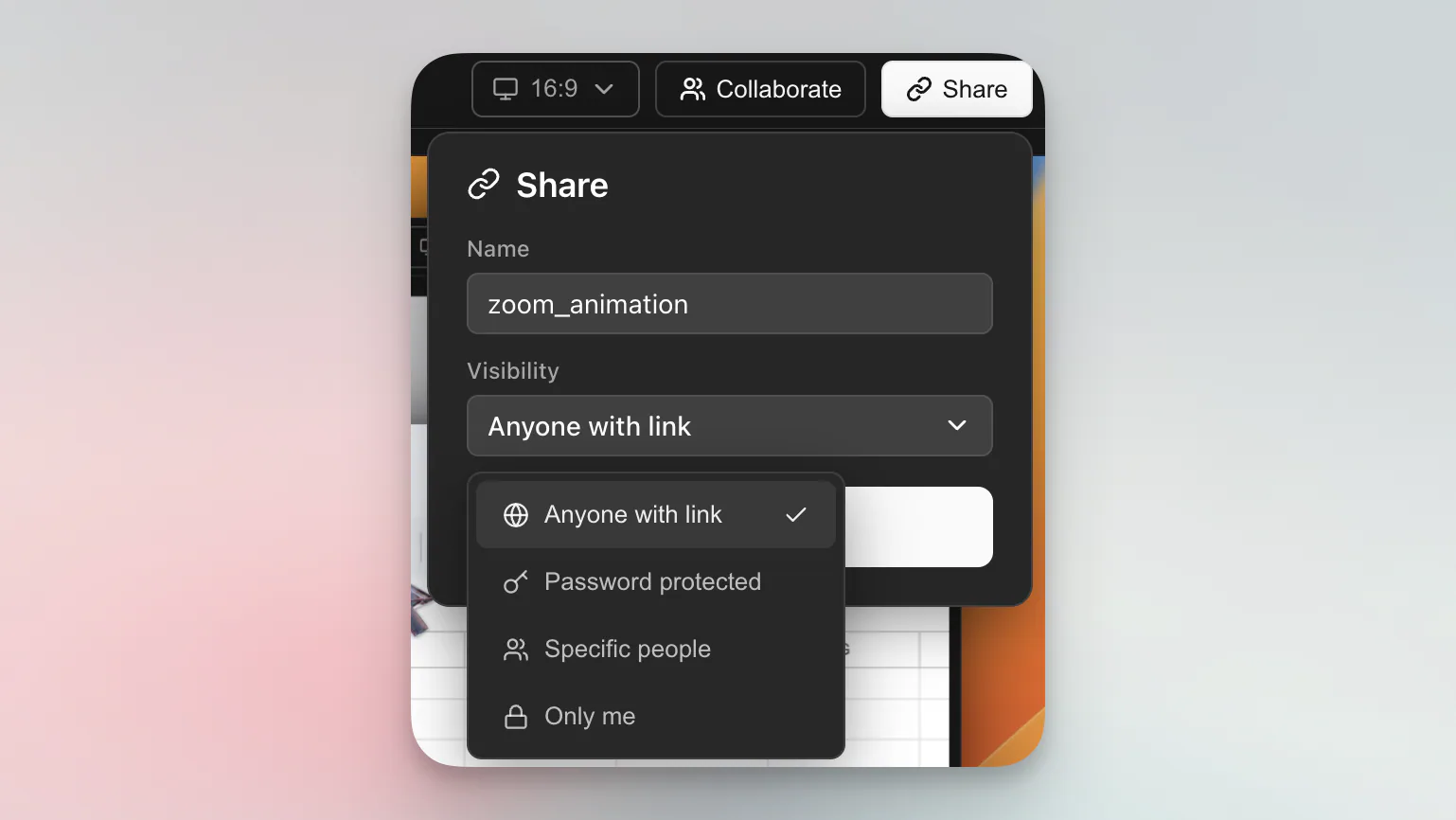
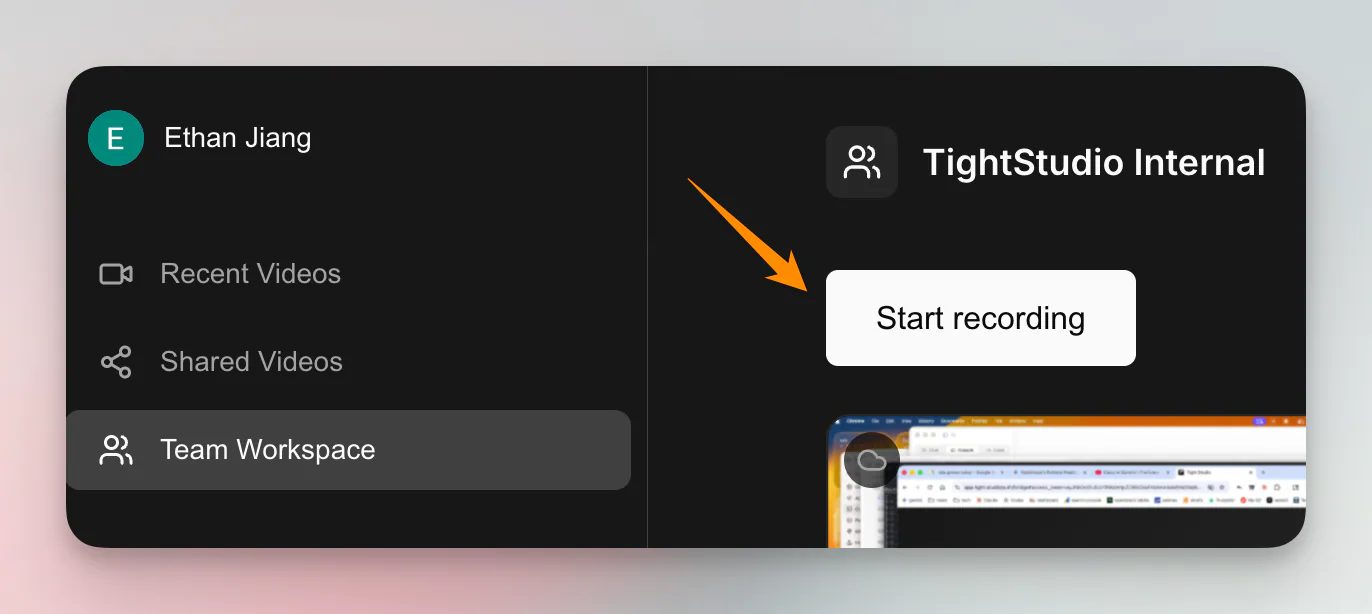
Secure foundations, smooth sharing, and a shared workspace for teams shipping video on behalf of a brand.

Simple pricing
100% happiness, 60-day money back guarantee.
- Smooth zoom animation
- Smooth cursor animation
- Stylish cursor icons
- Automatic professional captions
- Dynamic layouts
- Video clipping tools
- Background music
- Video annotations
- 5 free clip additions
- Shareable links, up to 5 with 7-day expiration
- AI voiceover, 100 trial AI credits
- All the Free plan features
- Plus... Unlimited multi-clip recording
- Plus... Unlimited shareable video links, no expiration
- All the Plus plan features
- Plus... AI voiceover
- Plus... AI media generation
- Plus... Team workspace and collaborative editing
Loved by creators worldwide
See what our users have to say about Tight Studio.
“Tight Studio combines simplicity with impact. It's effortless to use, yet the videos I create in minutes consistently help attract new users to our latest product features.”

“I've been using Tight Studio recently to prep presentations and share demos with my colleagues, and it's been a huge time saver. The whole flow feels really smooth, even for someone with no video editing skills. I can go from recording to a clean, shareable product demo in minutes with almost no effort.”

“Awesome tool - I've used it to seamlessly edit my video recordings to show it to peers and for presentations and guides for software usage! Setup is super easy, and I LOVE the auto-zoom feature. Crazy how fast the team is shipping too.”

We're here to help
FAQs designed to provide the information you need.