When is Screen Studio clearly the better choice?
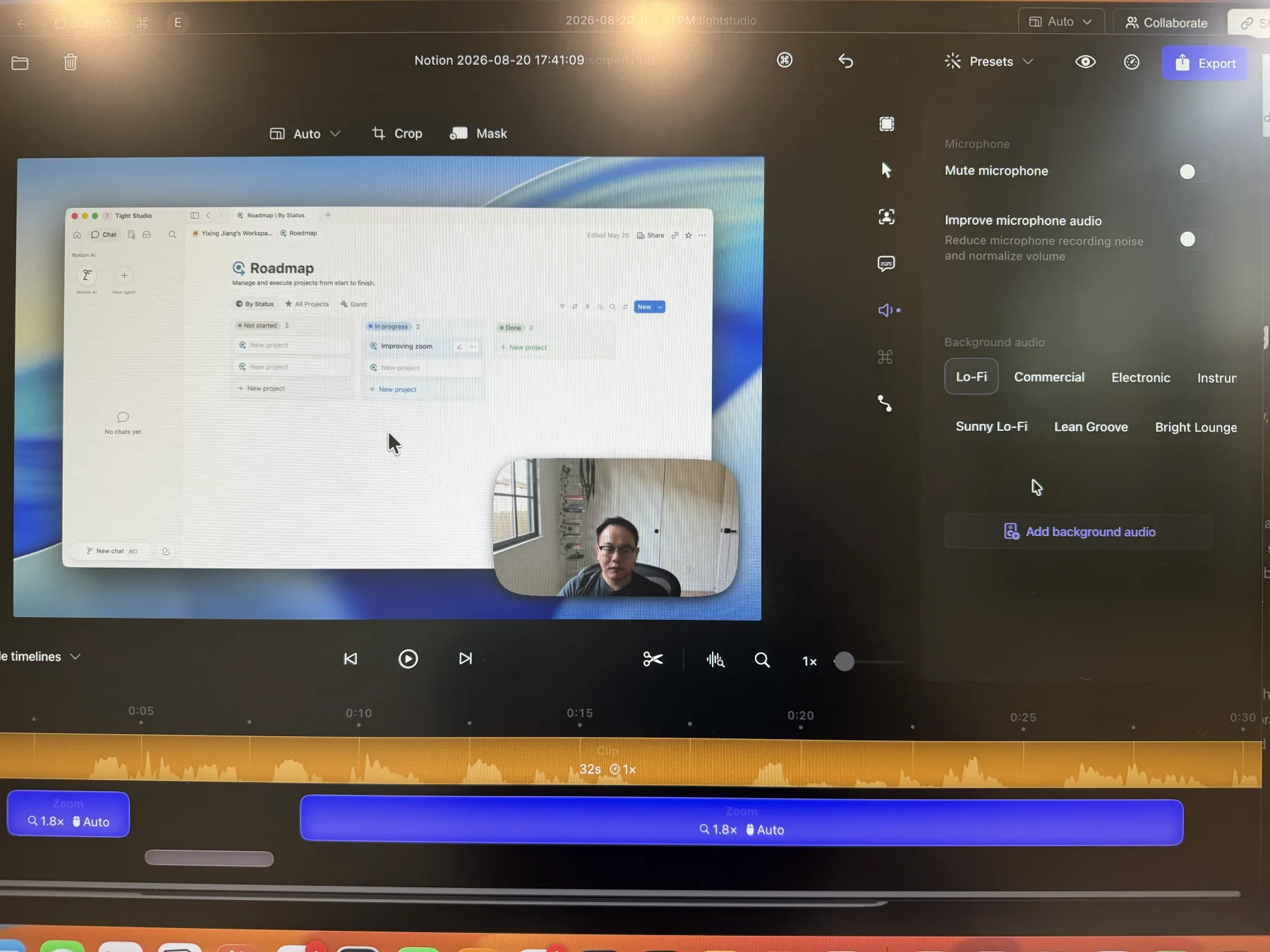
When on-device captions, audio cleanup, app-specific audio, or Intel support are requirements. These are concrete capability or hardware differences—not a subjective claim that one app is faster or produces better motion. Keeping Screen Studio can also make sense when an existing workflow already depends on it.
How do the caption workflows differ?
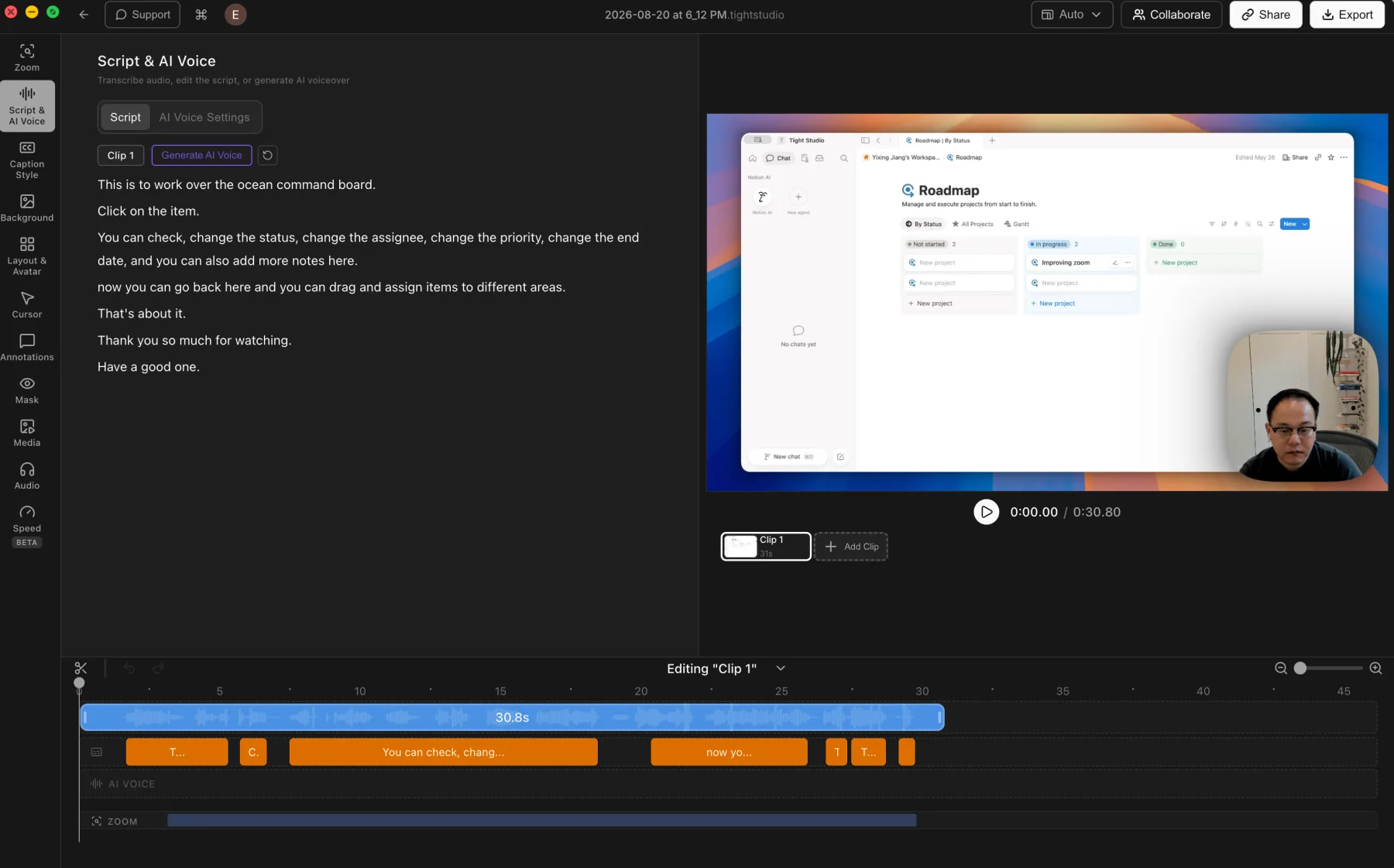
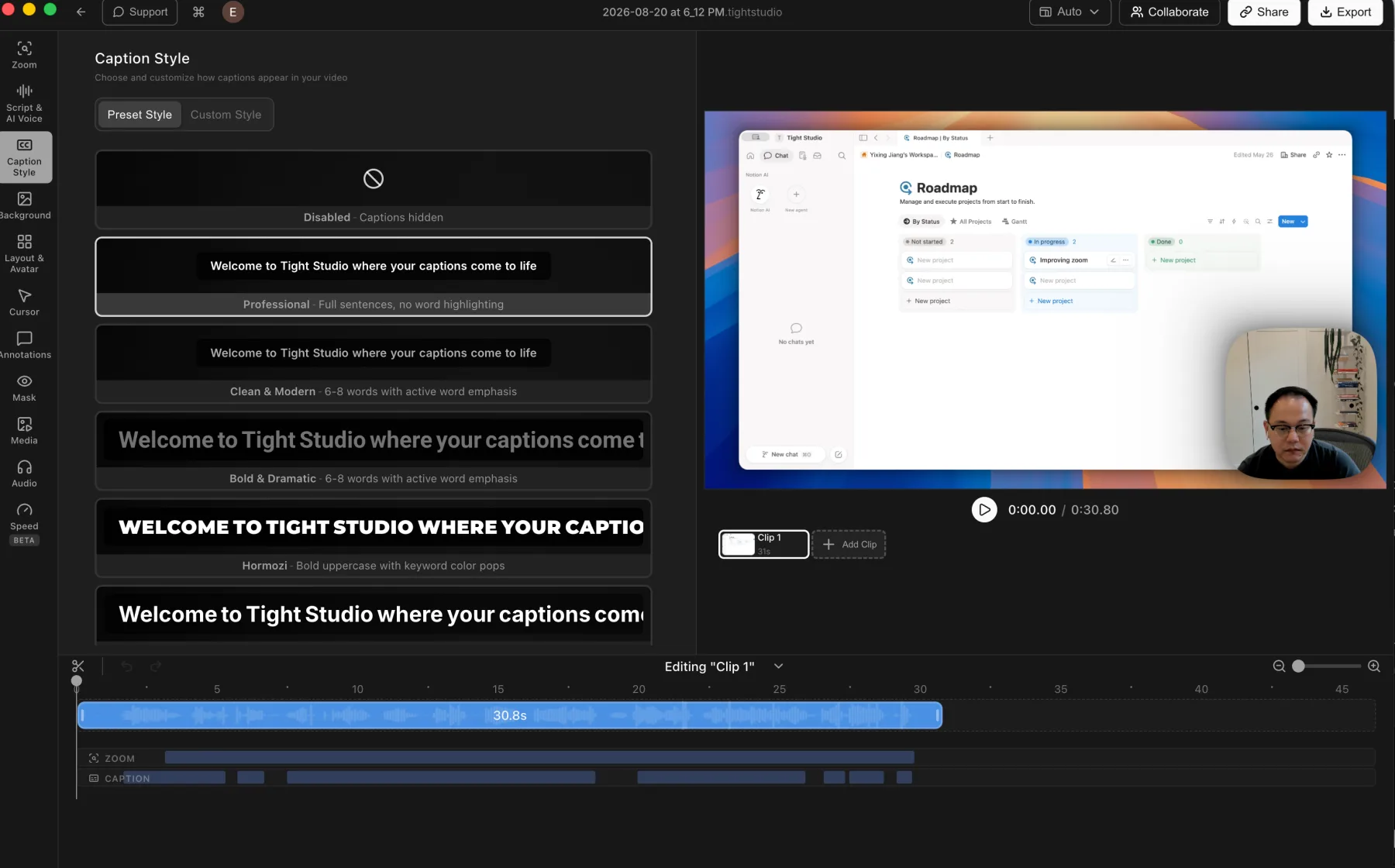
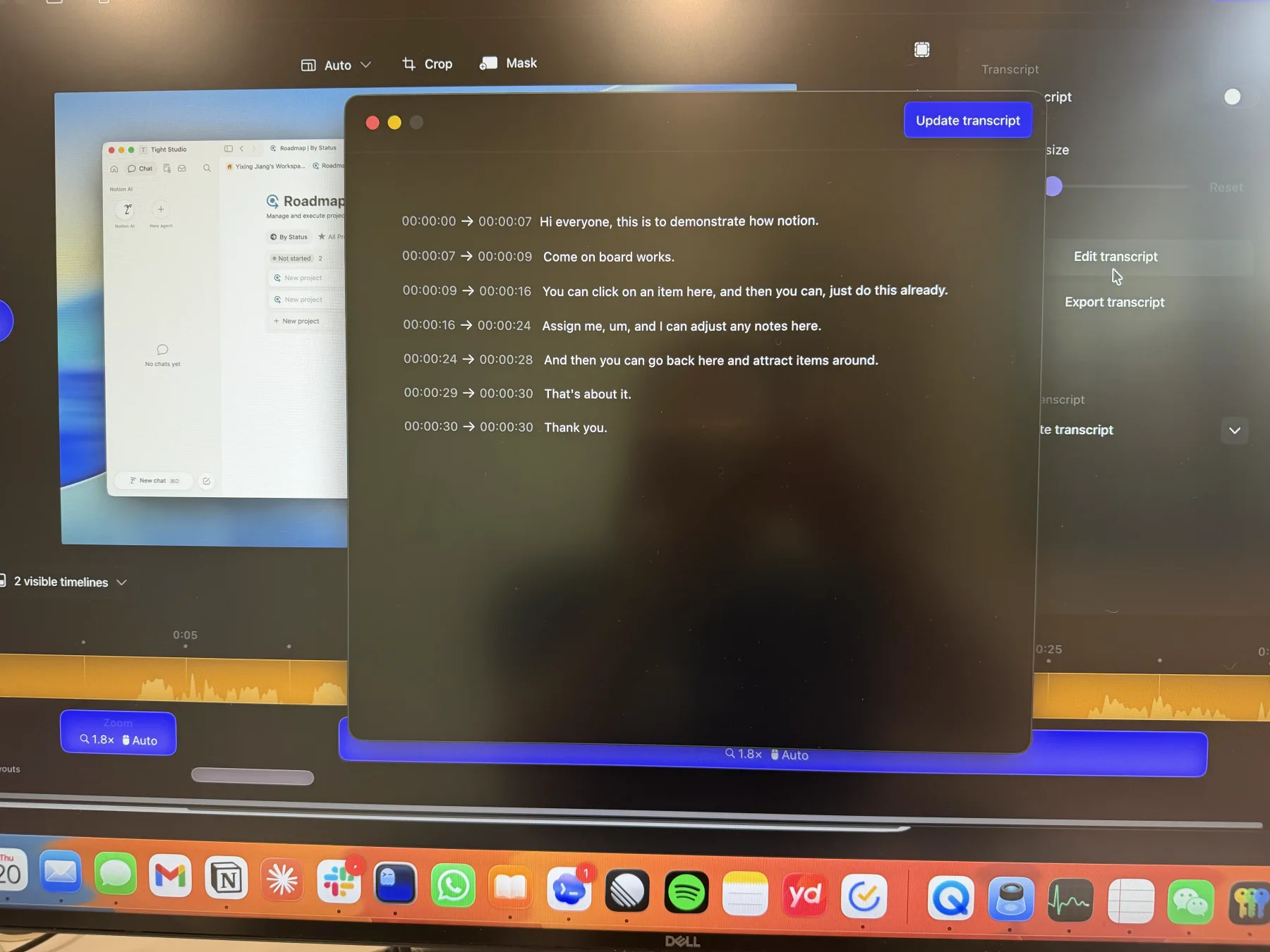
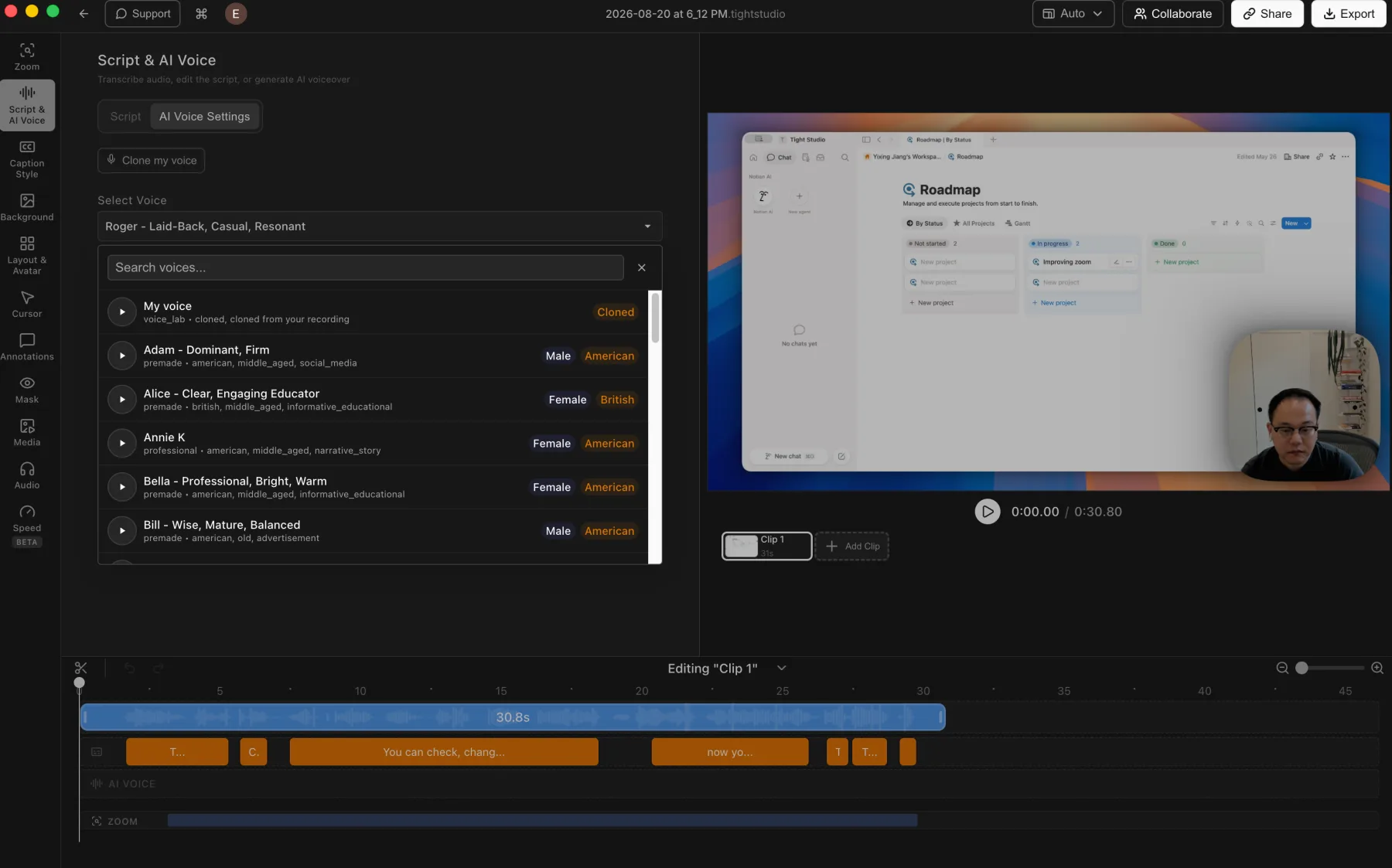
Tight Studio adds per-word timing; Screen Studio favors on-device processing. Tight Studio uses ElevenLabs cloud transcription, retains word-level timestamps, and supports correcting an individual word's source timing. It may send transcript text to OpenAI or Google Gemini to improve caption segmentation. Screen Studio generates transcripts on the Mac, making it the better fit when audio cannot leave the device or internet access is unavailable, but its tested editor exposes timestamped transcript lines rather than editable per-word timing.
Which is better for recording audio?
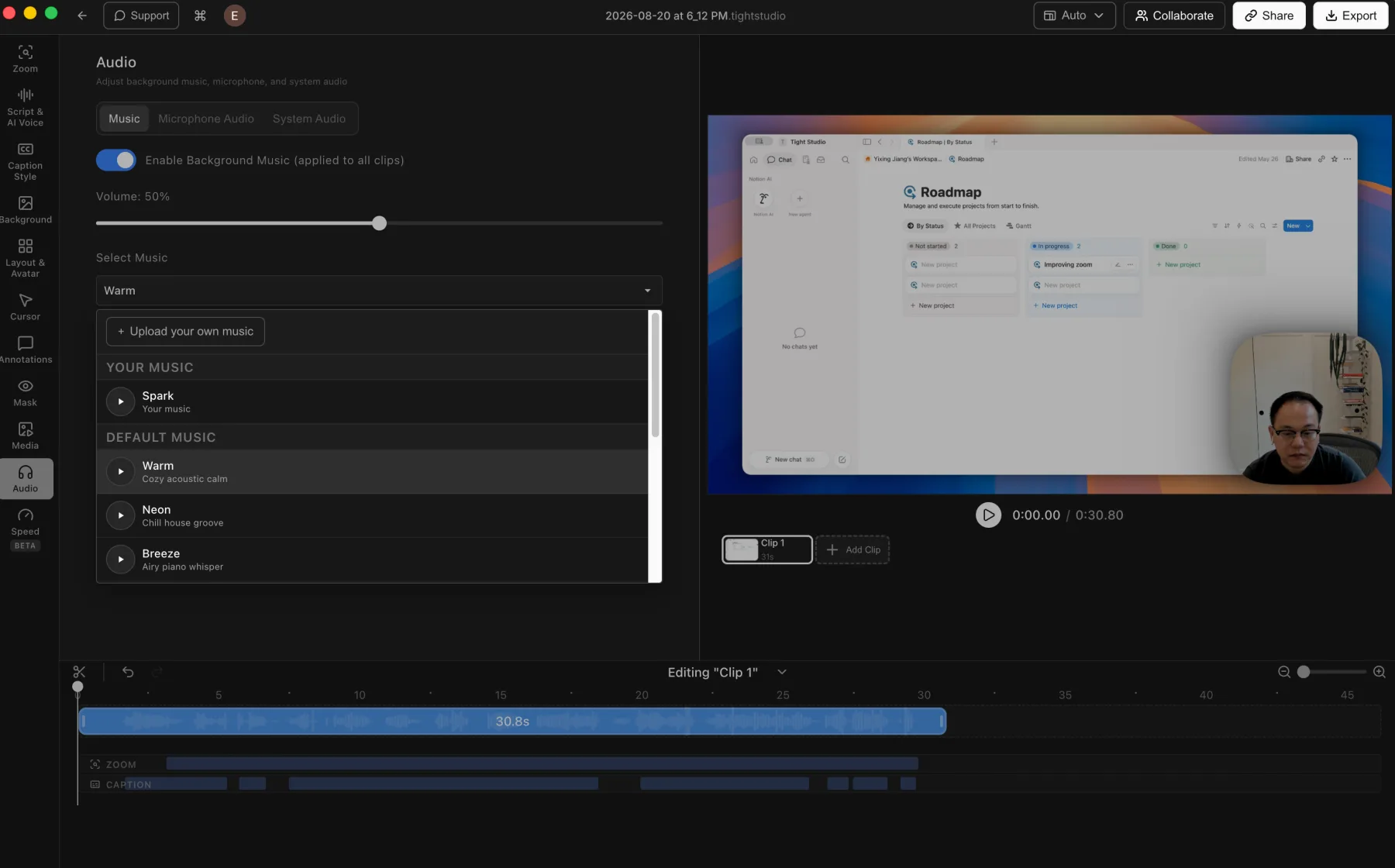
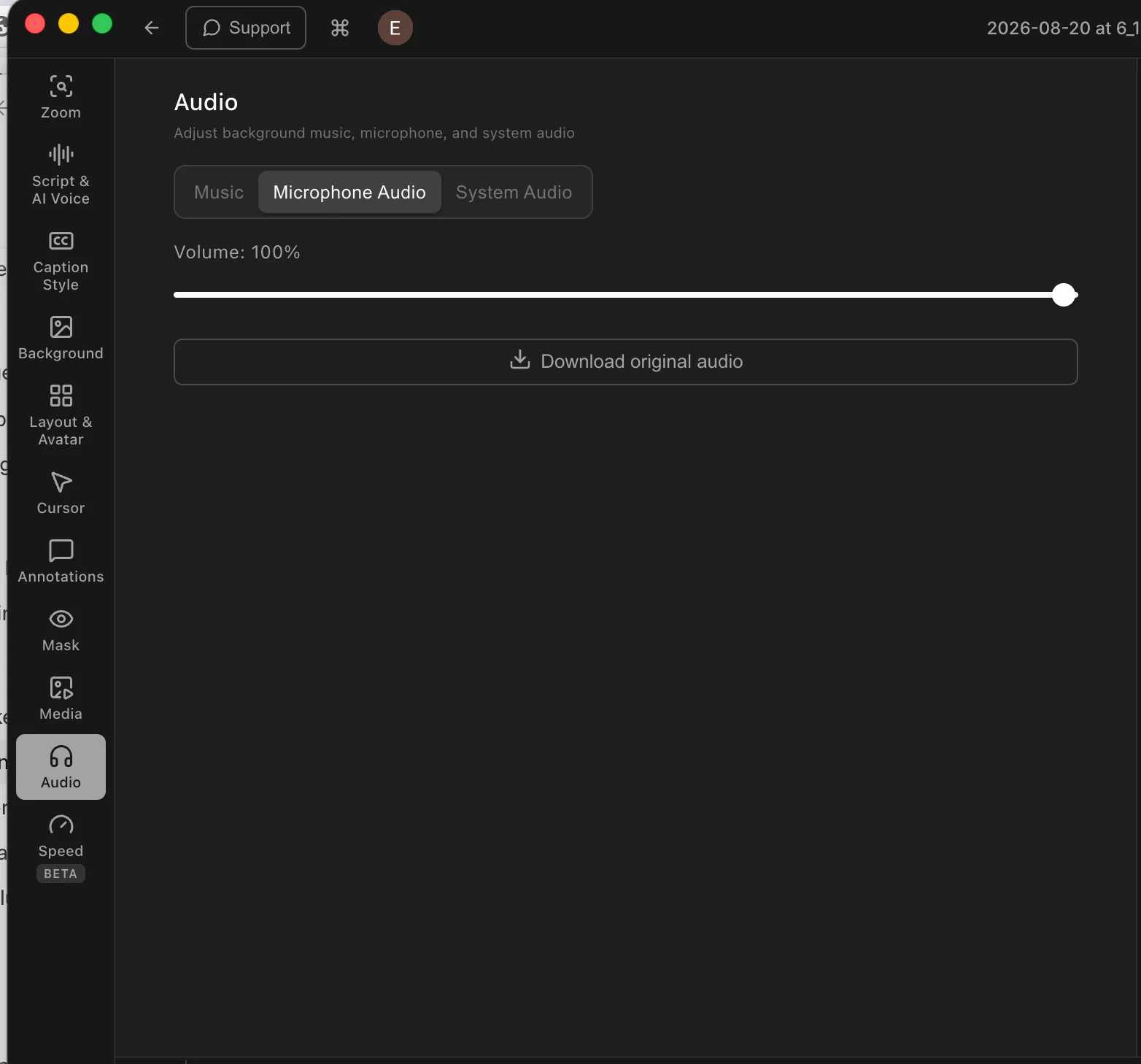
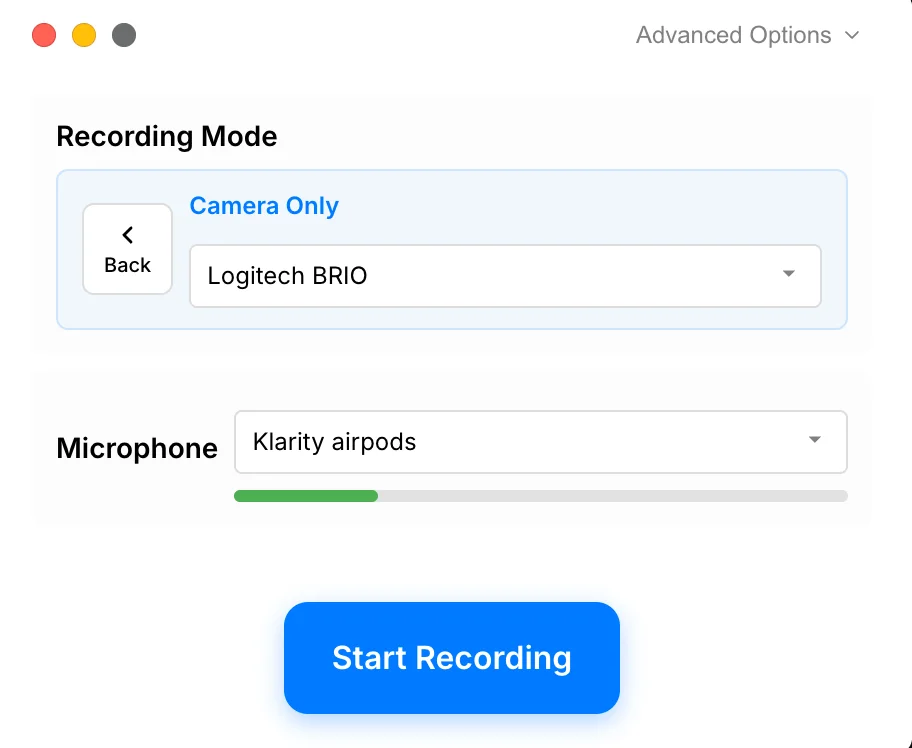
Screen Studio has the stronger capture-stage audio controls. It can normalize a microphone, remove background noise, and limit system audio to chosen apps. Tight Studio provides track volume controls, but it does not currently document equivalent automatic cleanup or per-app system-audio filtering.
Which produces better cinematic motion?
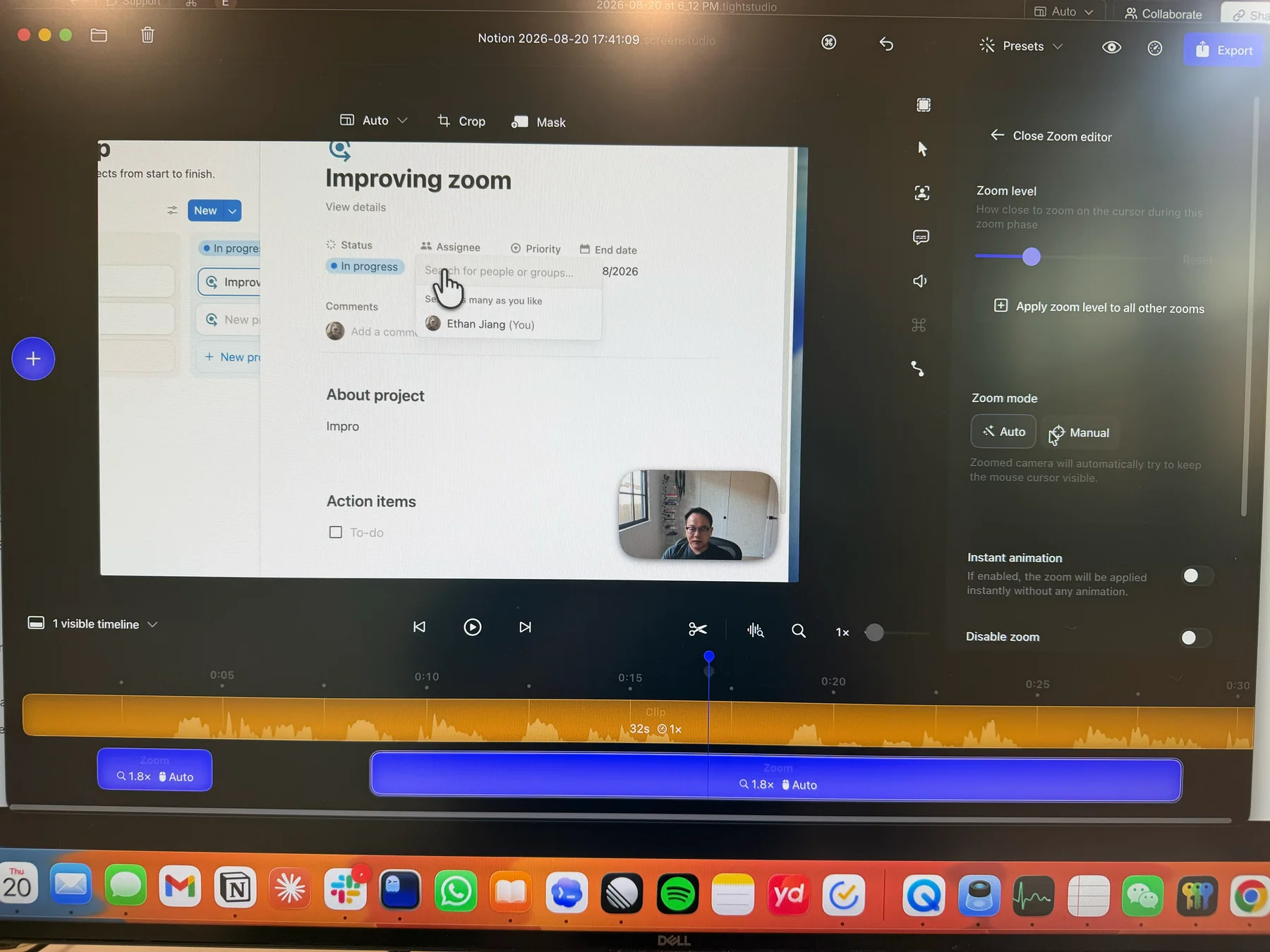
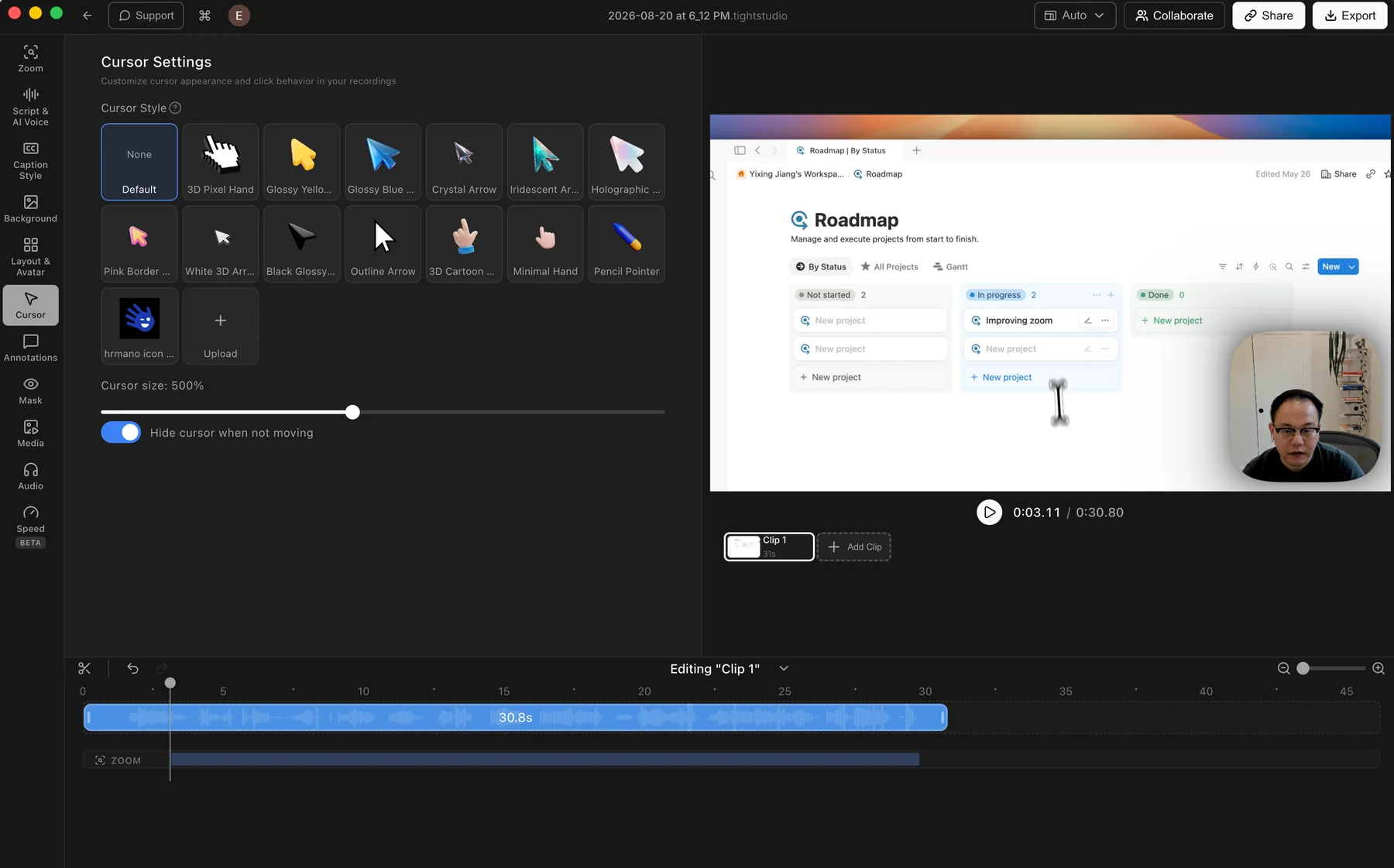
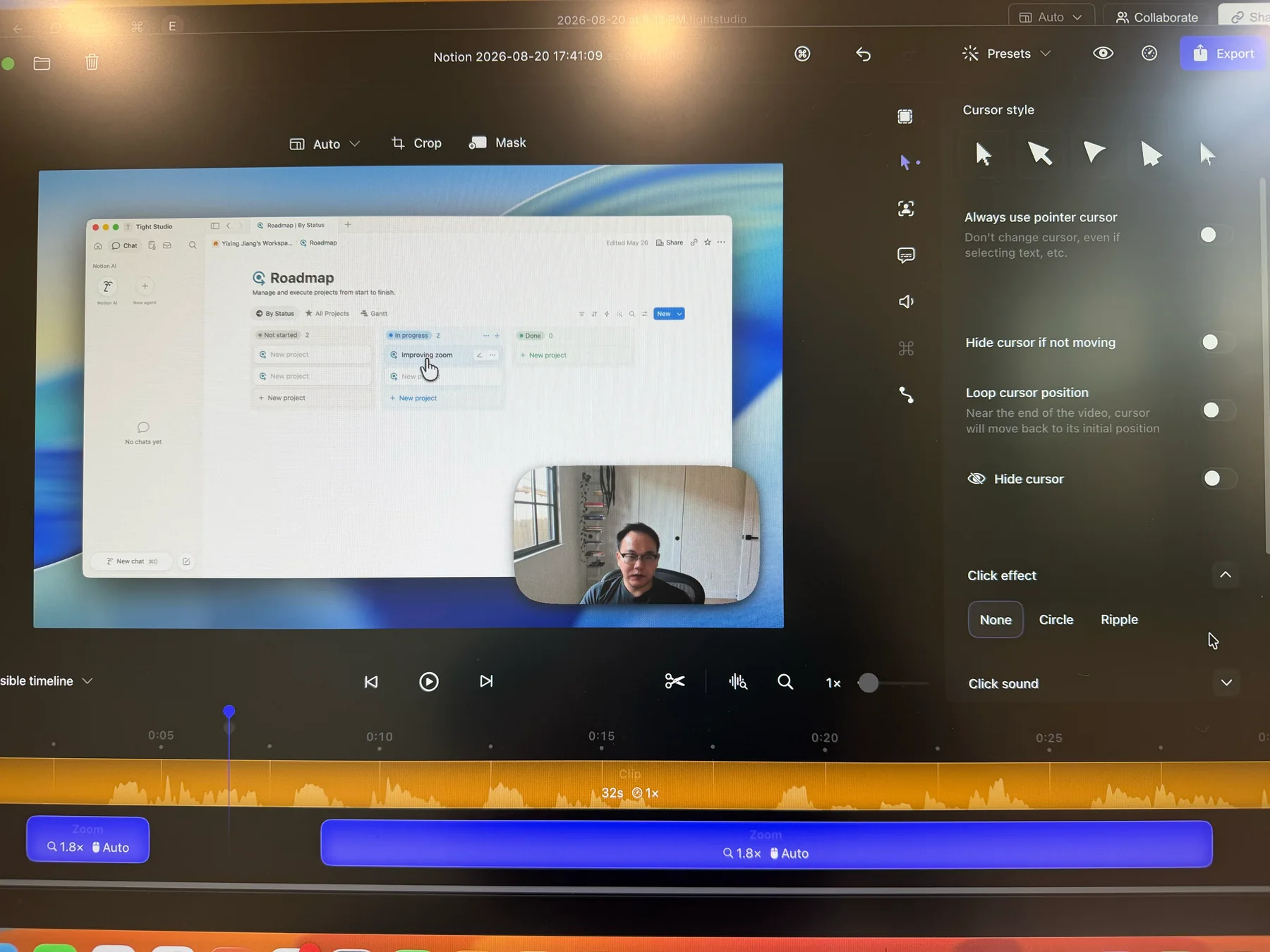
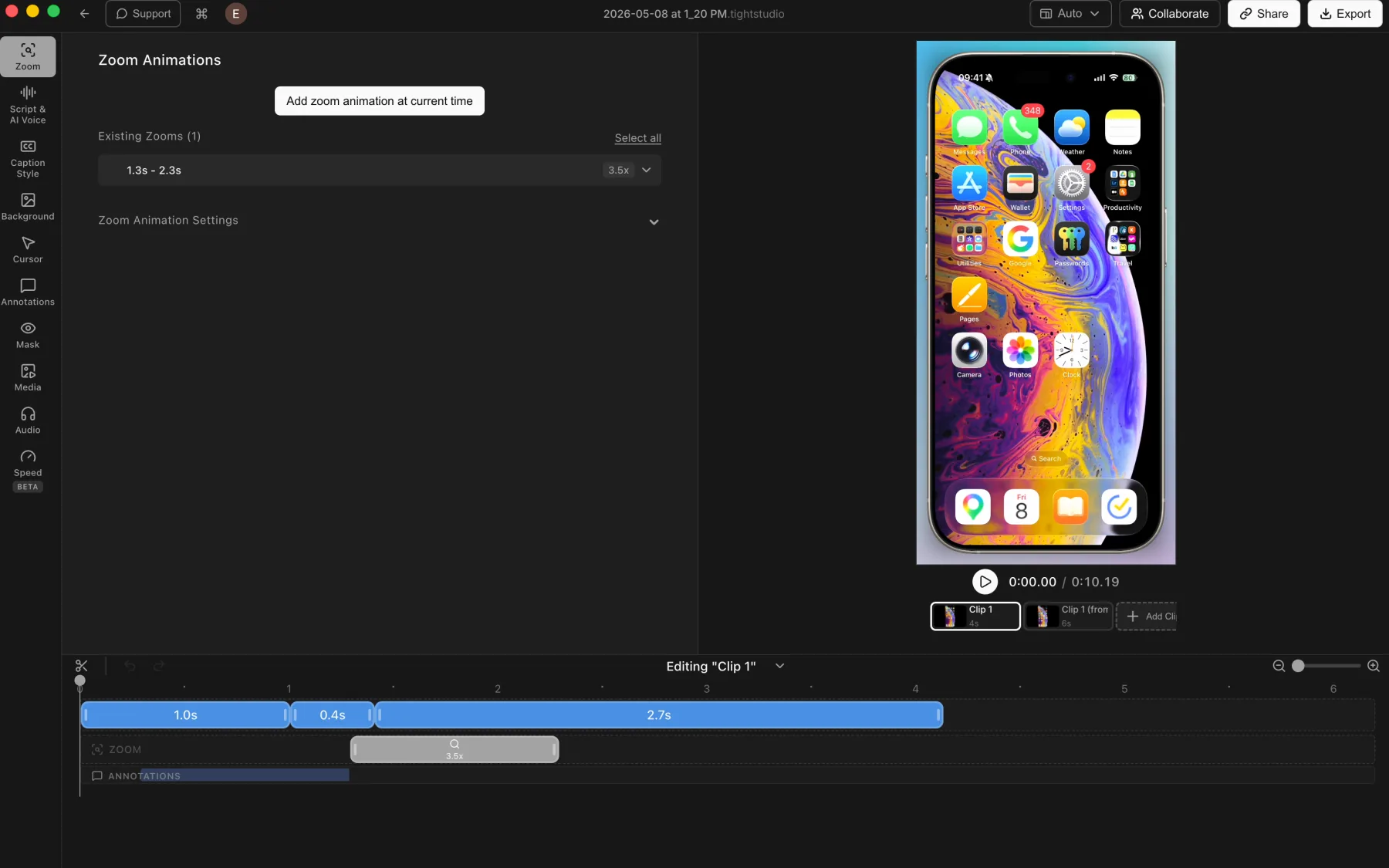
Neither has a decisive advantage today. Both products create polished automatic zooms, smooth cursor movement, and cinematic motion. Some independent guides emphasize Screen Studio’s historically recognizable look, but that does not establish a current quality advantage over Tight Studio. The surrounding recording and editing workflow should decide the purchase.
Which is better for recording a longer video in parts?
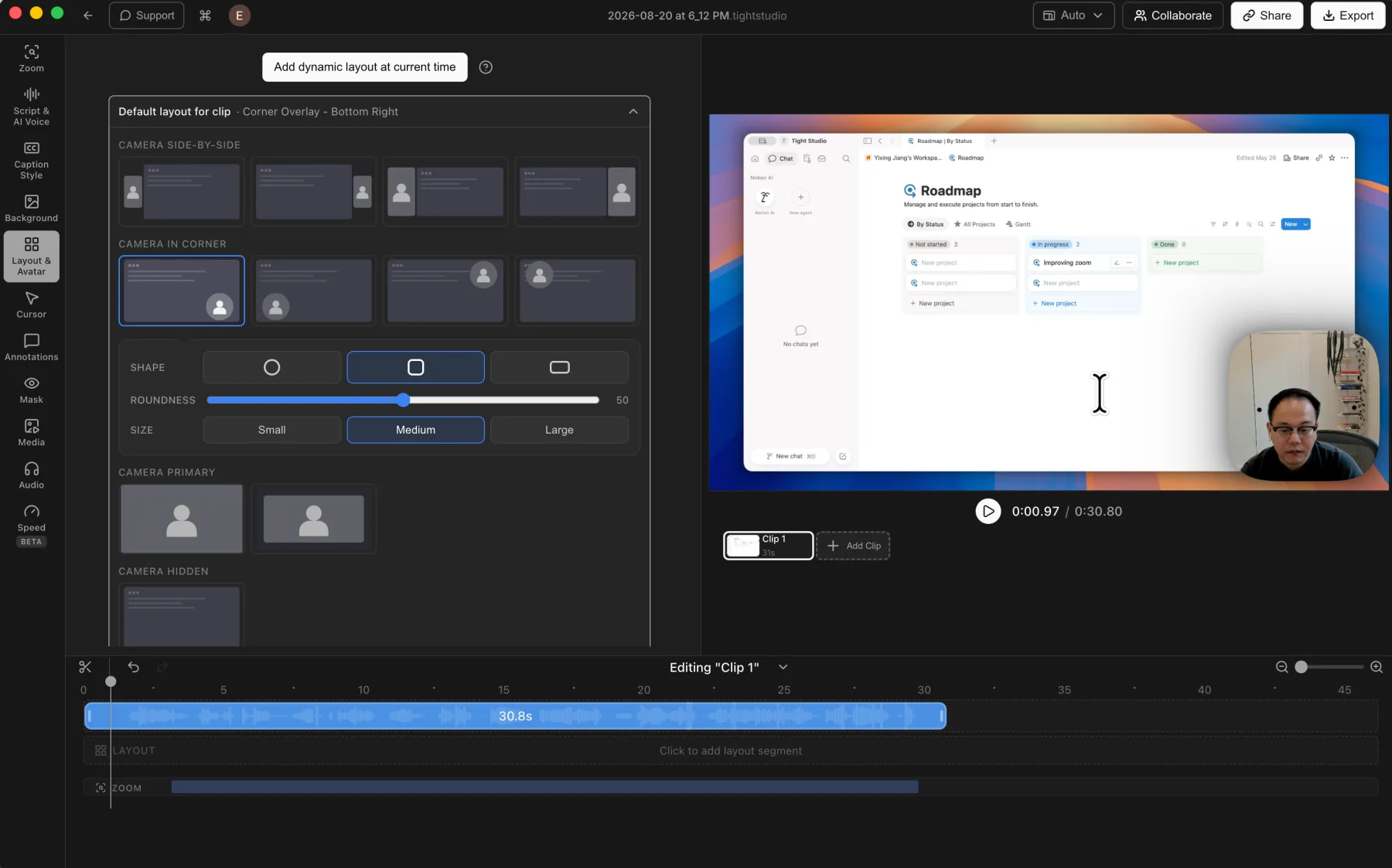
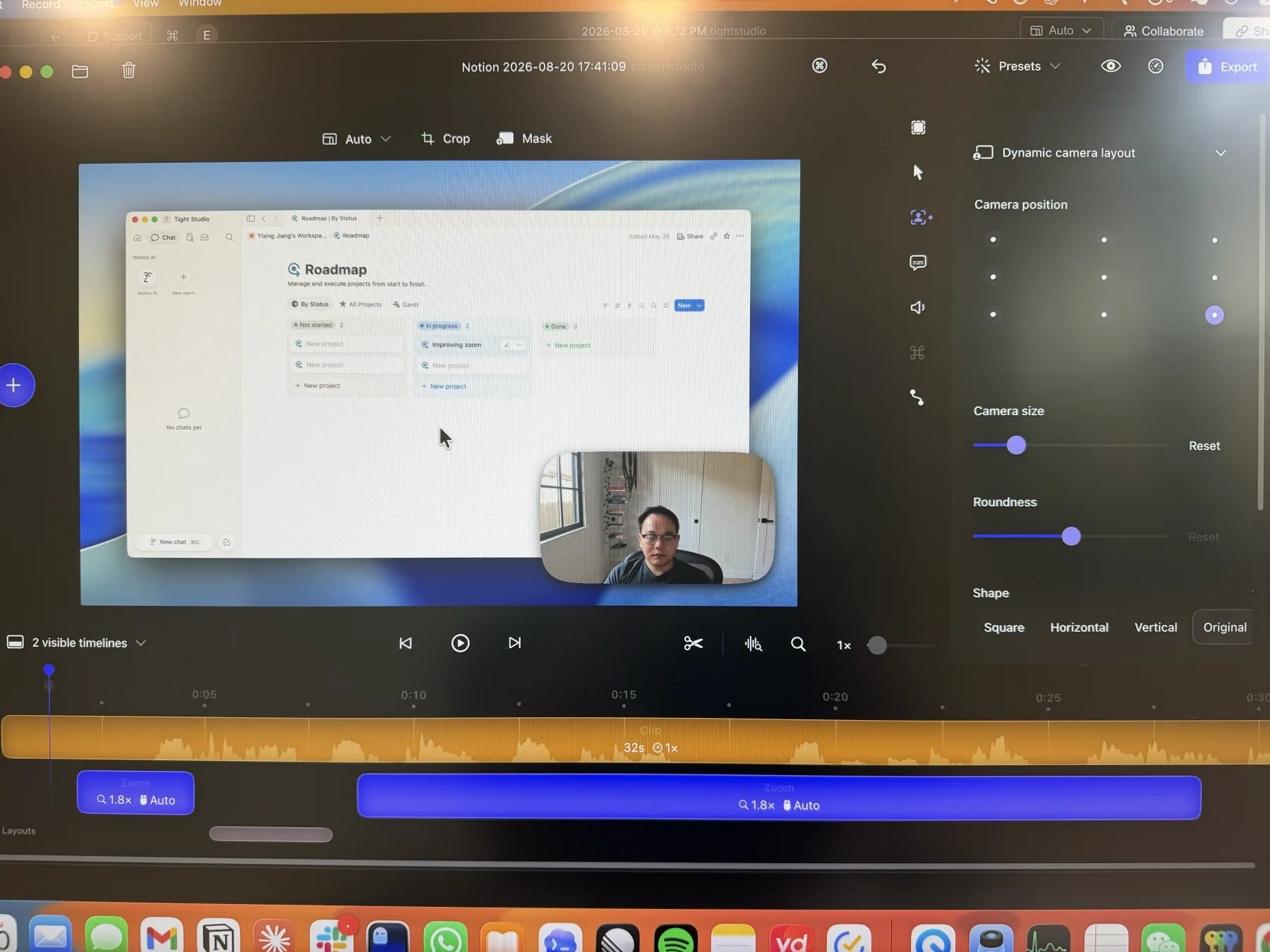
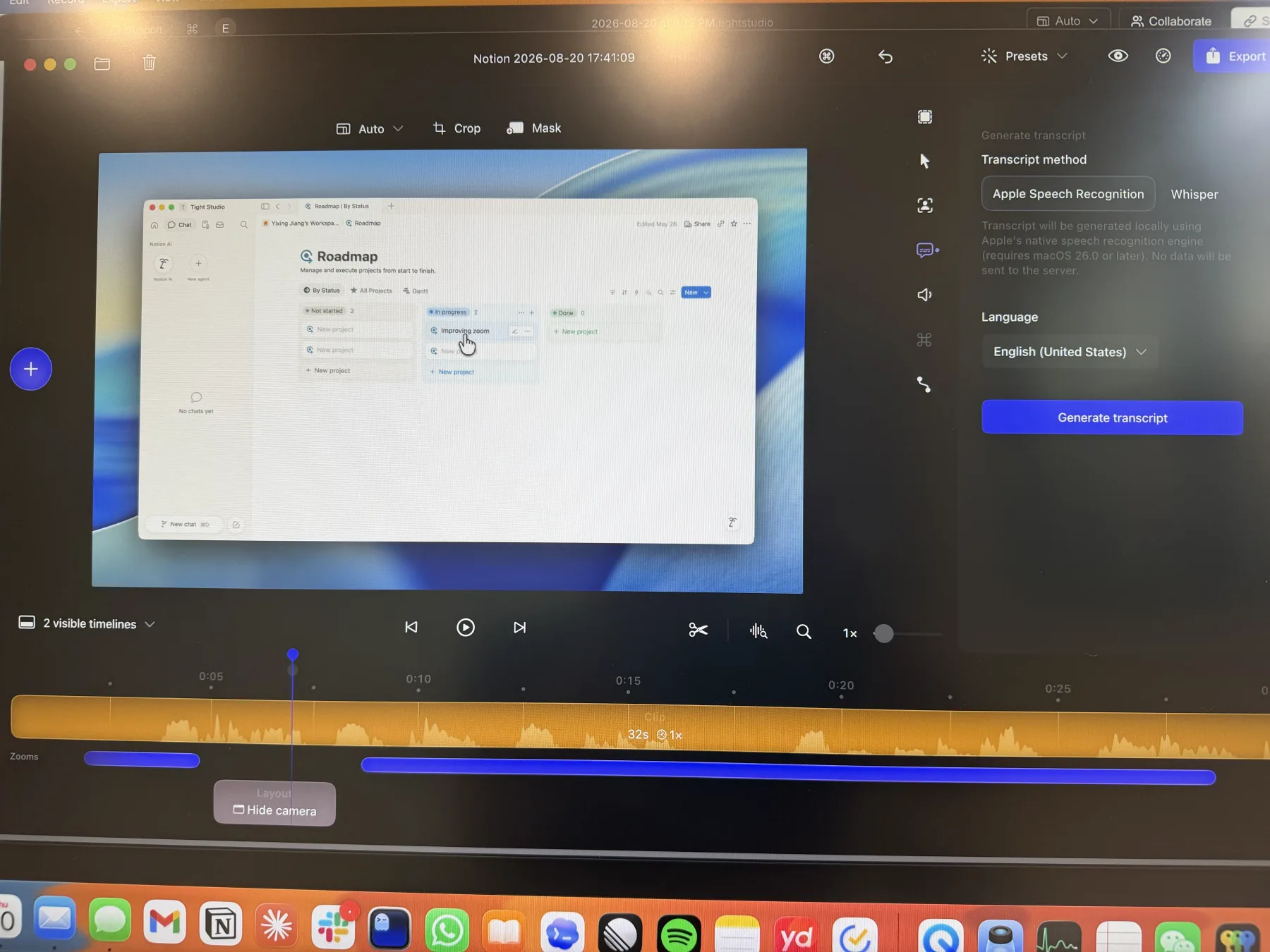
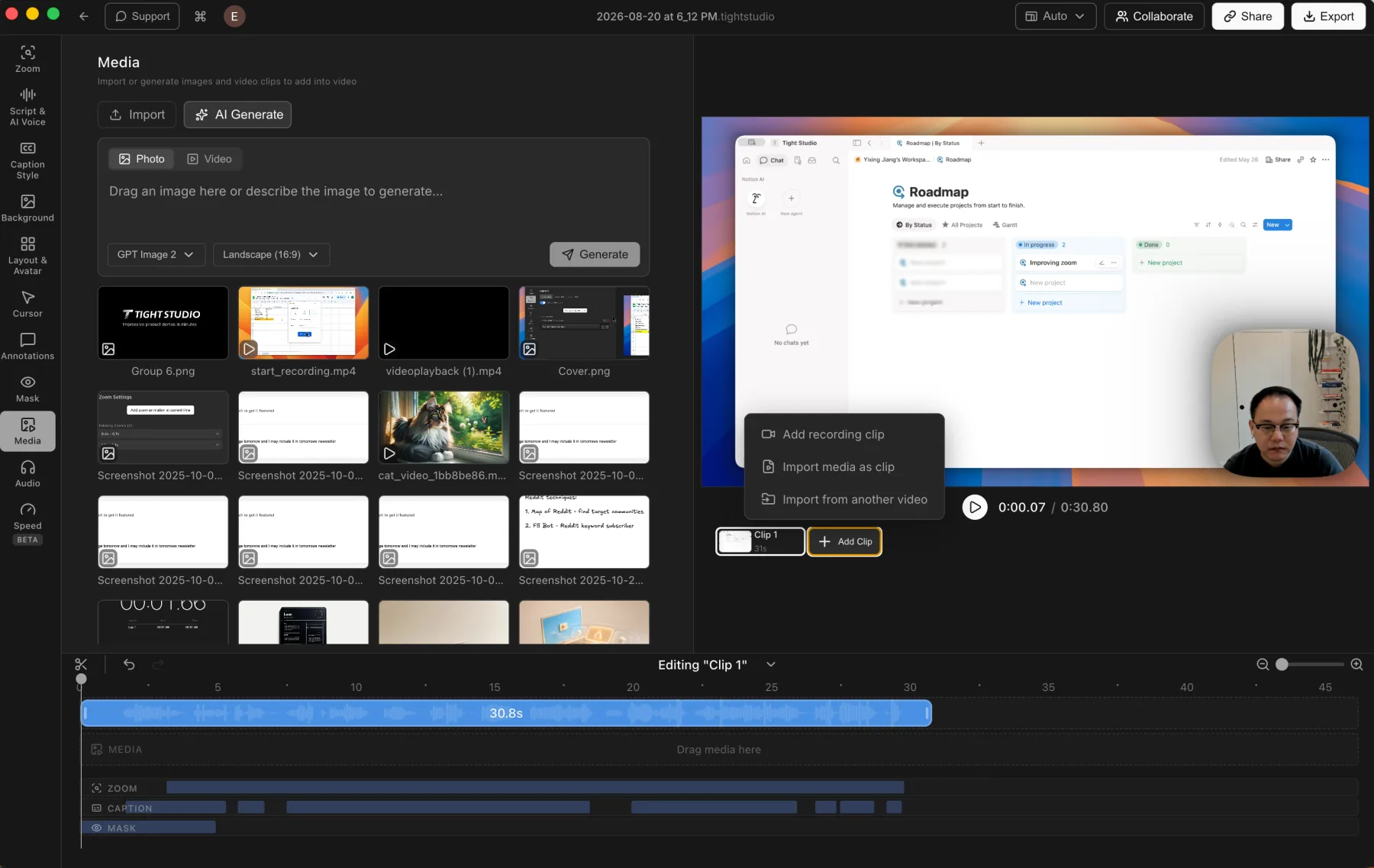
Tight Studio is built for multi-take projects. Add Clip lets you record a walkthrough section by section and keep the takes inside one project. Screen Studio’s public roadmap still lists multi-clip editing as planned, so it fits best when one recording or imported clip is enough.
Which has the stronger creation tools?
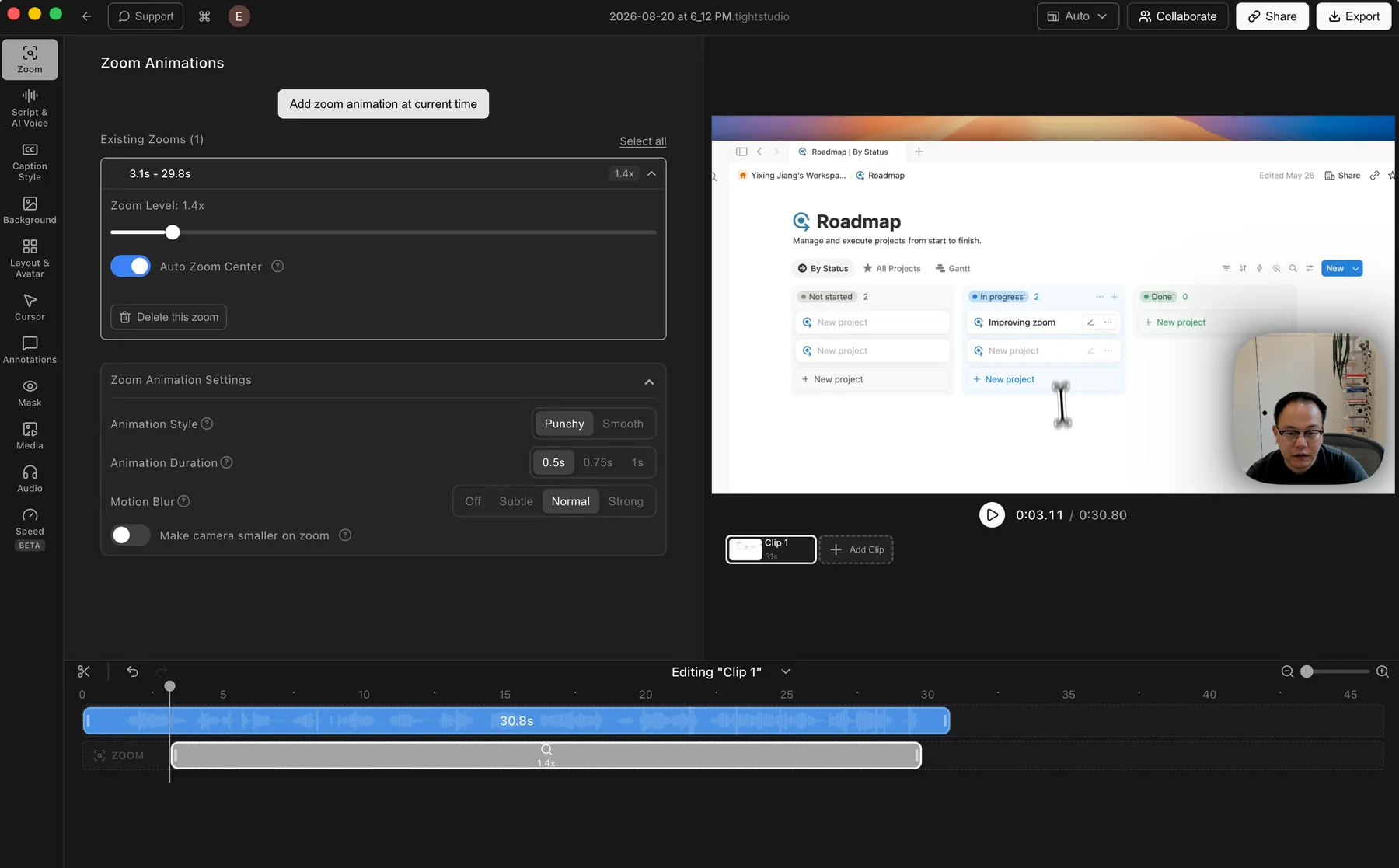
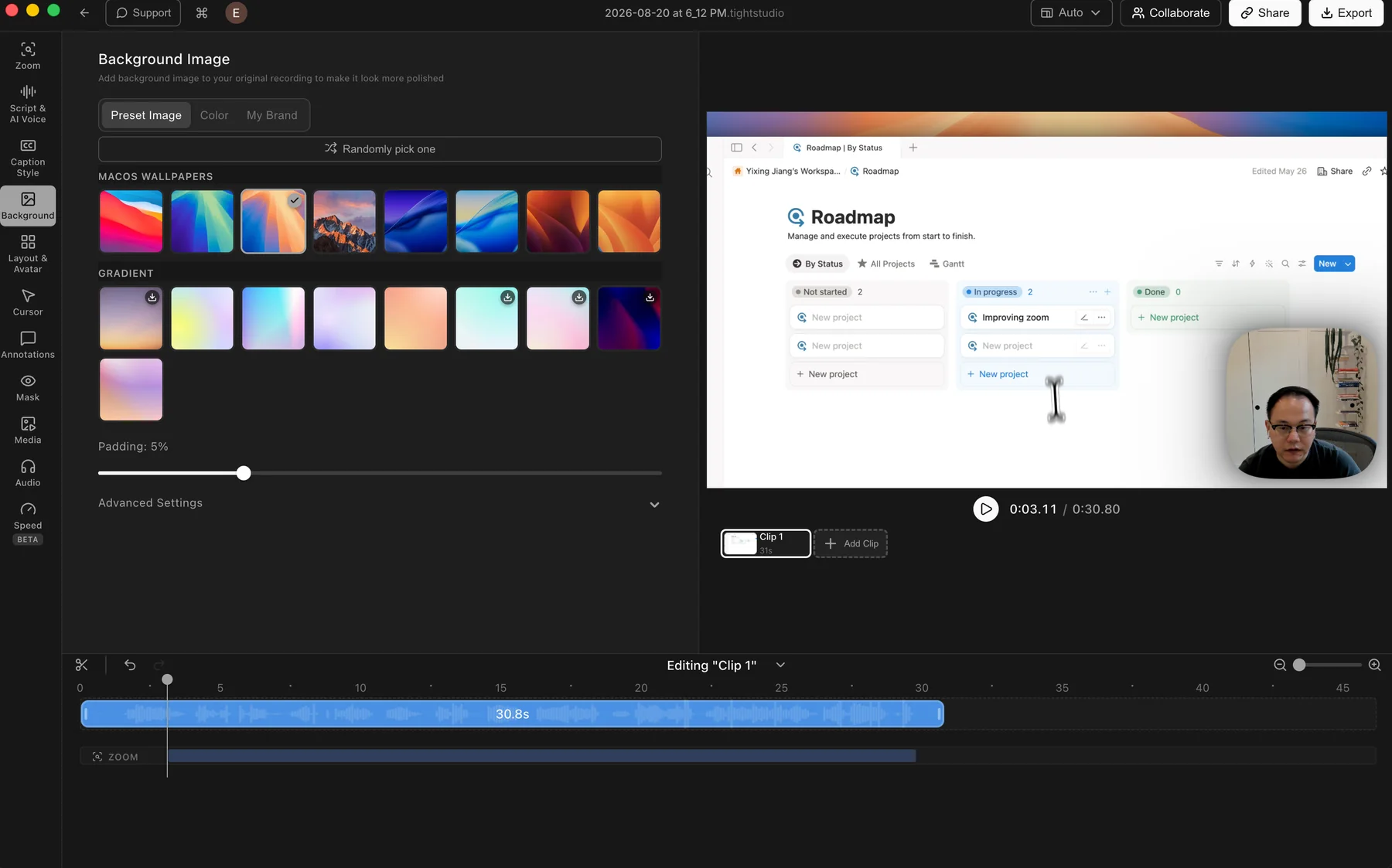
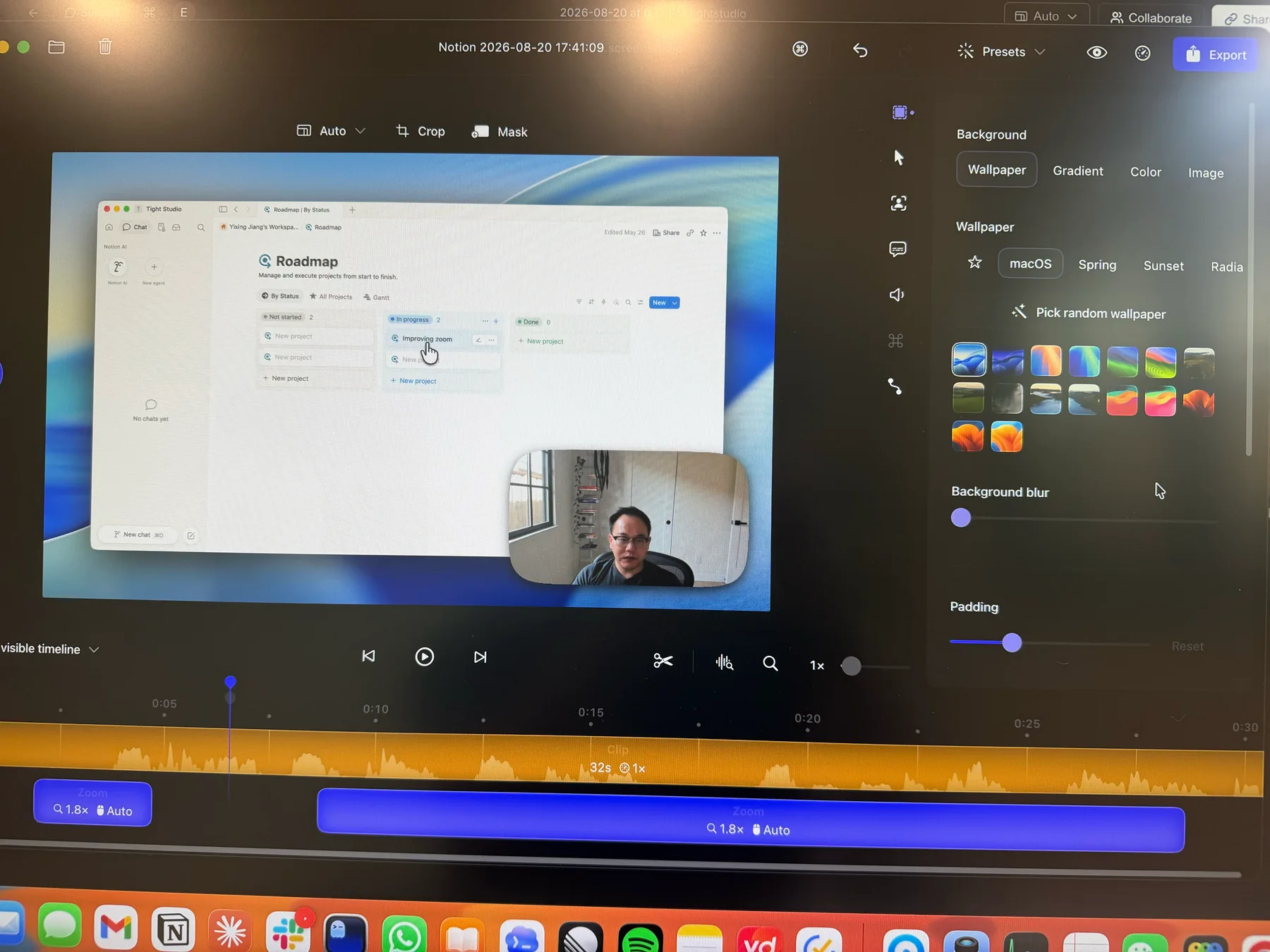
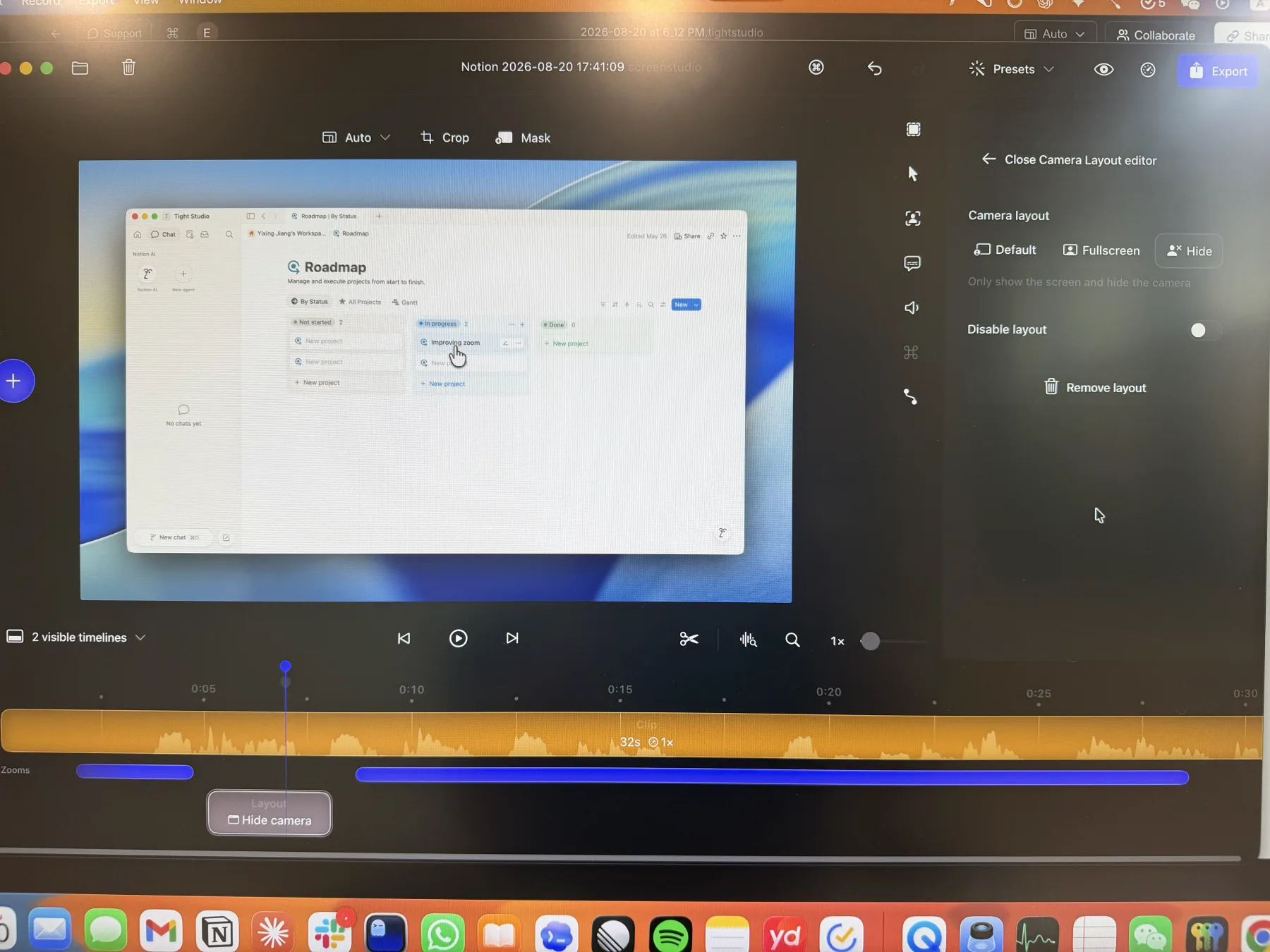
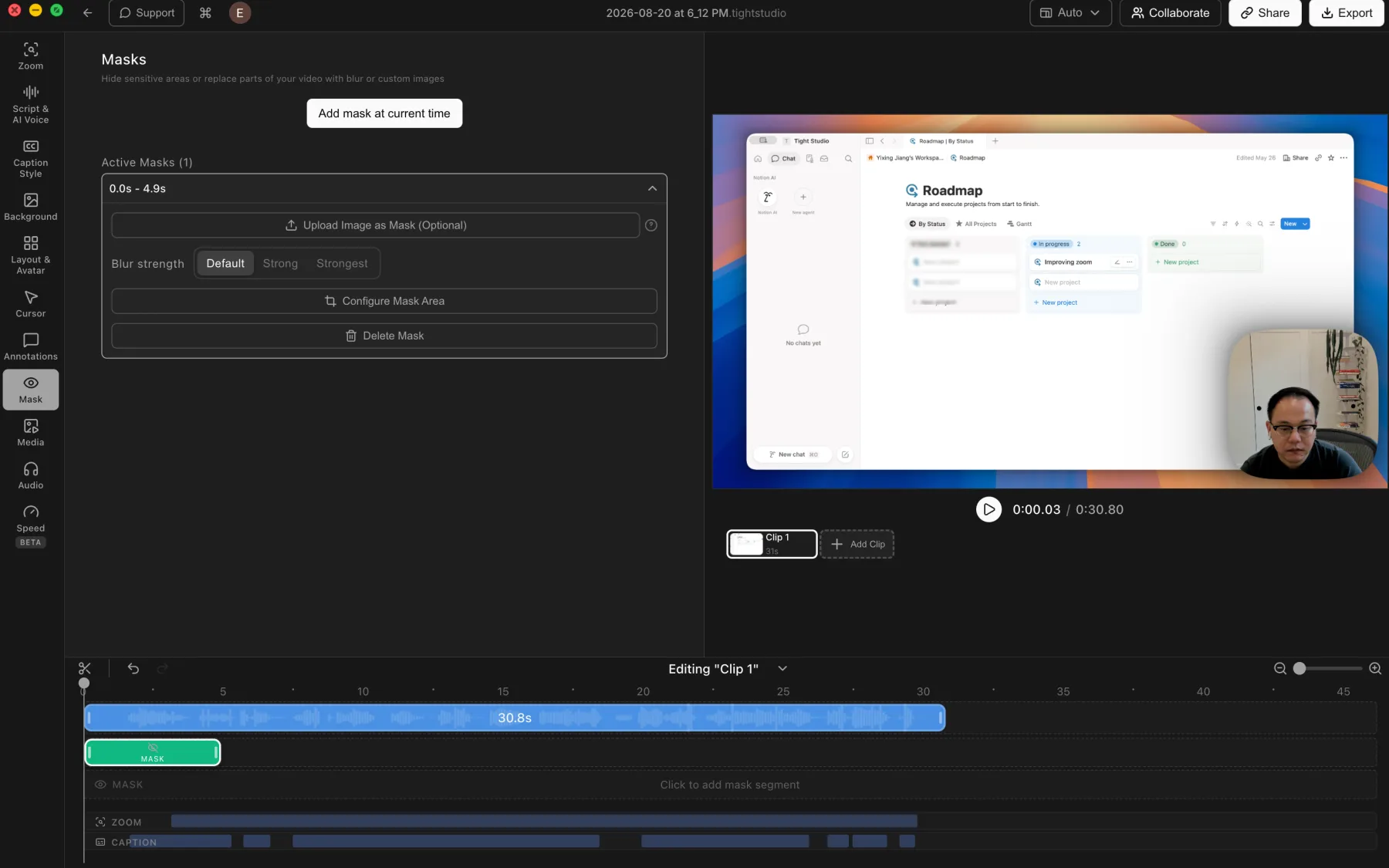
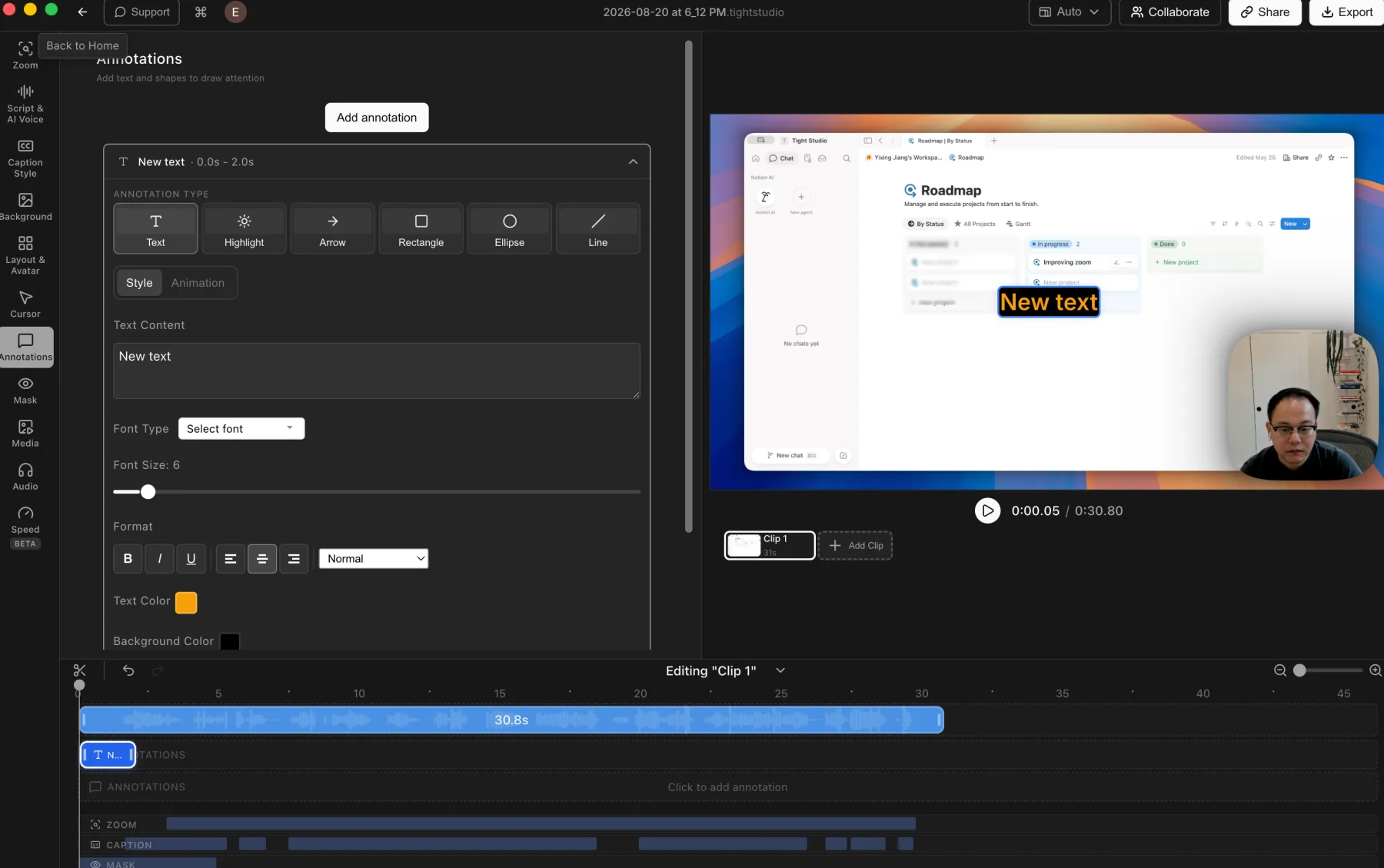
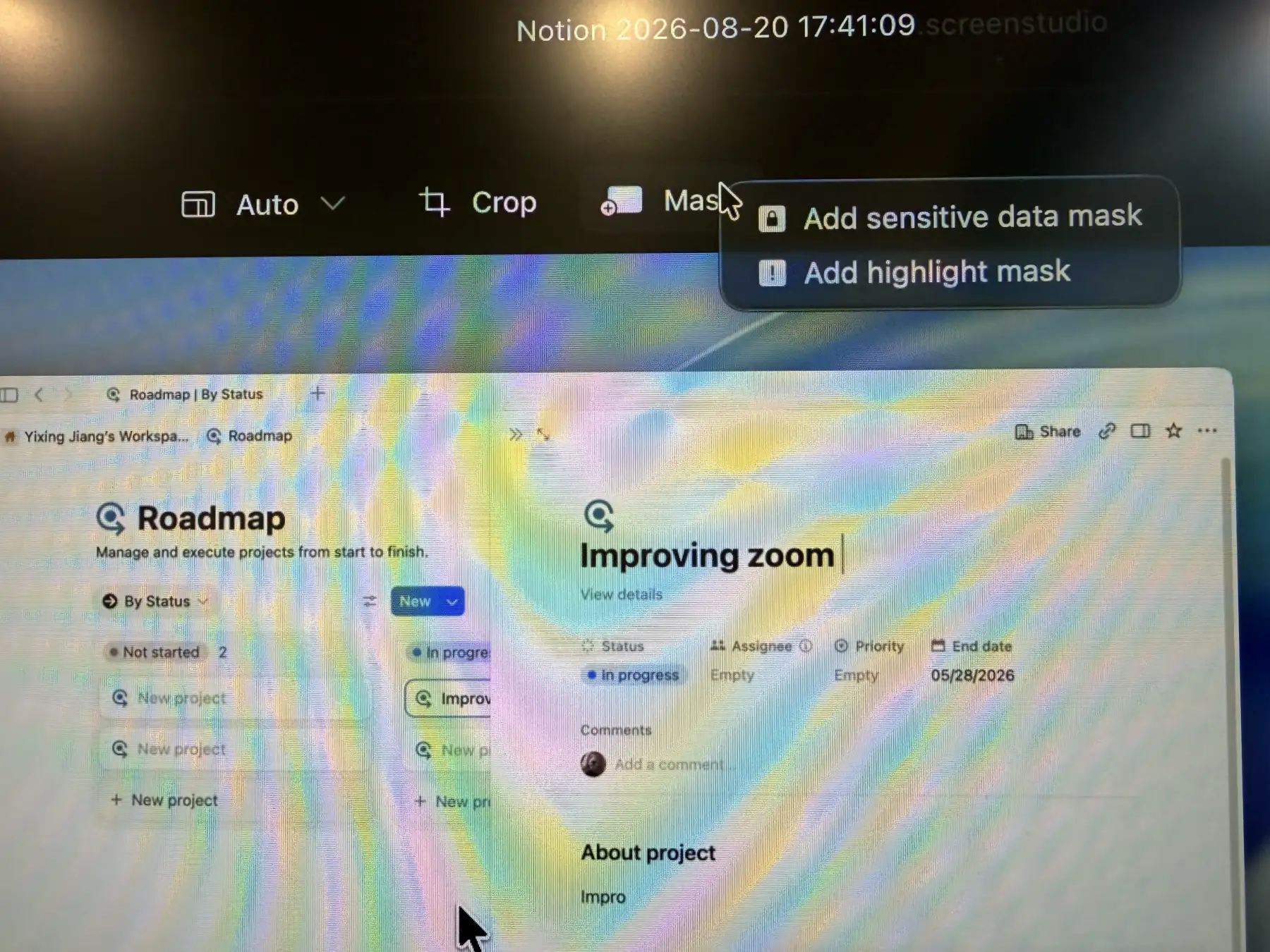
Tight Studio goes further after the initial recording. Both products support captions and masking. Tight Studio adds animated text, media overlays, styled caption presets, multiple recorded clips, collaborative project editing, AI narration, and generated intro or outro media.
Which one costs less?
Core annual pricing is the same, but the free and AI tiers differ. Tight Plus and Screen Studio both list $9 per month billed yearly for core editing. Tight Studio can export standard videos on its trial-limited free tier, while Screen Studio’s trial cannot export. Tight Studio Pro is $24 per month billed yearly when you need ongoing AI narration, generated media, or team collaboration.
Which is better for teams?
Tight Studio is the choice for shared project editing. Tight Studio Pro includes a team workspace and collaborative editing. Screen Studio supports private sharing and comments, which works well for review, but the current comparison does not establish shared project editing.