Camtasia maximizes capability. Tight Studio reduces complexity.
When you want automatic screen-recording polish, direct manual zoom controls, multiple takes, voice cloning, and no-watermark standard exports on a free tier.
When its unusually deep effects, animation, cursor, audio, multi-track, training, and cross-platform tools justify a Premiere-like editor and a steeper learning curve.
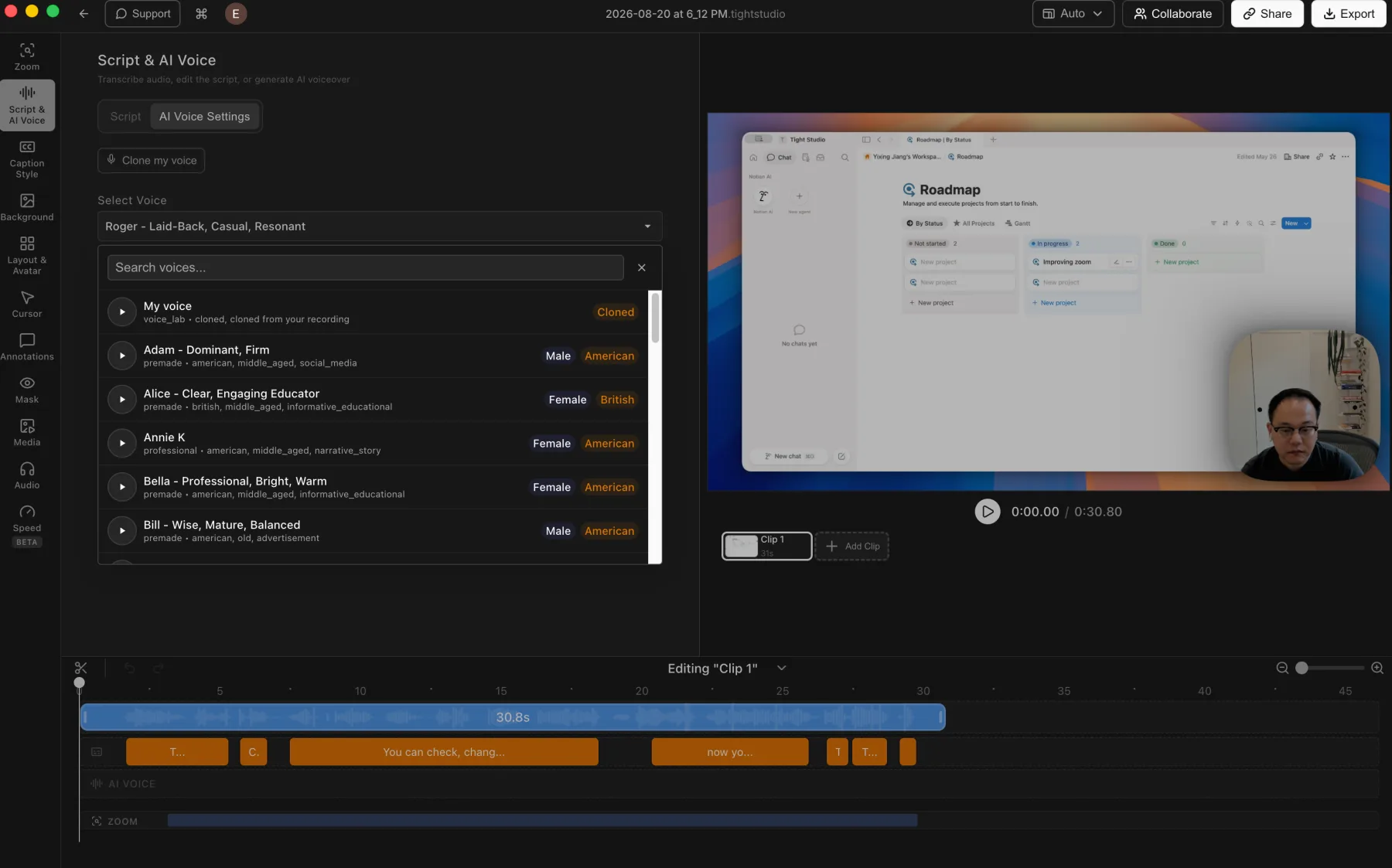
The clearest price comparison: Tight Studio Free supports standard exports without a watermark. Camtasia Free exports are watermarked, and its $39-per-year Starter plan keeps that watermark. Watermark-free Camtasia Editor exports begin with Essentials at $179.88 per year, $71.88 more than Tight Studio Plus at $108 per year. Essentials also bundles Snagit and Audiate. For AI voice, Tight Studio Pro is $288 per year with native generation and personal voice cloning, while Camtasia Create is $249 per year and includes the separate Audiate app with more than 200 advertised voices but no listed personal voice cloning.
How we tested
Ethan Jiang, founder of Tight StudioThis is a first-party comparison. Ethan tested Tight Studio 3.1.5 and Camtasia Editor 2026.0.7 on August 20, 2026, using an M1 MacBook Air with 16 GB of memory running macOS 26.3. He used the same 30.8-second Notion walkthrough for the shared screen-recording features.
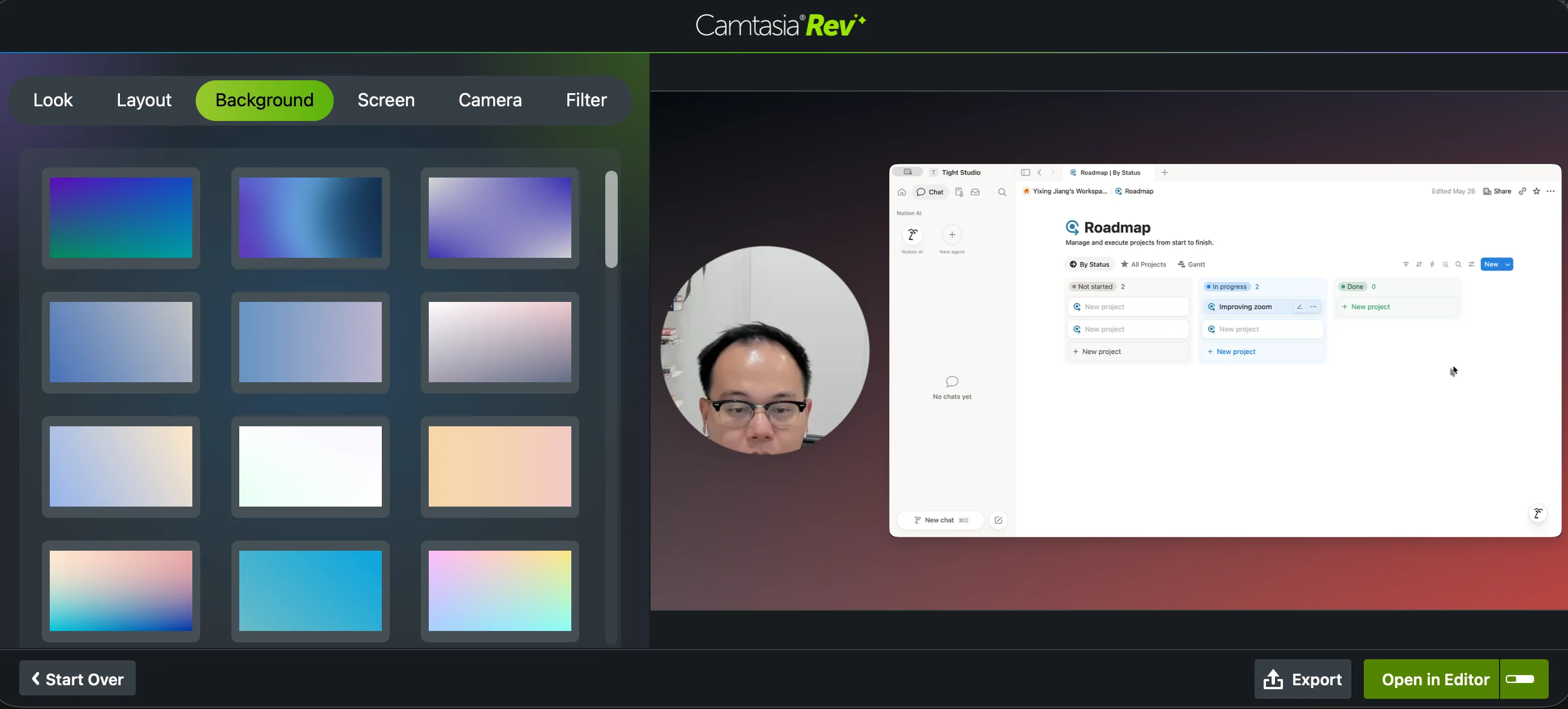
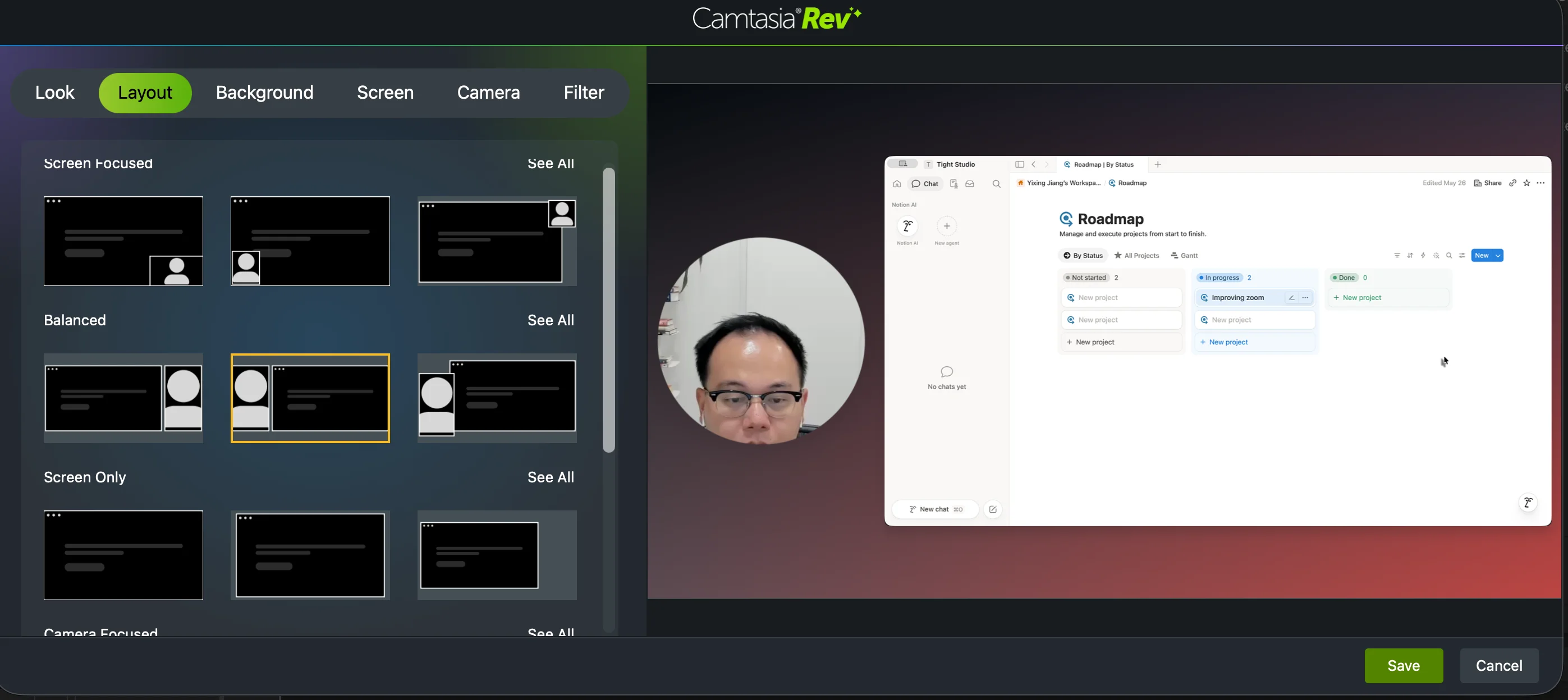
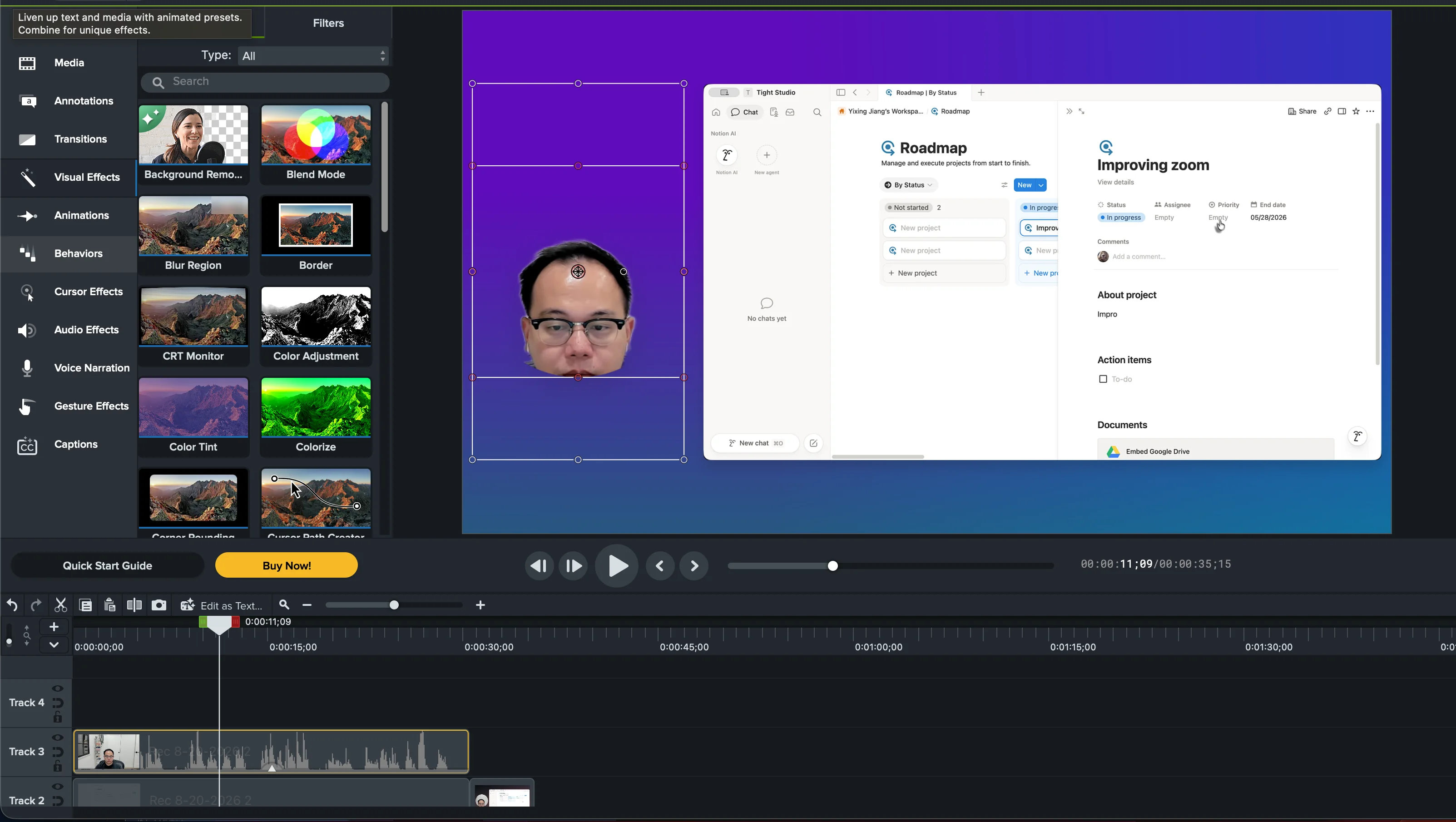
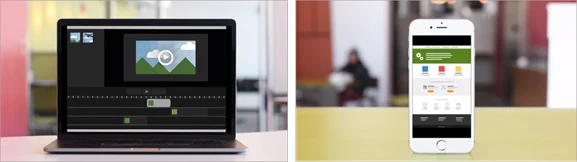
Workflow context: Camtasia Rev is the closest equivalent to Tight Studio, with guided choices for looks, layouts, backgrounds, screen and camera effects, and filters. Opening or unpacking that recording in the full Camtasia Editor changes the experience into a traditional non-linear, multi-track workflow closer to Adobe Premiere Pro.
Overall finding: Camtasia was the most feature-rich screen recorder we reviewed and often felt more like a full video editor than a focused screen-recording app. That depth came with a discoverability cost. We regularly had to search TechSmith tutorials to work out where features lived or how to use them, even when the capability was present.
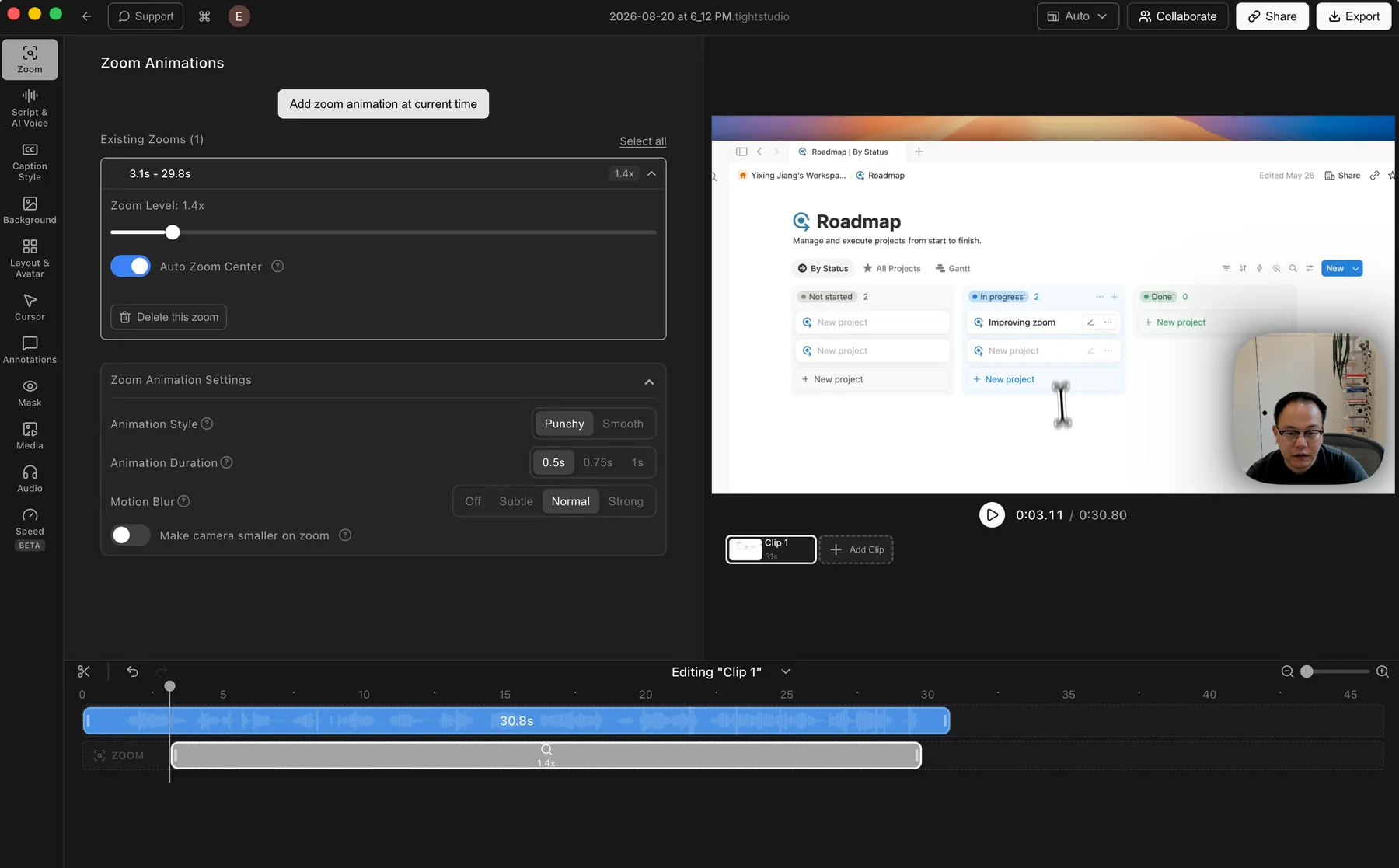
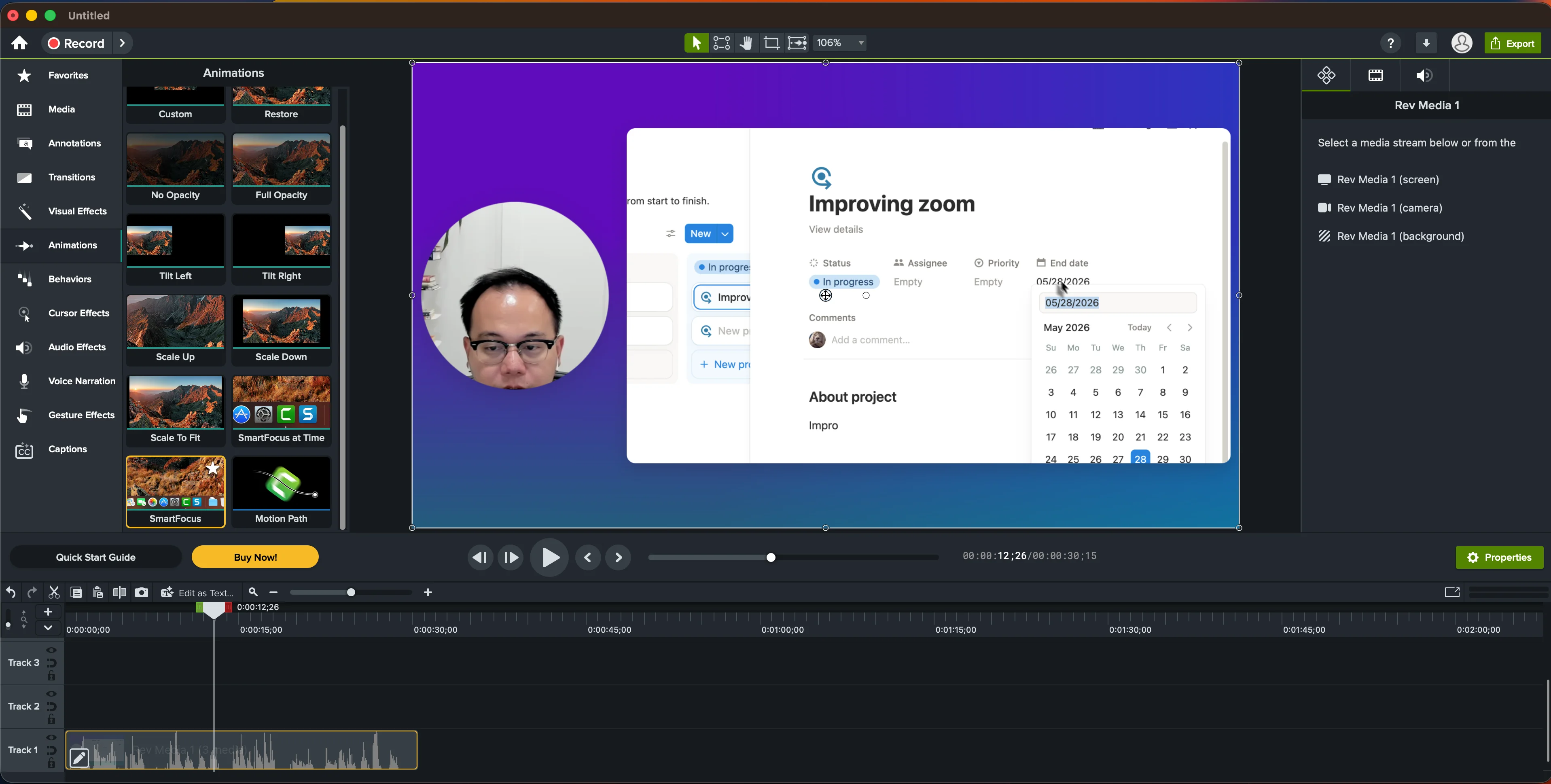
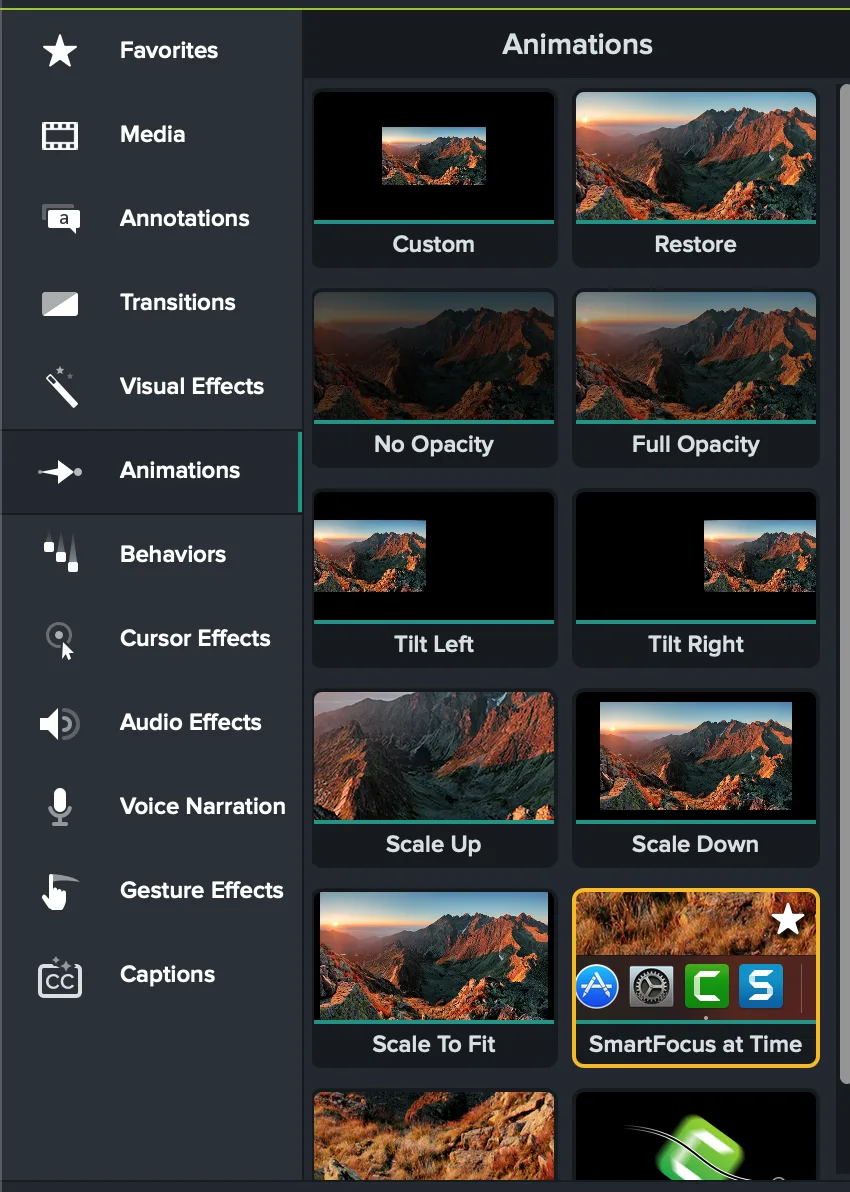
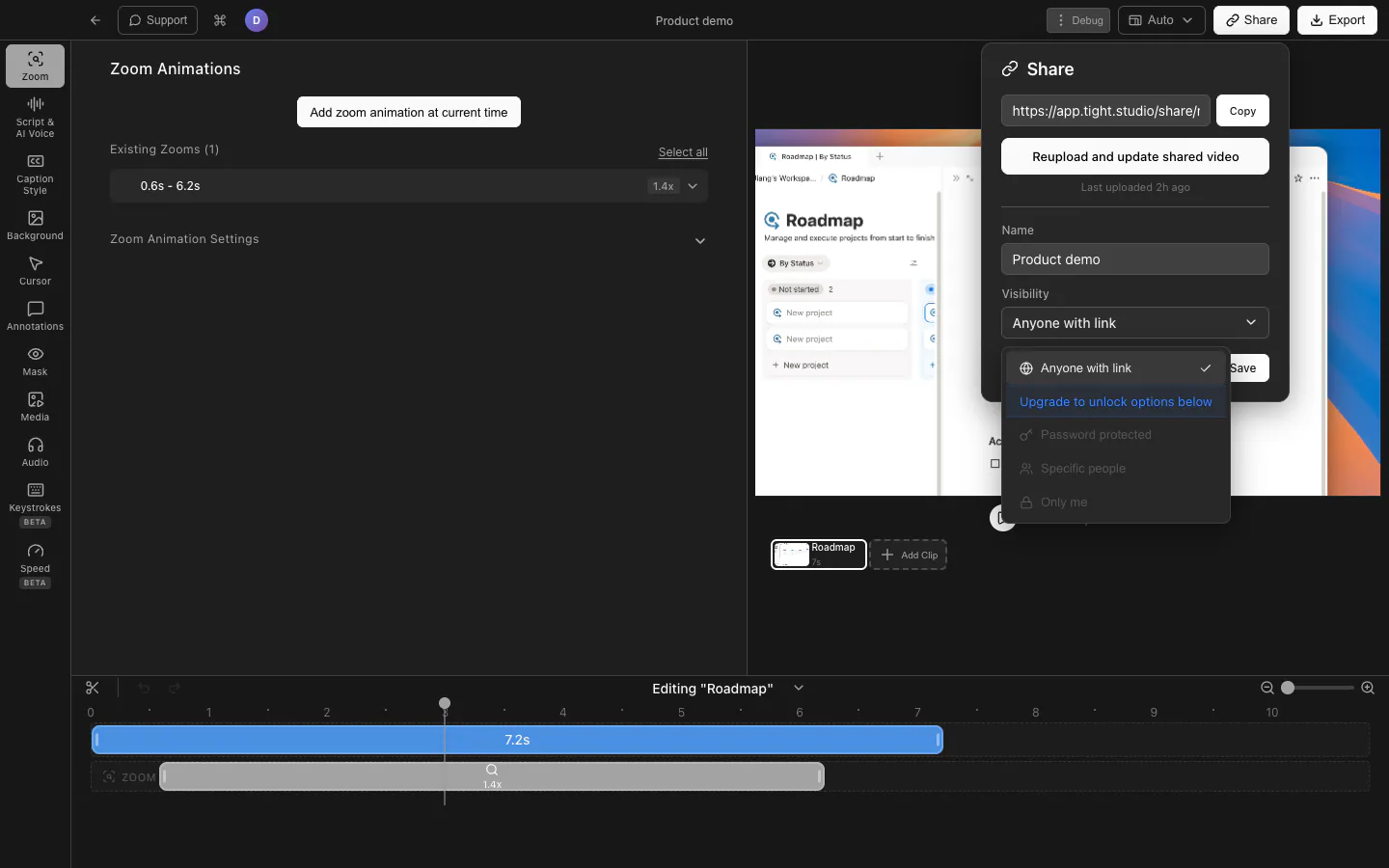
Zoom finding: Camtasia supports automatic zoom through SmartFocus and manual framing through animations or Zoom-n-Pan. We struggled to find the manual zoom-center control in the Mac interface until consulting TechSmith's tutorial, so the limitation is discoverability rather than capability.
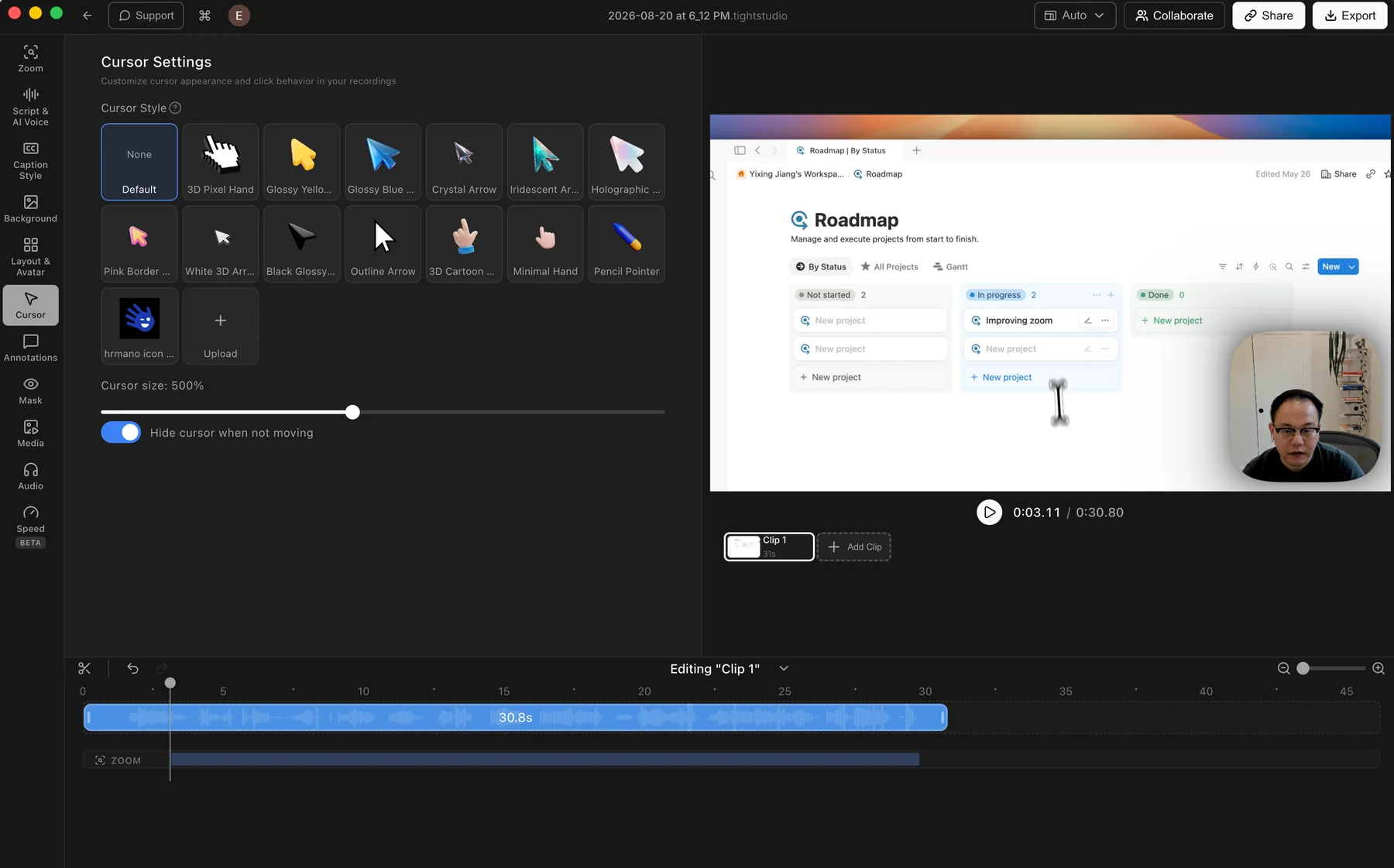
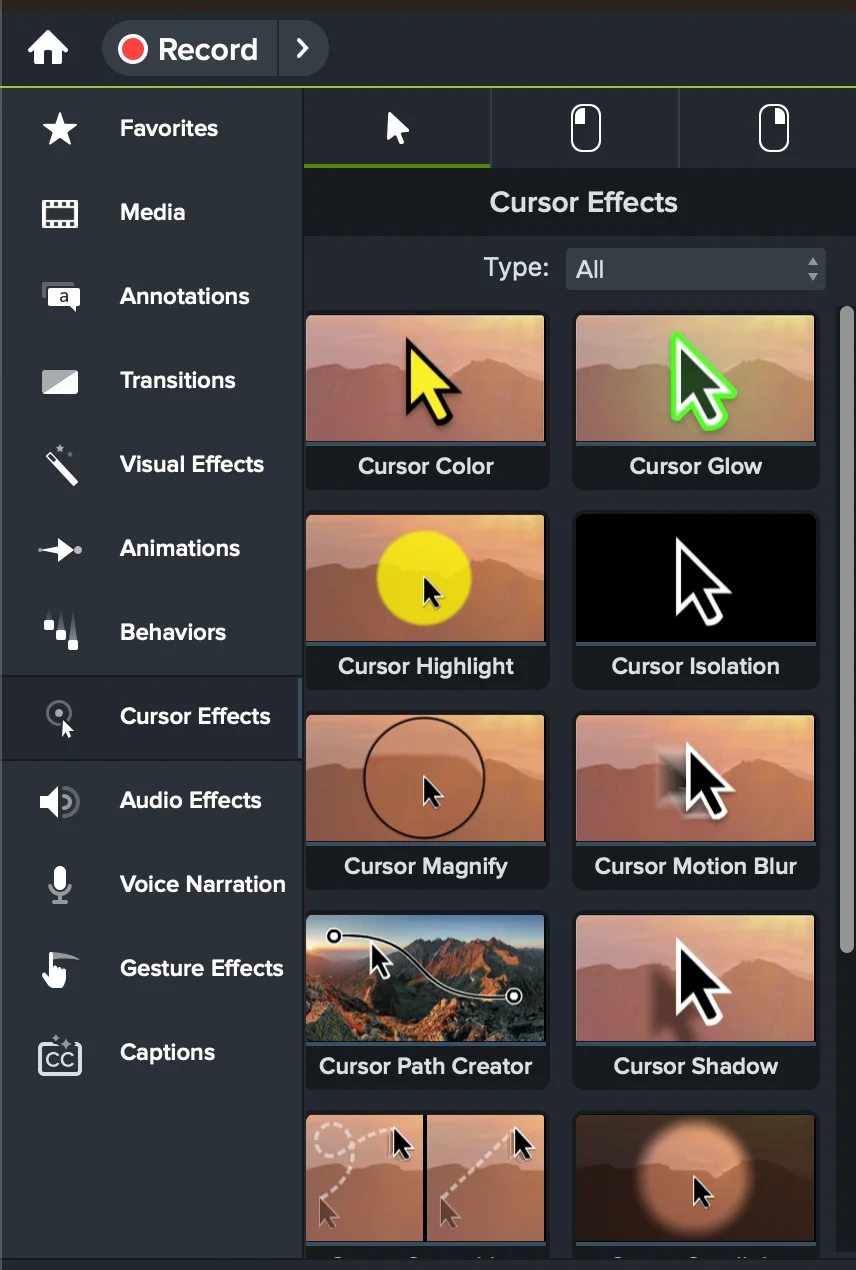
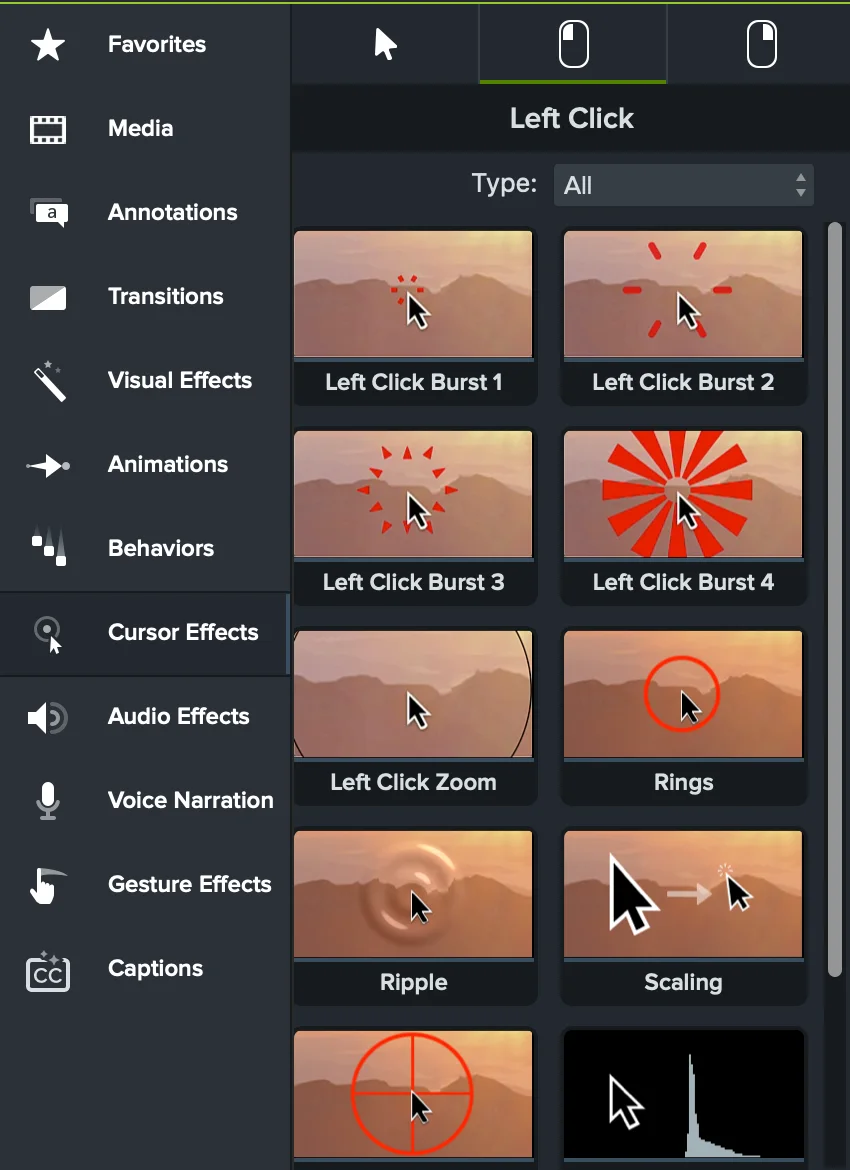
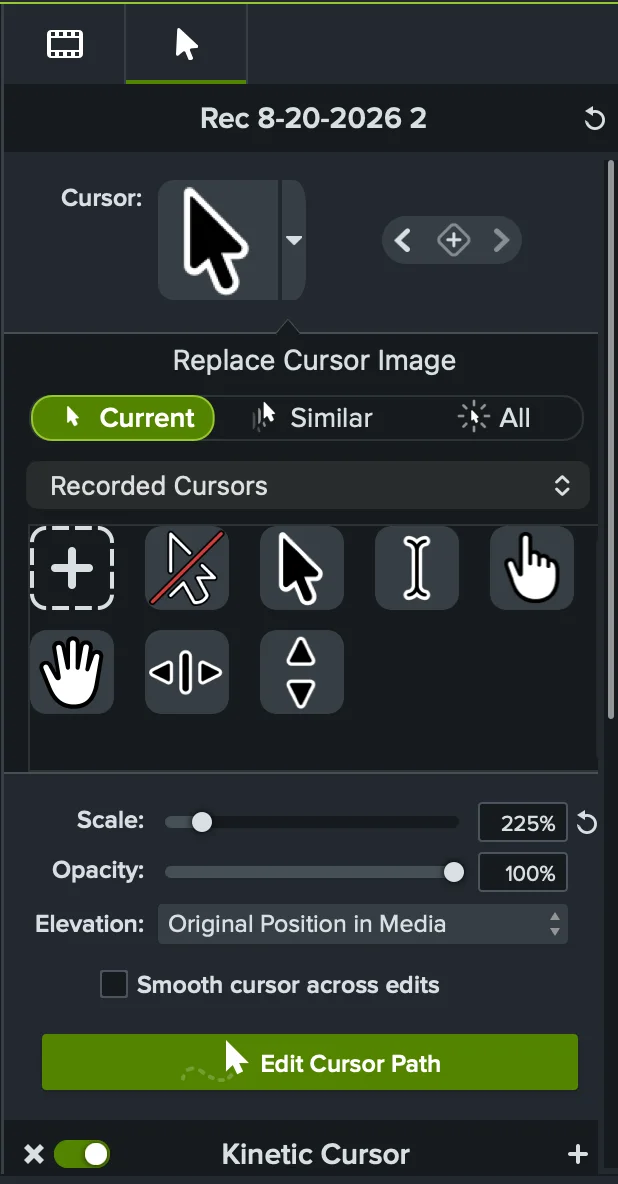
Cursor finding: Cursor effects are a genuine Camtasia strength. The app exposes a large library of cursor and click animations, path tools, smoothing, and size controls. Its built-in Recorded Cursors picker was comparatively limited in our test, although TechSmith separately documents custom image uploads.
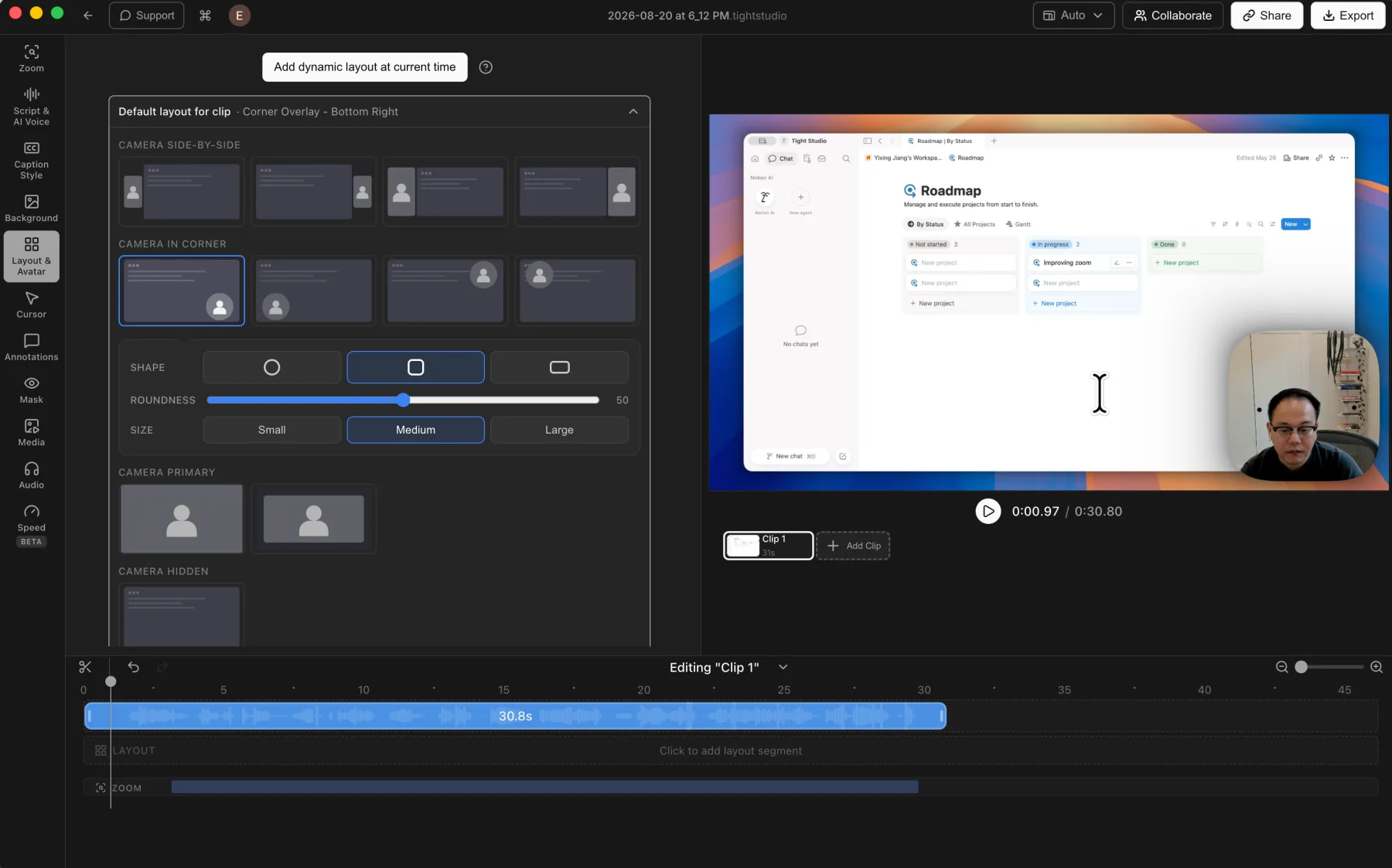
Camera and layout finding: Camtasia Rev offered a rich selection of layouts, but no dedicated timeline for assigning them to ranges. TechSmith documents splitting Rev media in the full Editor and modifying each resulting clip. Rev also removed the camera background, while using a replacement image required the full Editor's layer-based workflow rather than a direct camera-background picker.
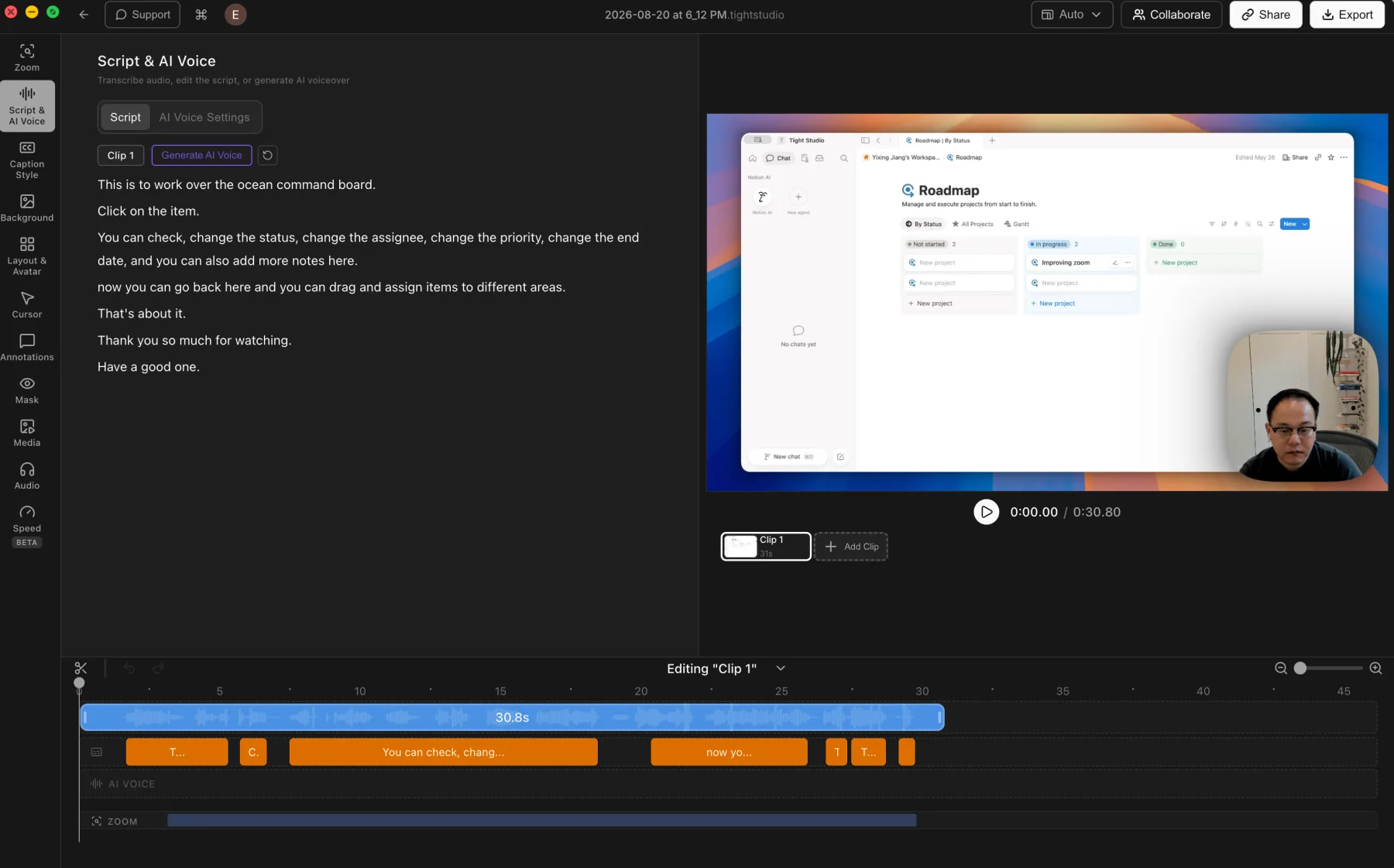
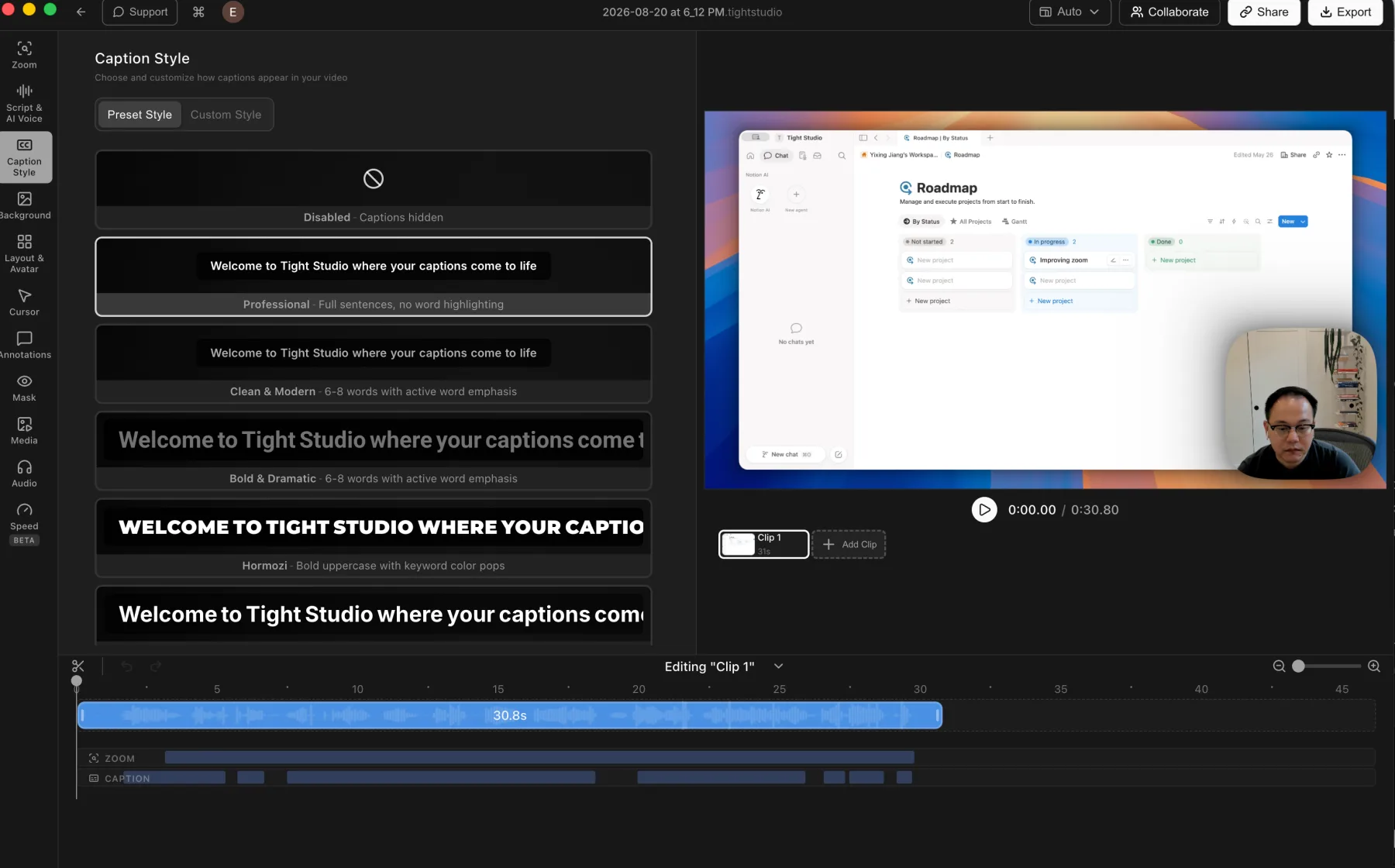
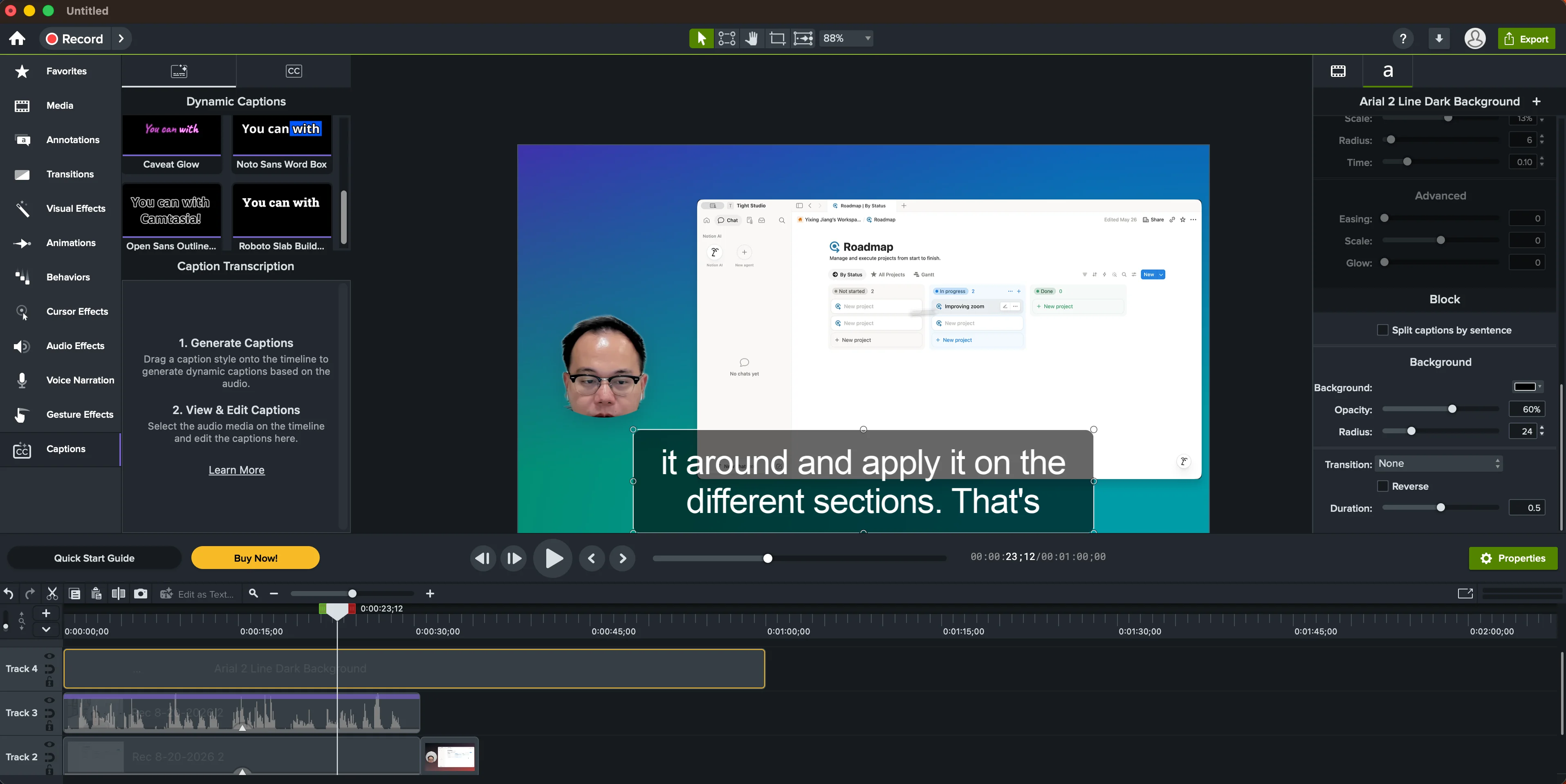
Caption finding: Camtasia generated captions and exposed a large style library with detailed typography, animation, block, background, and transition controls. Even after consulting TechSmith's Audiate transcription tutorial and clicking through Camtasia Editor, we did not find an easy transcript-editing surface. TechSmith's clearer document-style transcript workflow is delivered through the separate Audiate app.
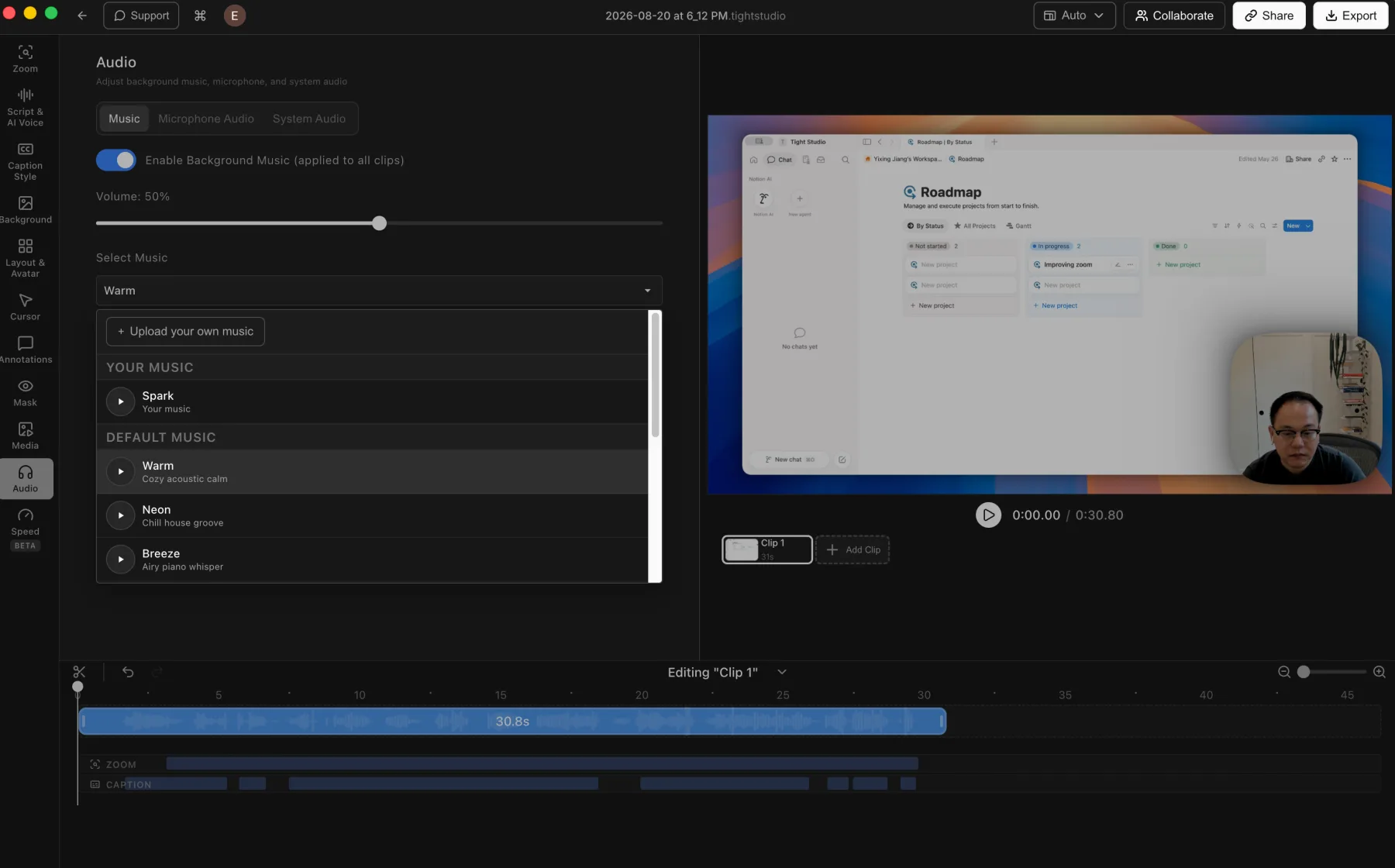
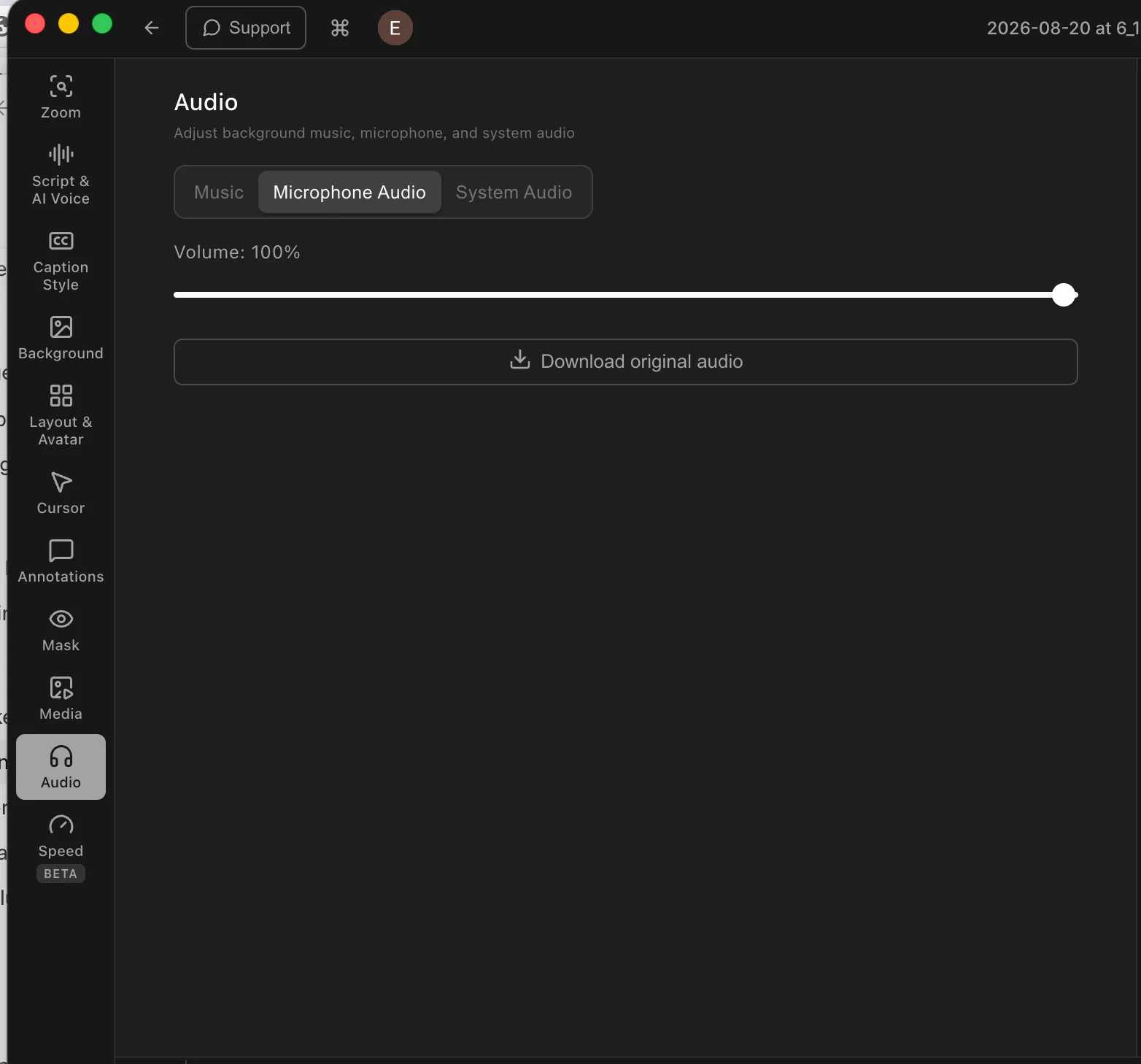
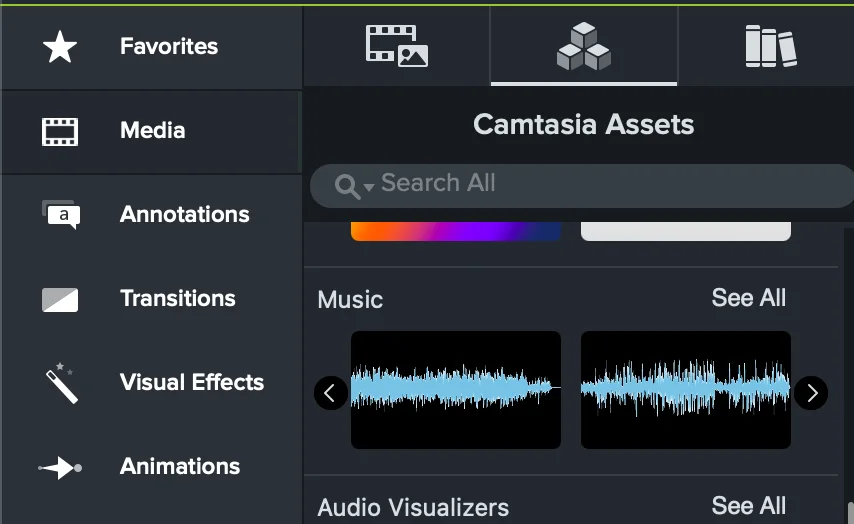
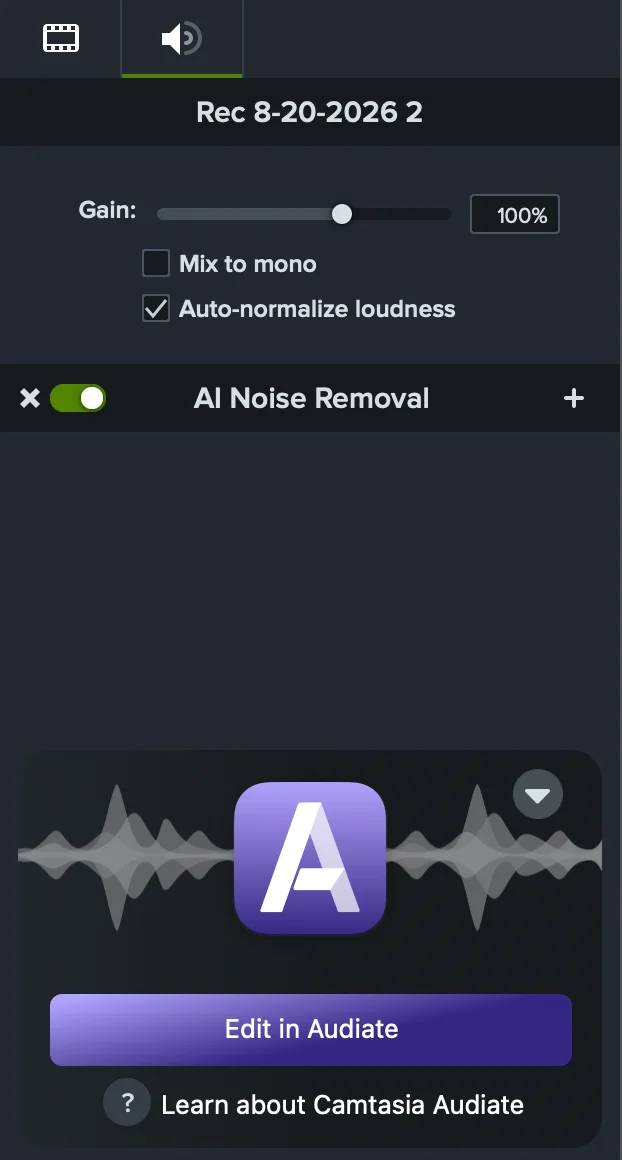
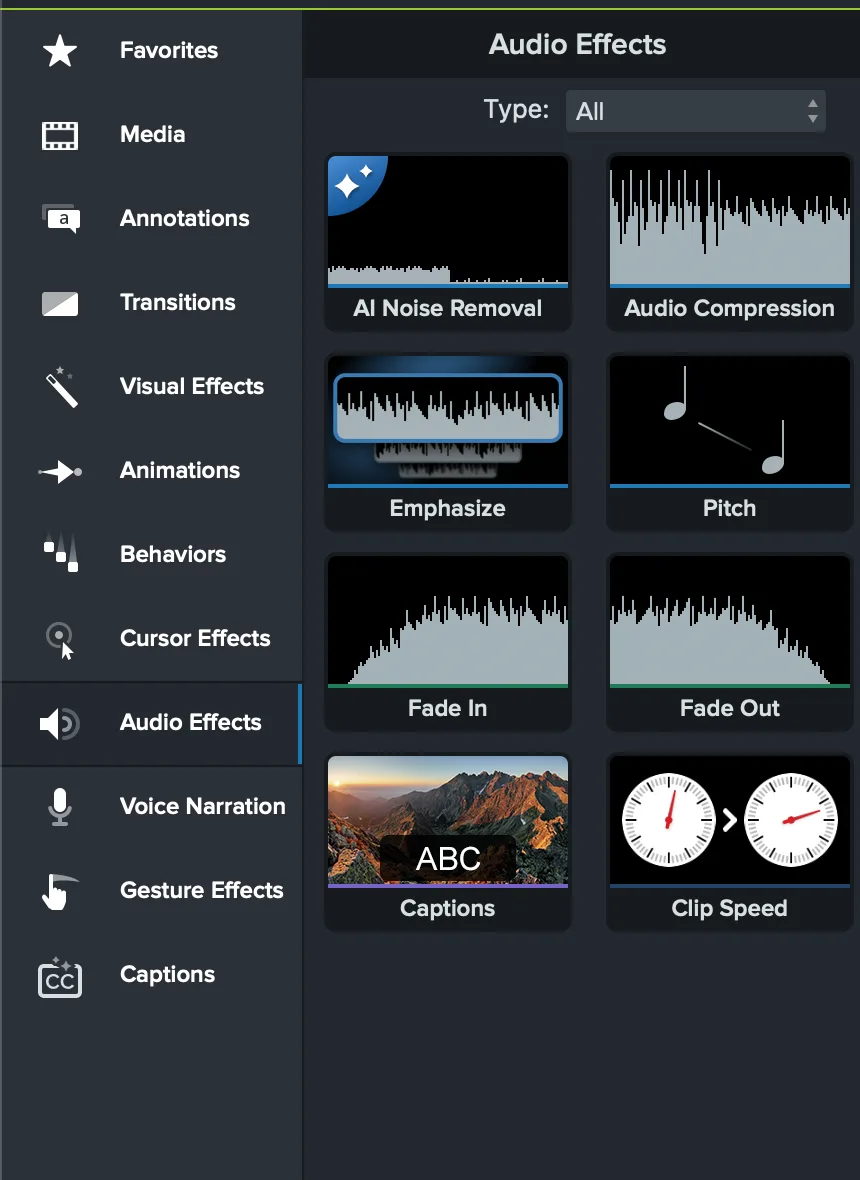
Music and audio finding: Camtasia included music assets, but its compact cards showed unlabeled waveforms until hover, making tracks difficult to identify at a glance. Audio editing was a clear strength, with gain, mono mixing, loudness normalization, AI Noise Removal, audio points, range silencing, fades, and a direct Audiate handoff.
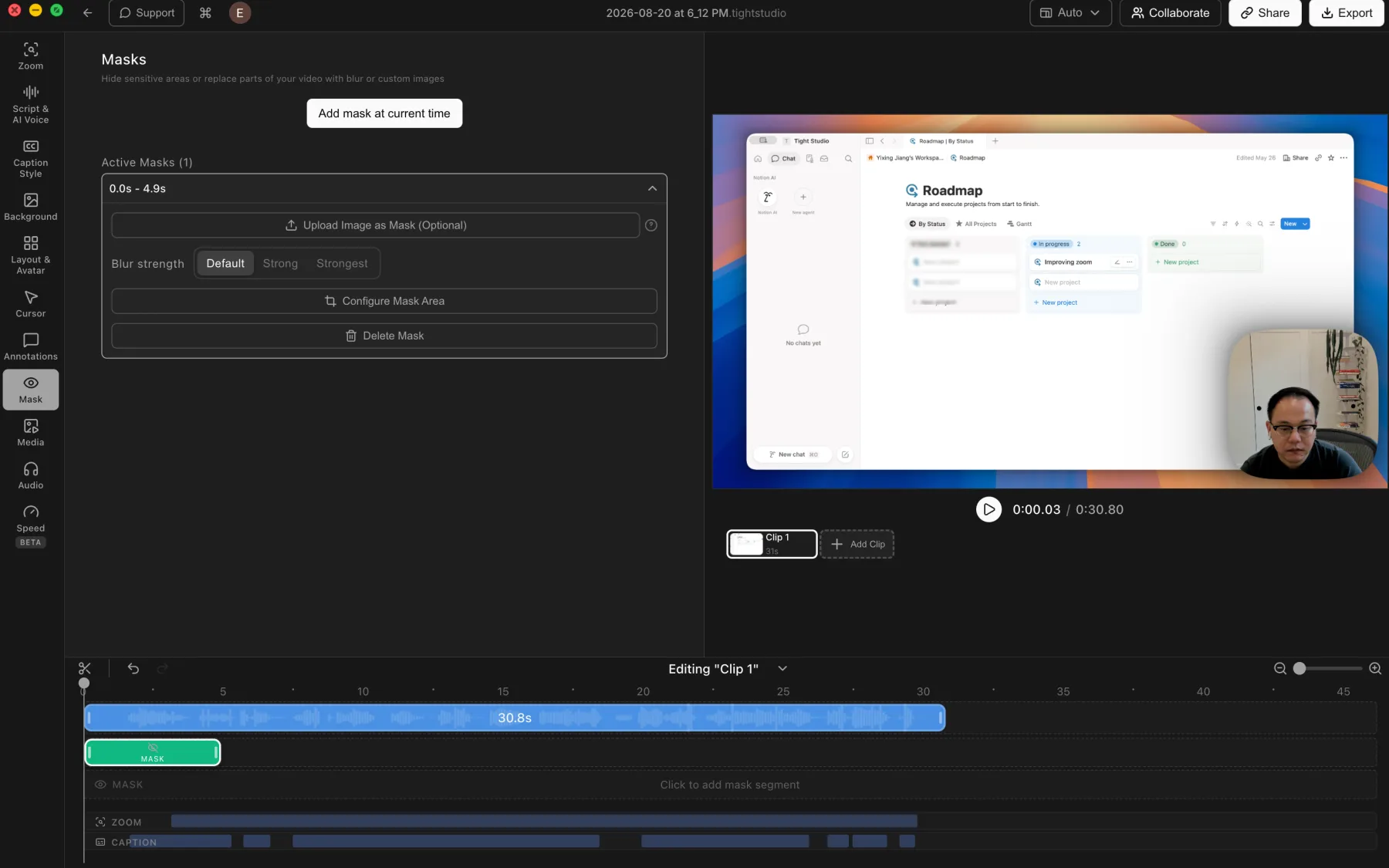
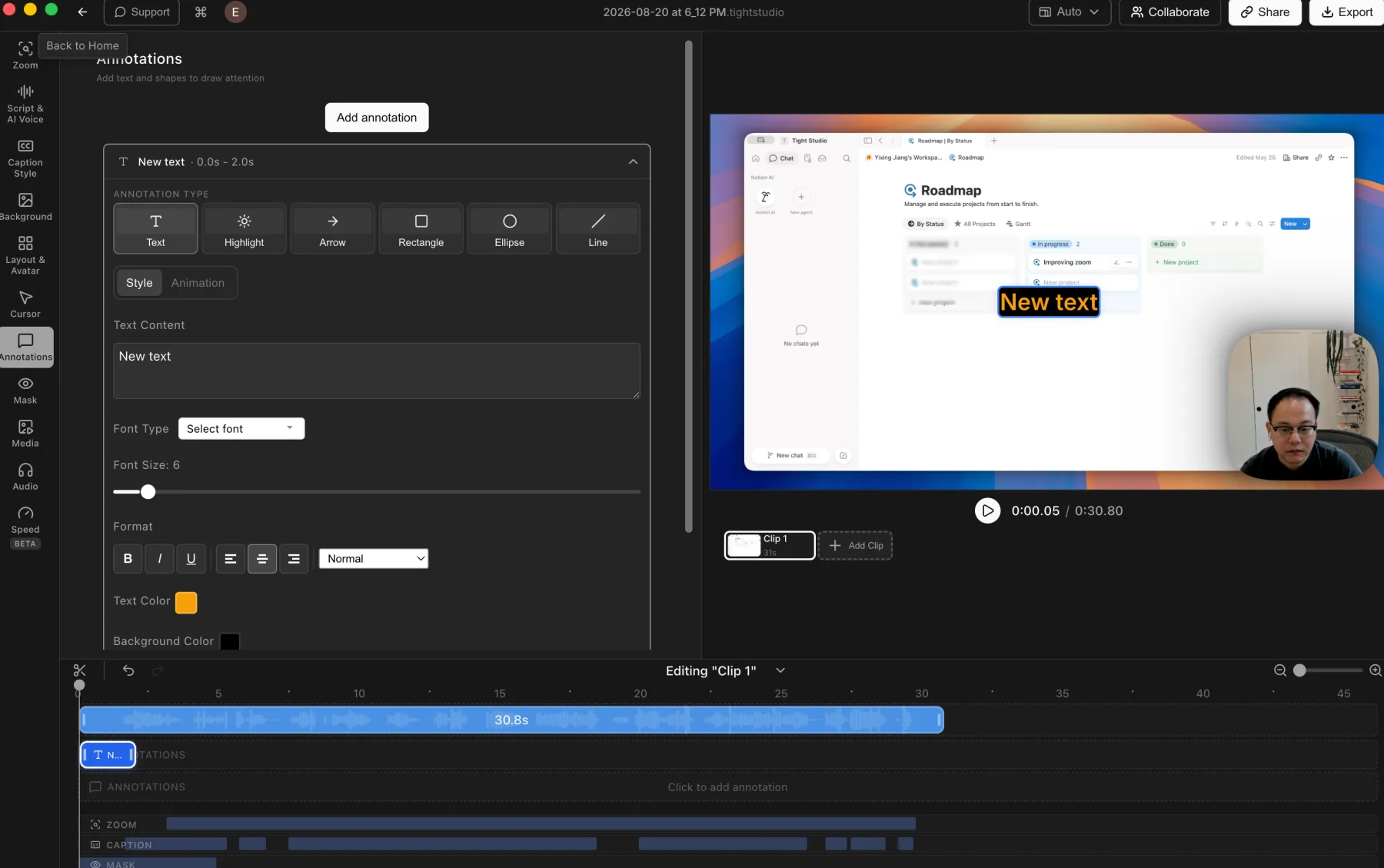
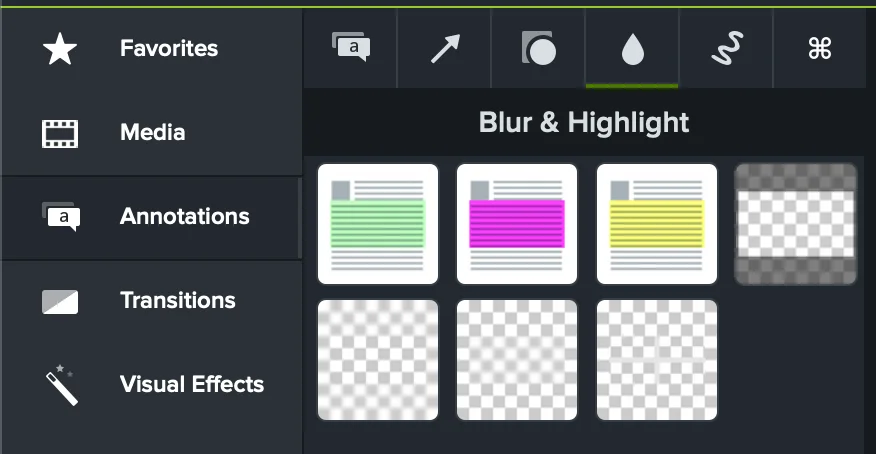
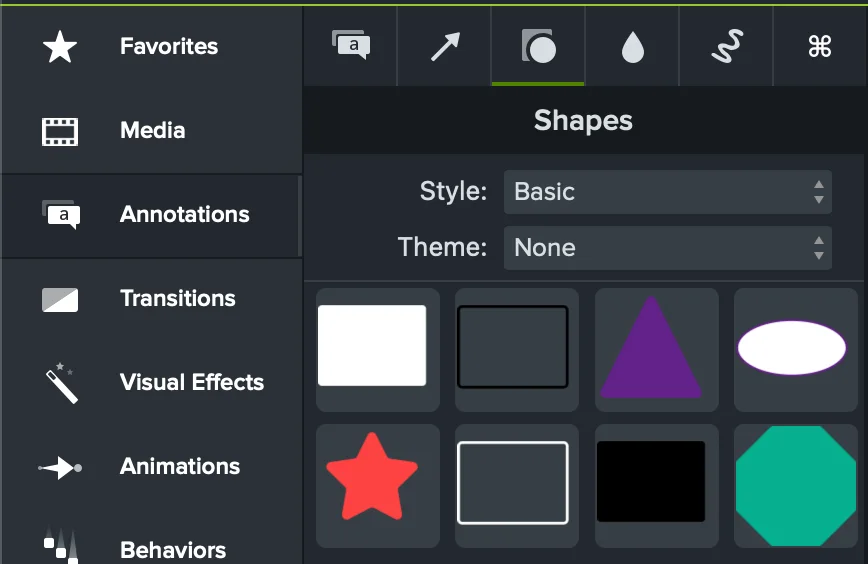
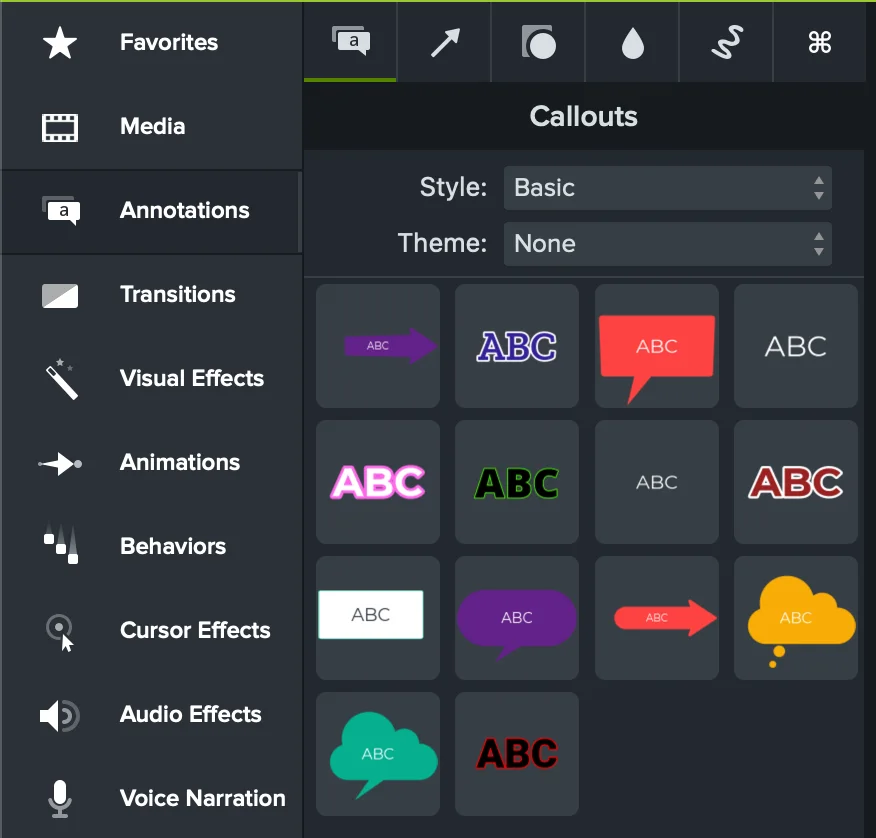
Annotation finding: Camtasia provided a robust library for blur, highlight, masks, text, arrows, shapes, and callouts, with many built-in styles and theme support. Duration was direct: each annotation appeared as a timeline clip whose edges could be dragged to set its visible range.
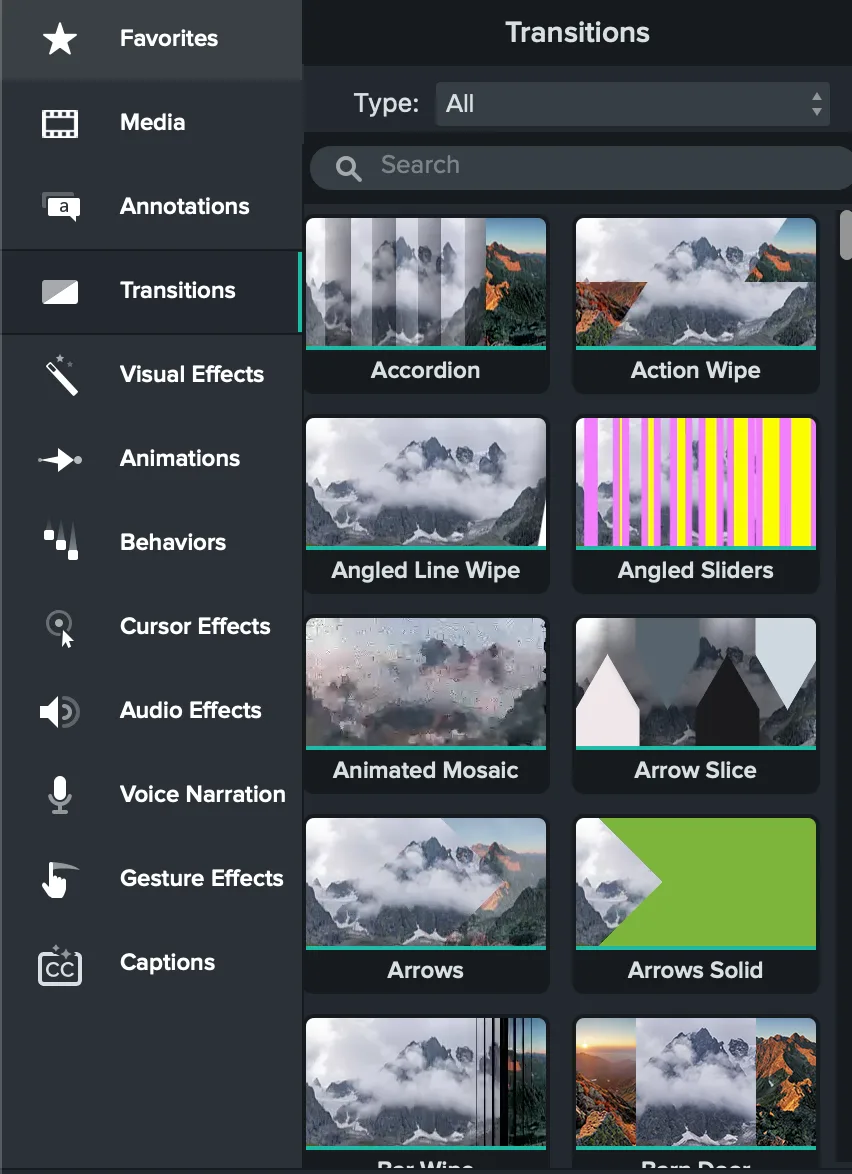
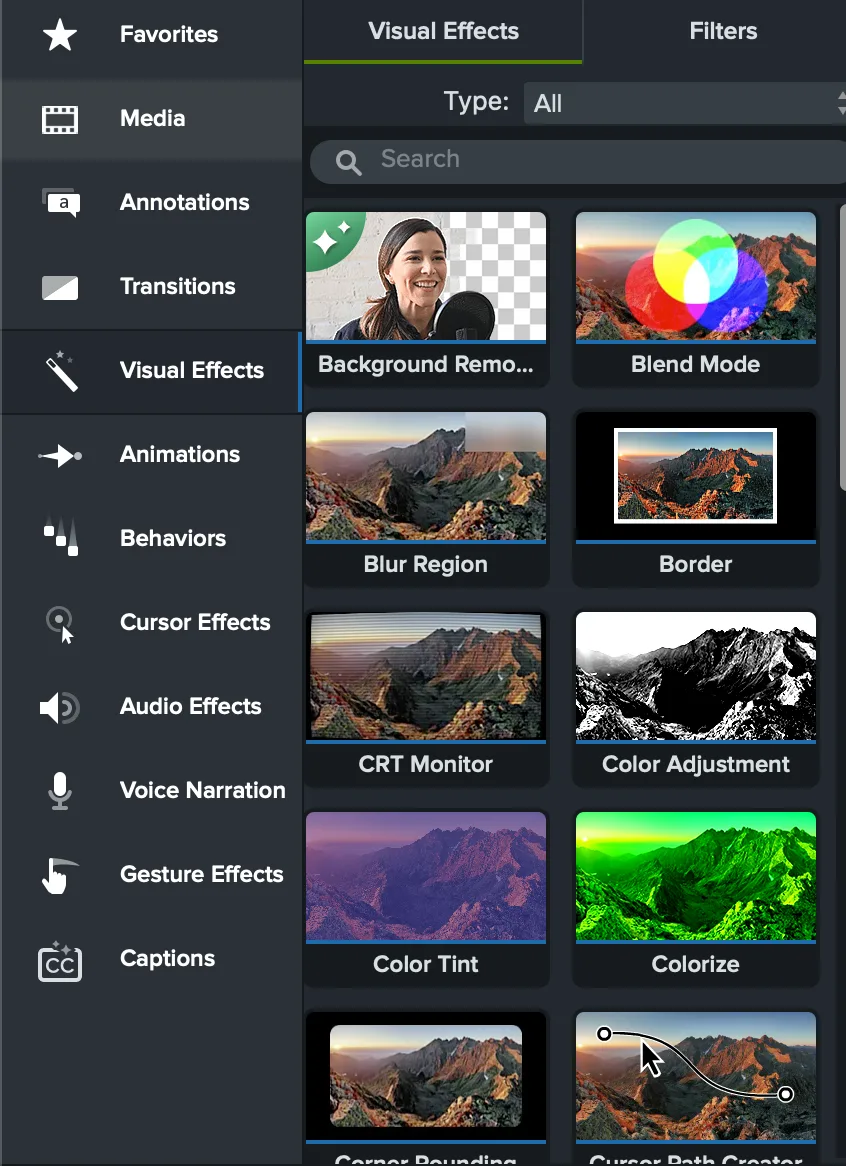
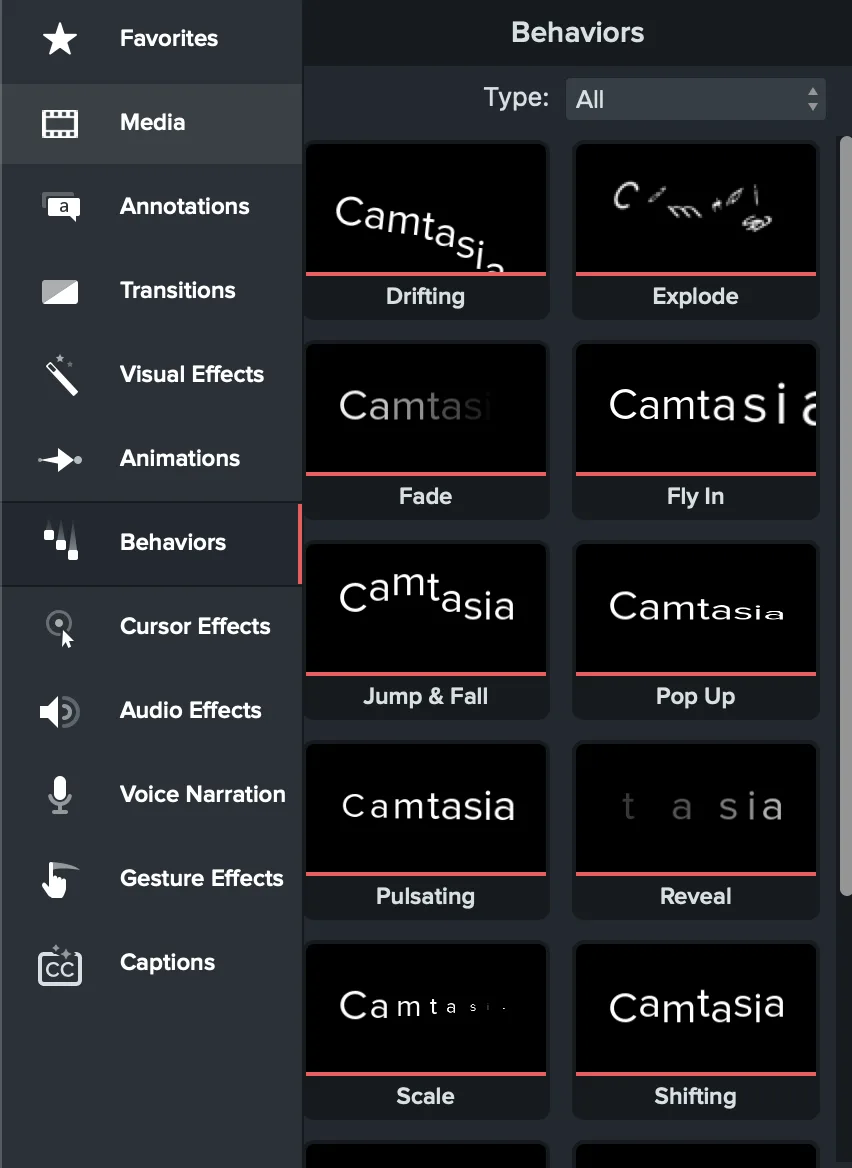
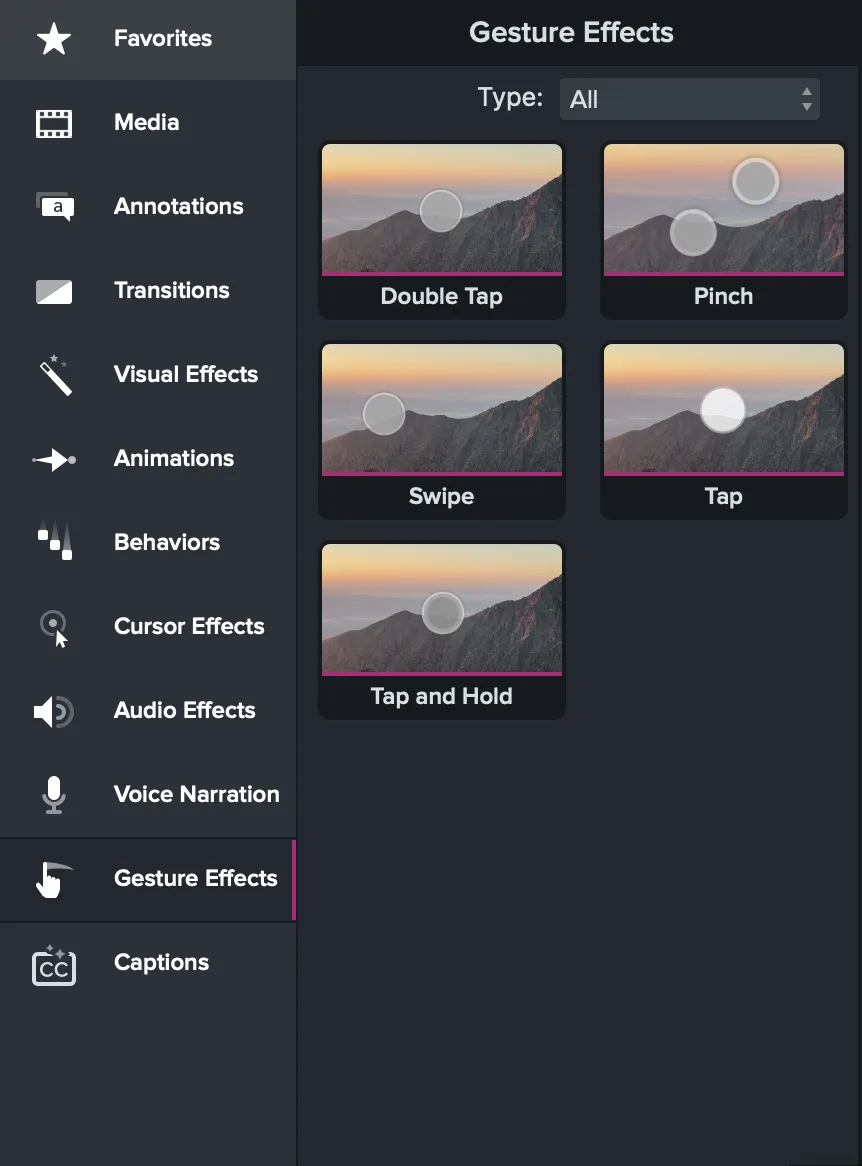
Effects and animation finding: This was Camtasia's clearest unique strength. Its separate libraries for transitions, visual effects, animations, behaviors, audio effects, cursor effects, and mobile gesture overlays were the broadest we encountered among the screen recorders reviewed. The full Editor felt much closer to Adobe Premiere Pro here, with drag-and-drop effects, customizable properties, timeline duration, motion paths, and effect layering.
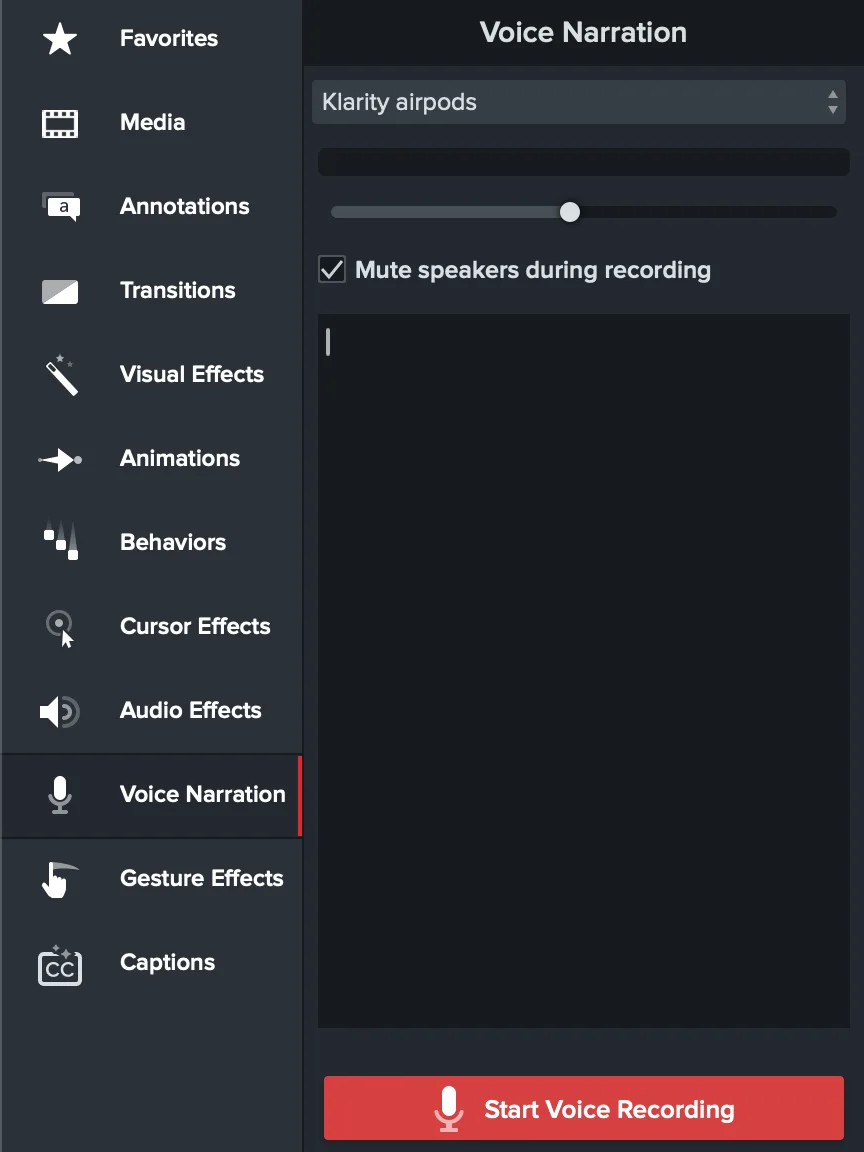
Voice finding: We tested Tight Studio's native AI voice workflow and Camtasia Editor's native Voice Narration panel. Camtasia can record a separate microphone pass while the timeline plays and insert the result as a new audio clip, a useful capability Tight Studio currently lacks. We did not test Audiate. Camtasia's AI-generated voice count and controls are based on TechSmith documentation, and Audiate requires a separate installation.
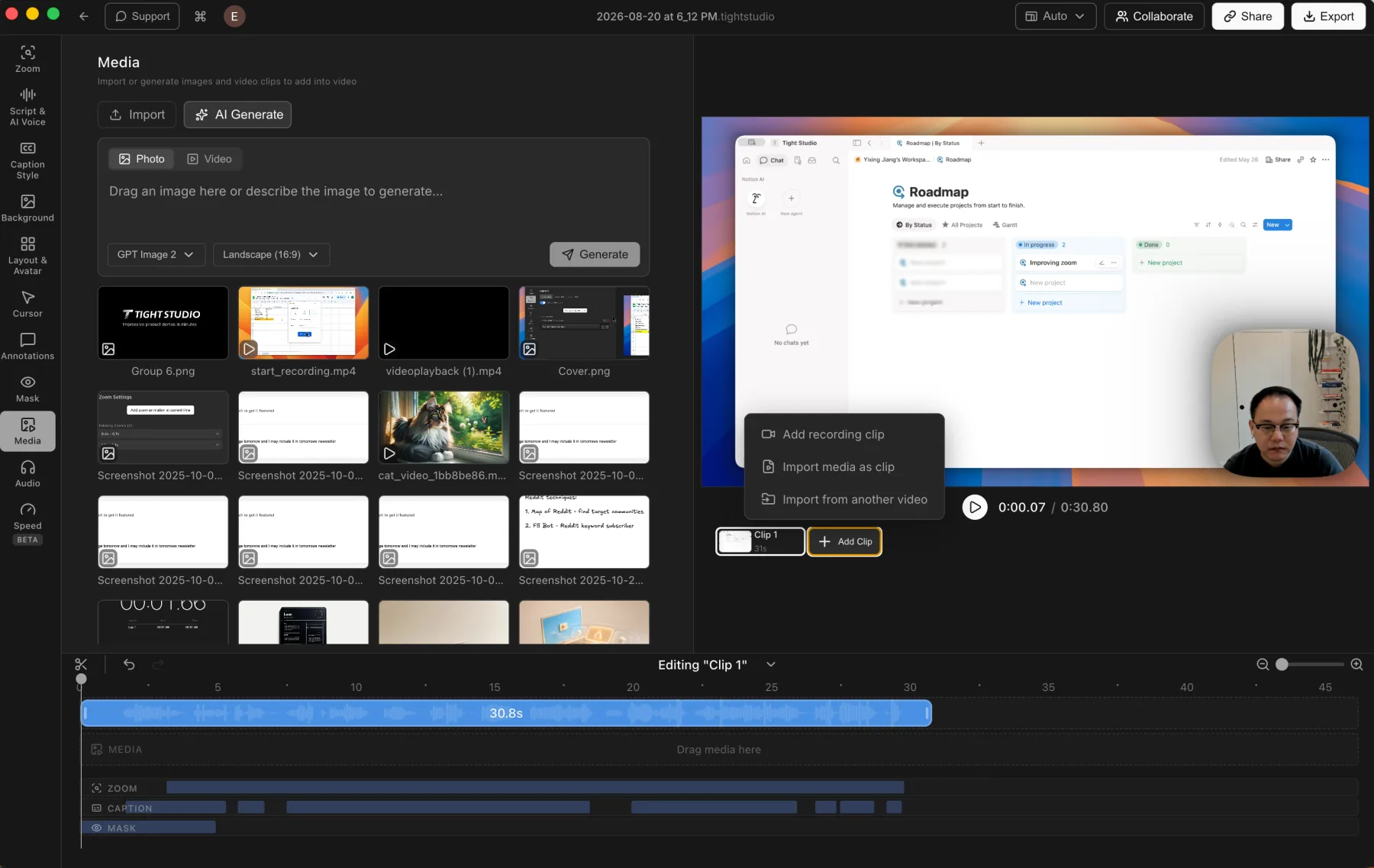
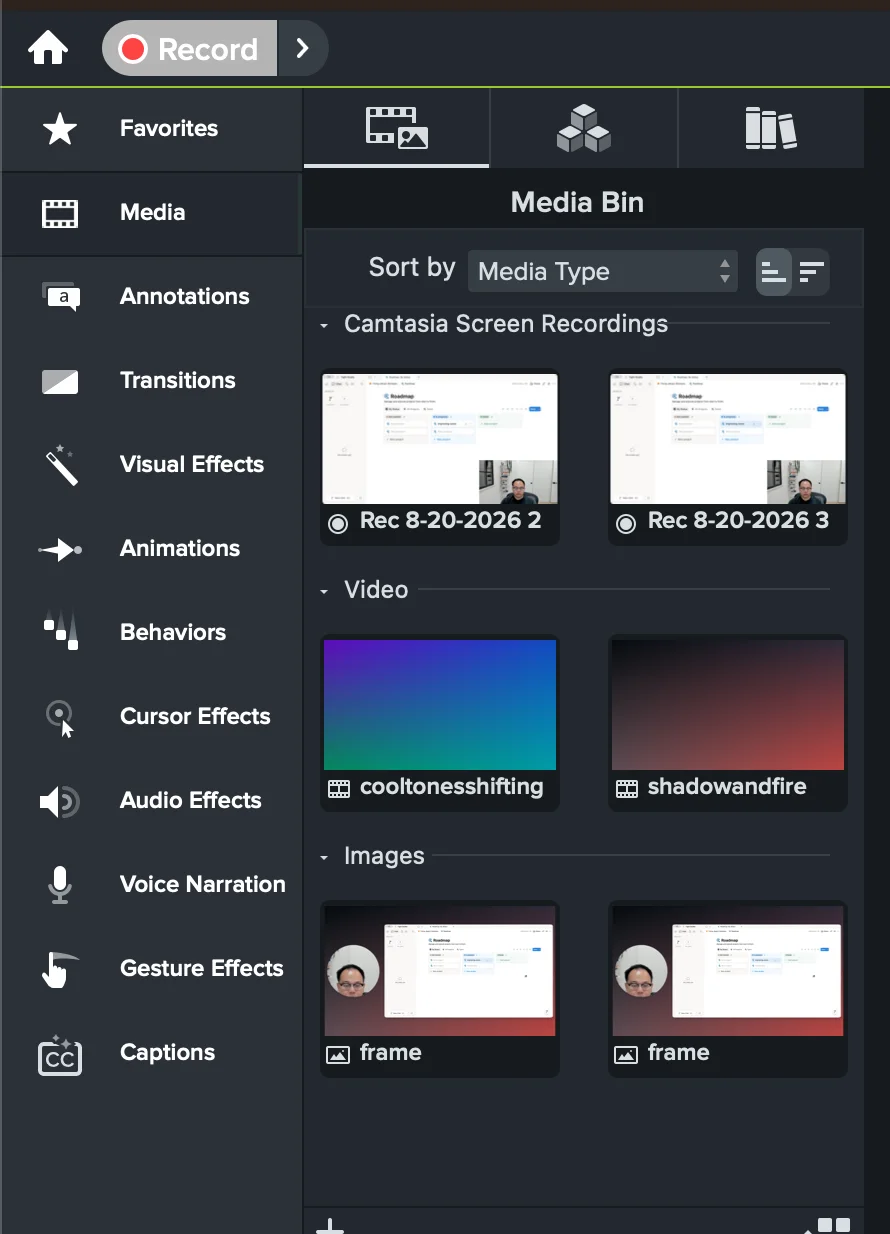
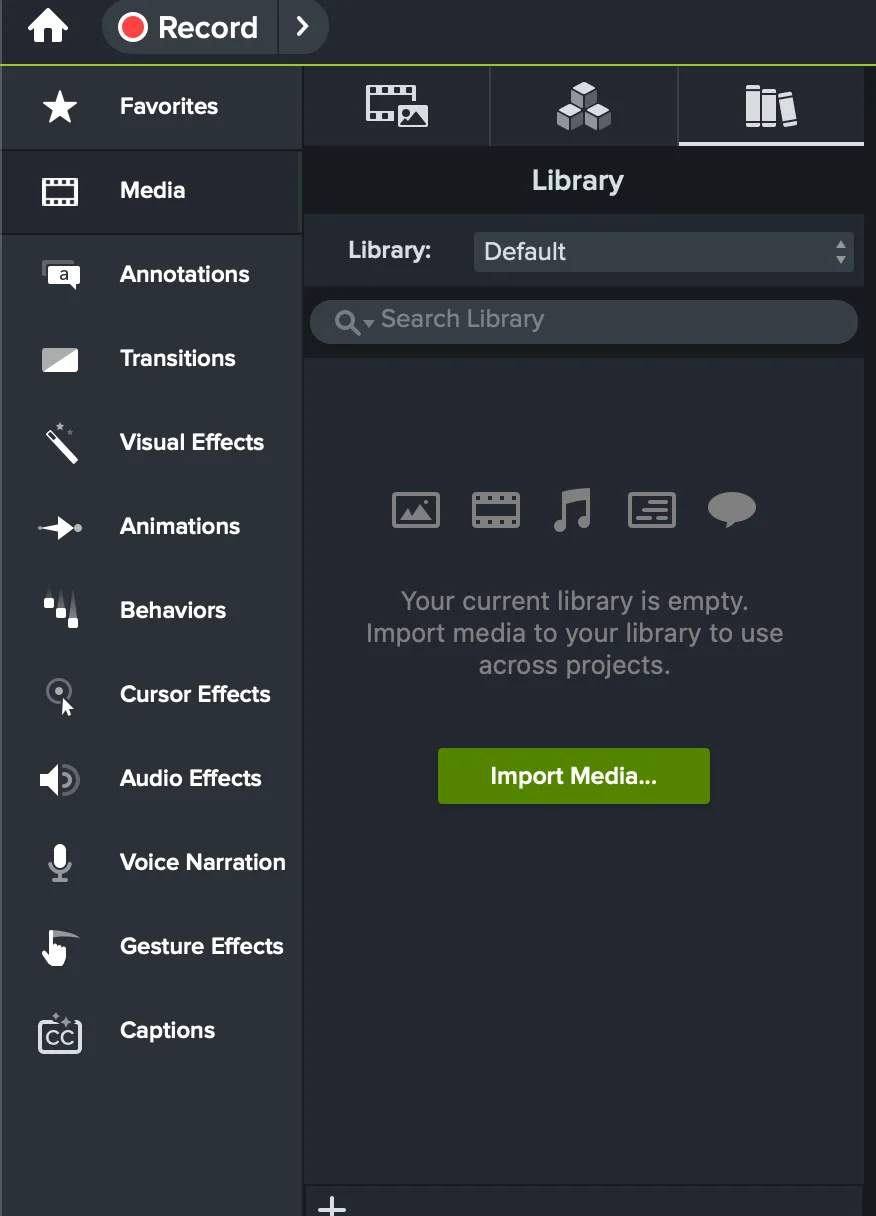
Multi-clip and import finding: Camtasia combined multiple recordings and imported video, images, and audio without a capability gap. Its Media Bin and Library were flexible, but every item became a clip to place and arrange on the multi-track timeline. That traditional editor model felt closer to Adobe Premiere Pro and less intuitive than Tight Studio's dedicated Add Clip flow for a straightforward screen recording.
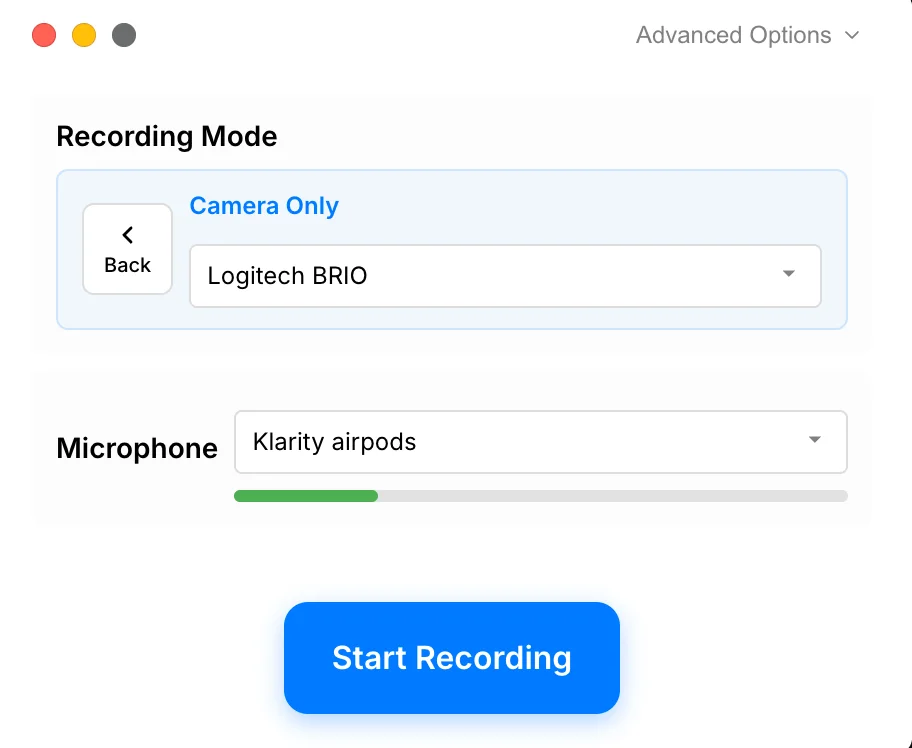
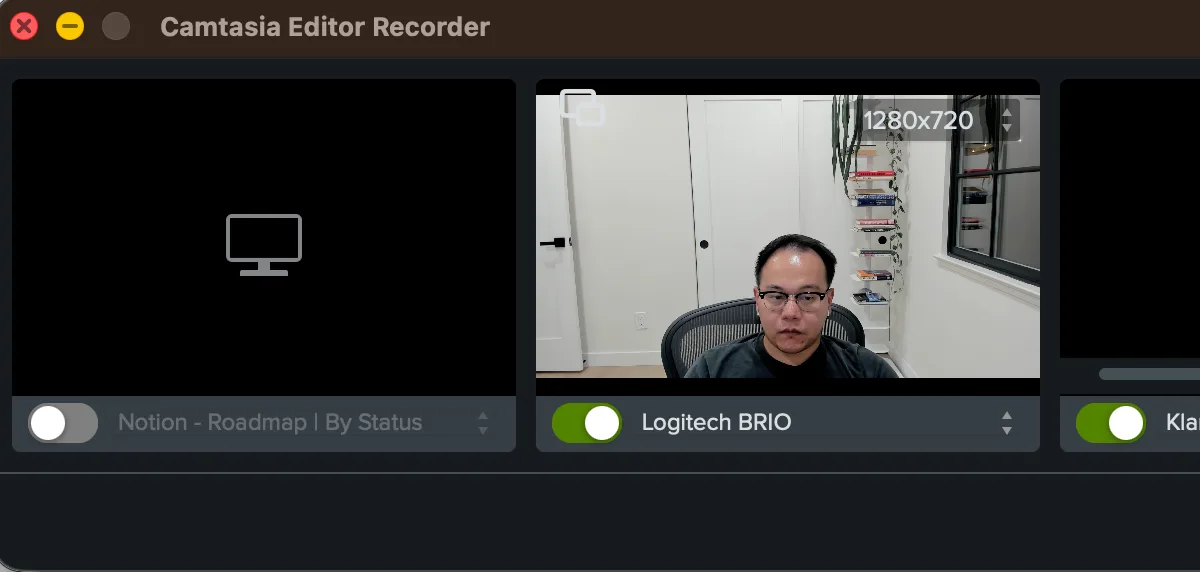
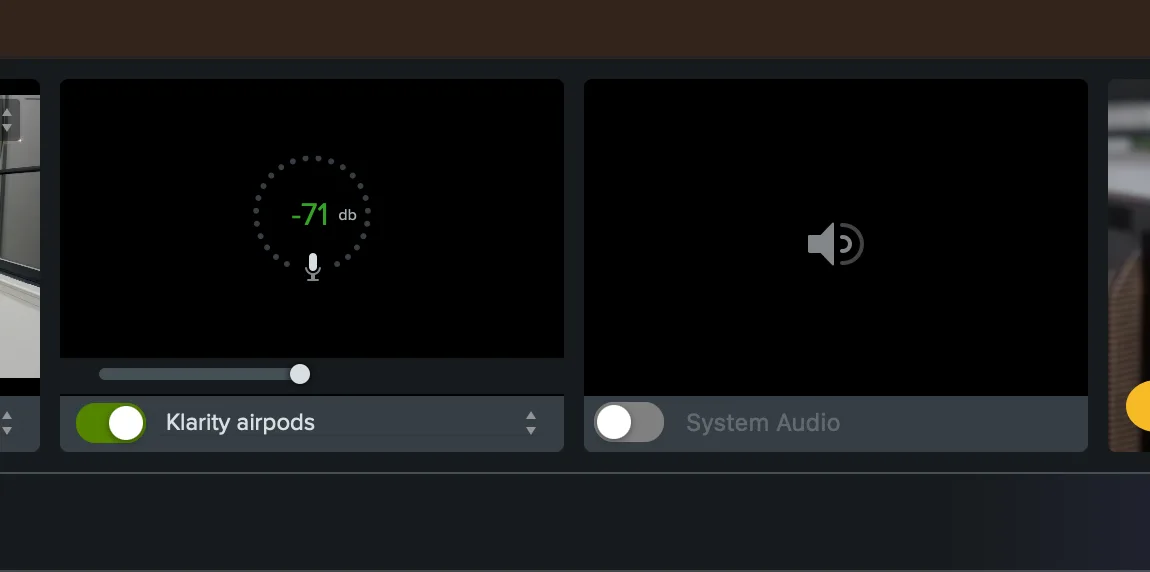
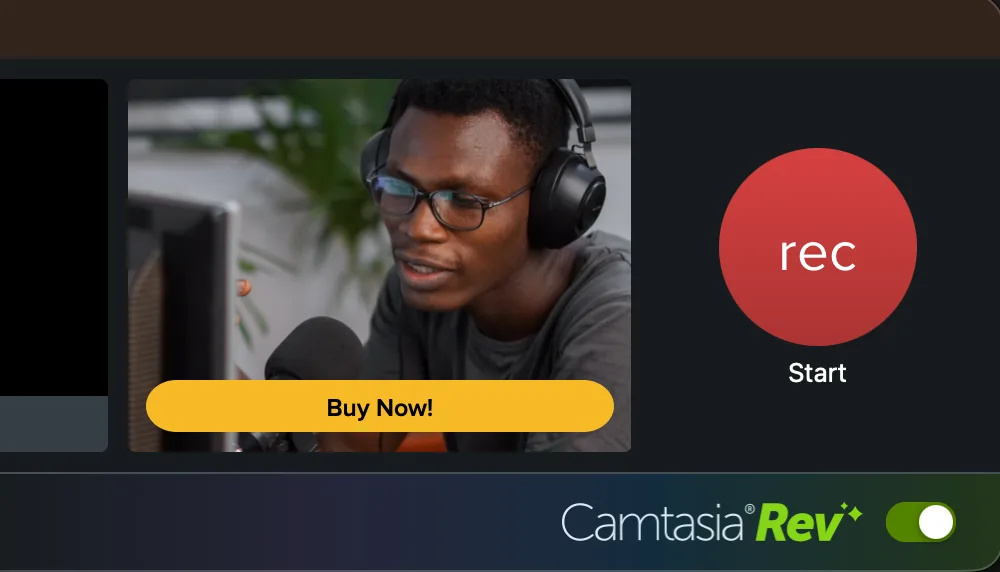
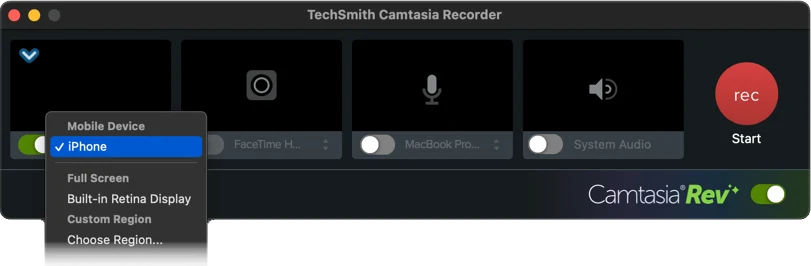
Camera-only finding: Camtasia supported camera-only recording through an unusually flexible source-based recorder. Screen capture, camera, microphone, and system audio could be toggled independently, with live camera preview, camera resolution, microphone metering, input level, and a Rev switch visible before recording. Tight Studio reached the same camera-only result through a more explicit named mode.
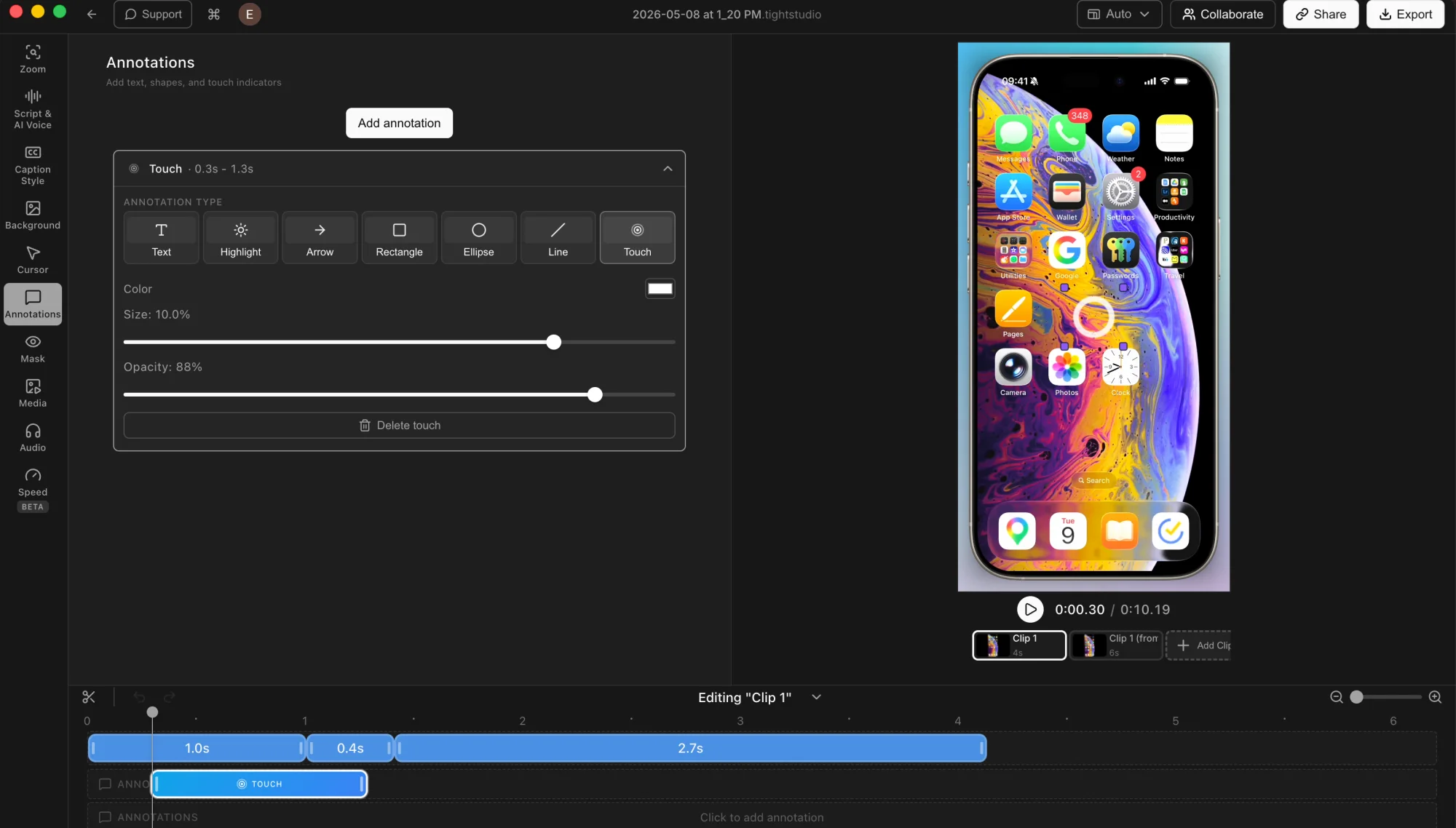
iPhone finding: Both products support direct iPhone and iPad capture on Mac. Camtasia also documents a cable-free Capture app workflow and was substantially richer after recording, with separate Tap, Double Tap, Pinch, Swipe, and Tap and Hold overlays plus a dedicated Device Frame effect. Tight Studio currently provides one customizable Touch behavior for mobile gesture feedback.
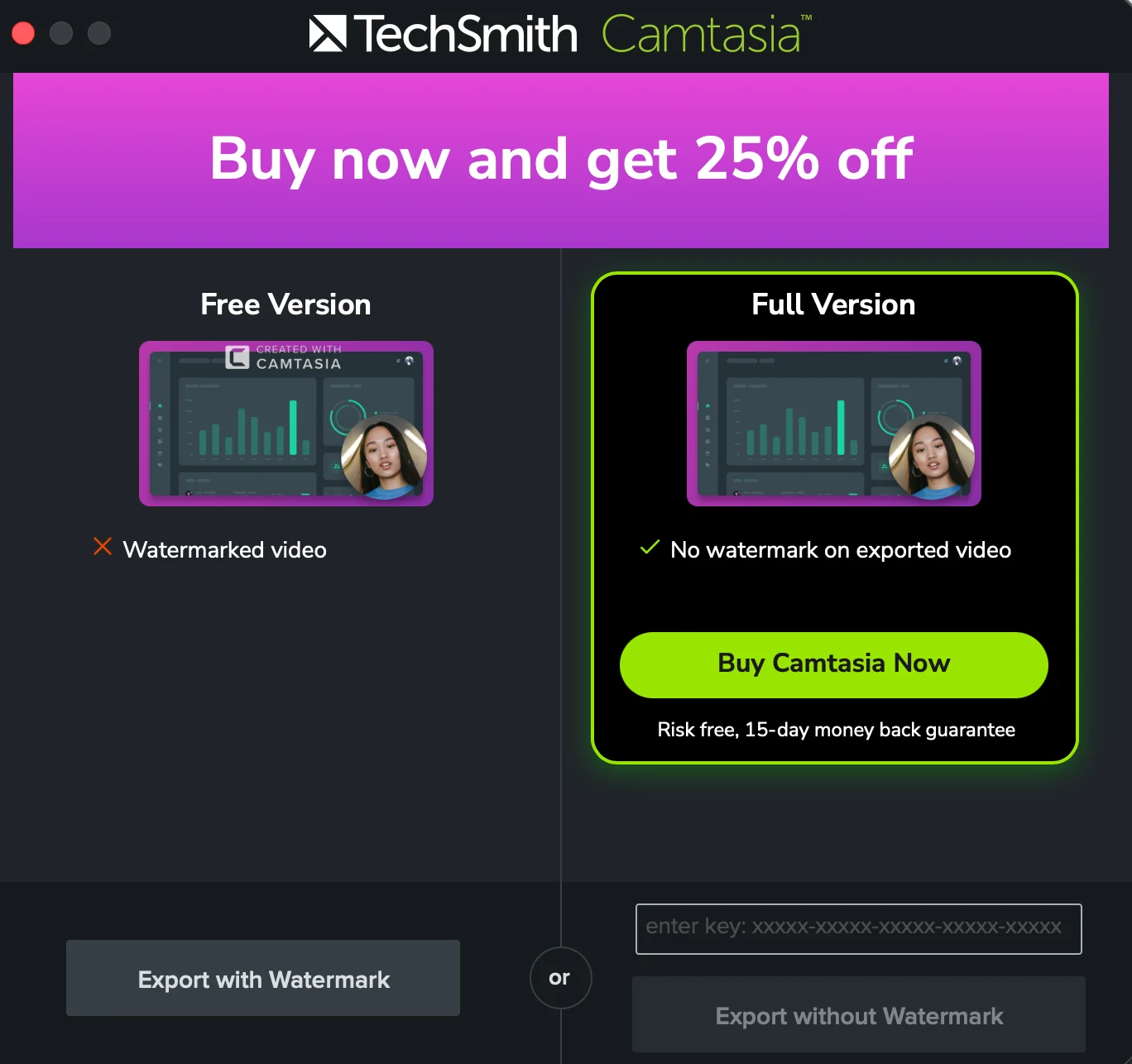
Export and pricing finding: Our free Camtasia export screen offered only Export with Watermark unless a paid version was activated. TechSmith's standard pricing confirms that the $39-per-year Starter plan also keeps the Editor watermark; watermark-free exports begin with Essentials at $179.88 per year. The in-app 25% promotion shown in our screenshot was not used for the comparison because temporary discounts change.