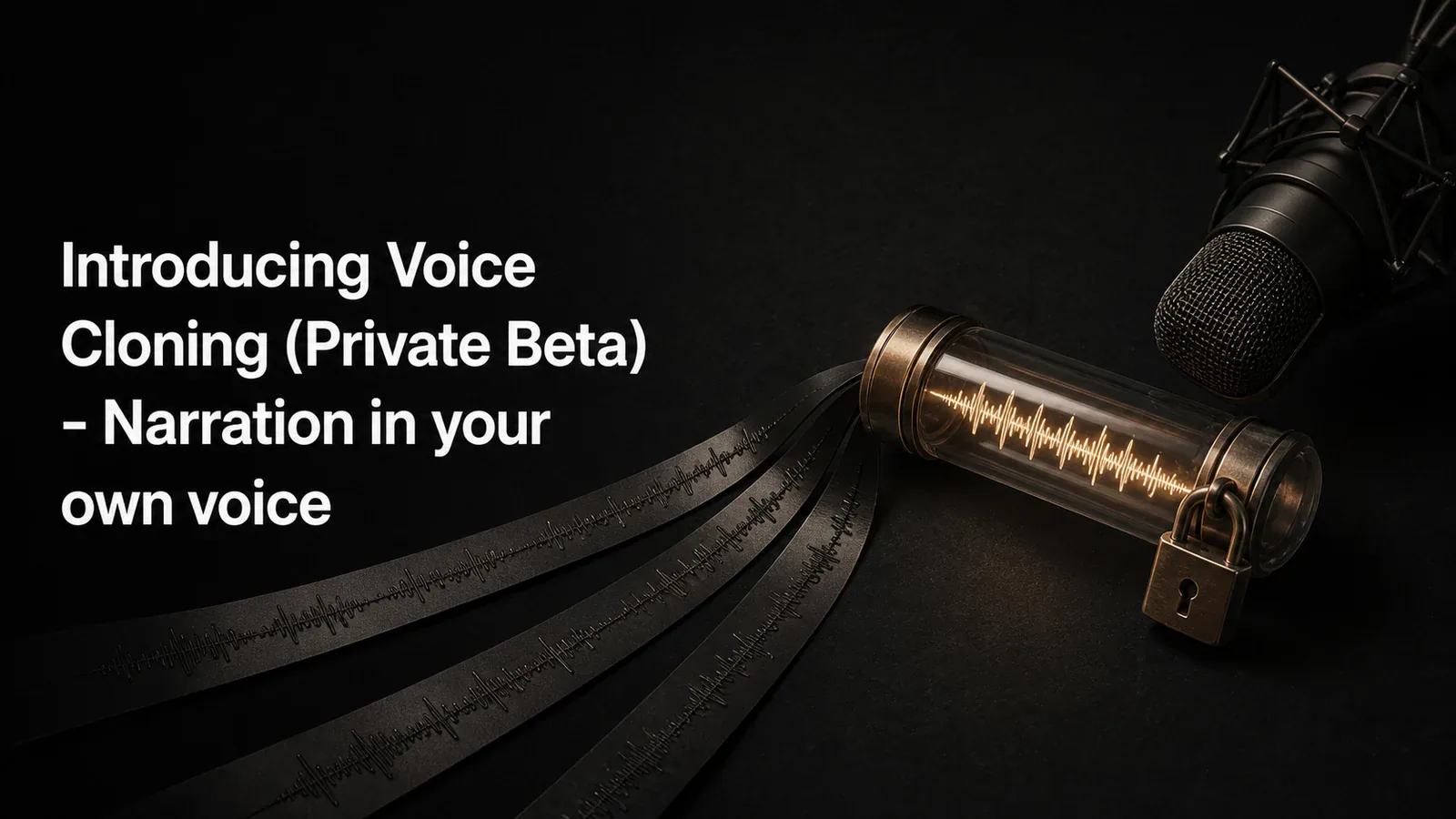
Introducing Voice Cloning (Private Beta)
Voice Cloning is now in Private Beta. Generate narration in your own voice from any script. Your voice data stays private to you, and access is invite-only.
Product & company
Detailed introductions to Tight Studio features, with practical examples for creating polished screen videos.
7 articles
Voice Cloning is now in Private Beta. Generate narration in your own voice from any script. Your voice data stays private to you, and access is invite-only.
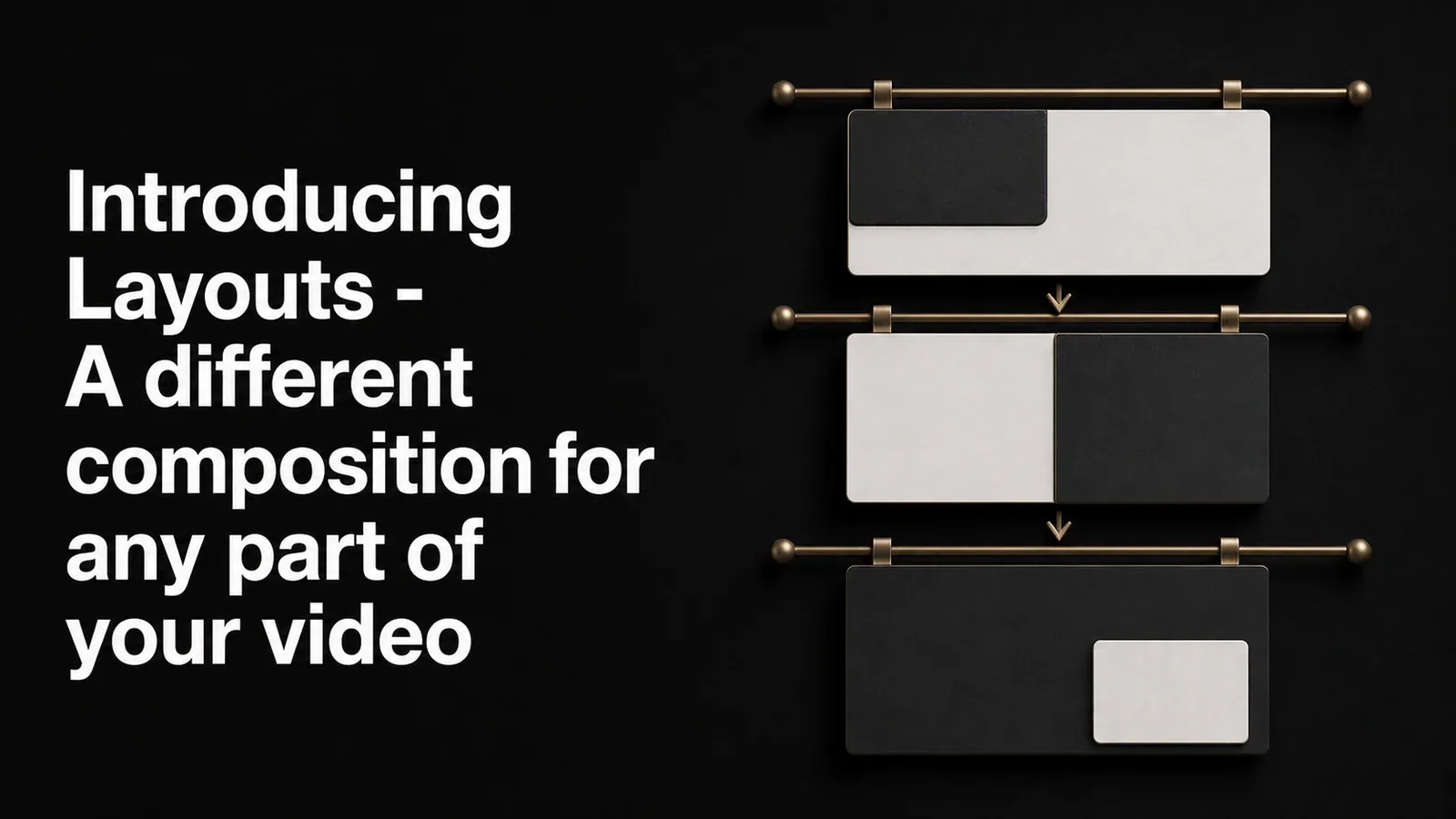
Layouts let you set how your screen recording and camera share the canvas - corner overlay, side-by-side, stacked, camera-only - and switch between them at any point in the video. Show your face during the intro, the screen during the demo, both side-by-side for the wrap.
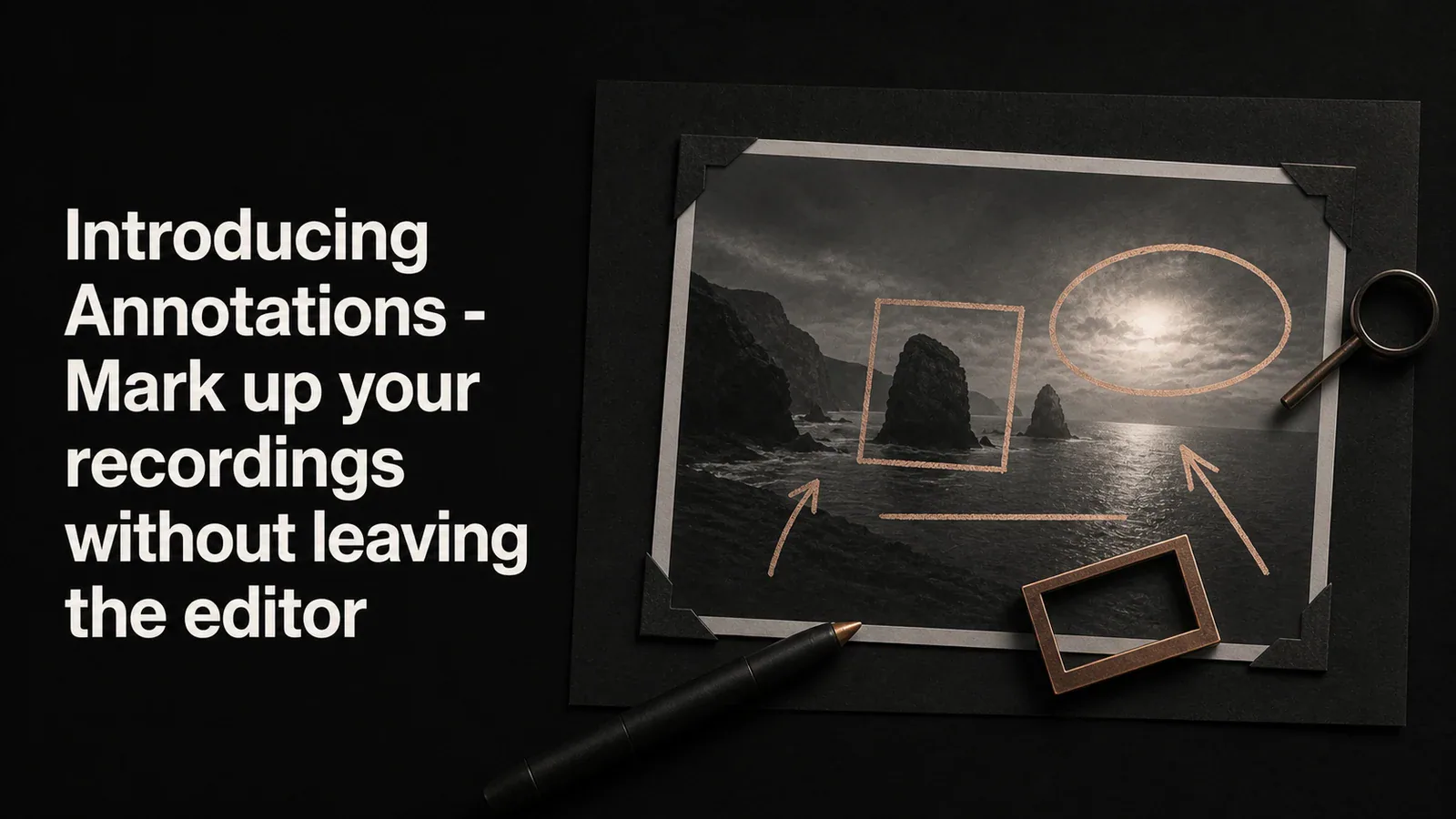
Drop rectangles, ellipses, lines, and arrows on top of your video to point out what matters. Six annotation types, one unified panel, and four textured arrow styles for when a plain line isn't enough.
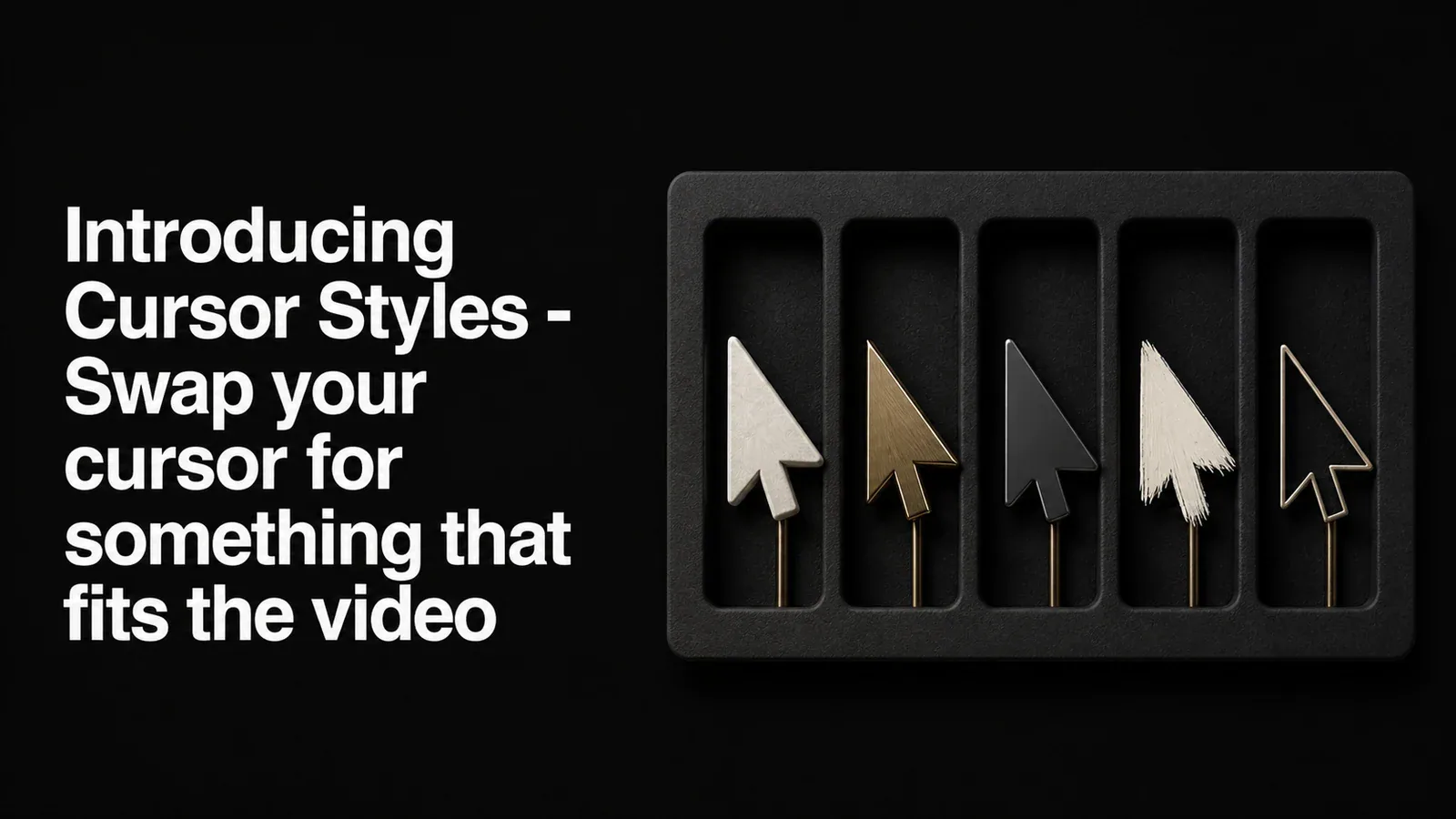
A new Cursor Style picker lets you replace the system cursor in your recording with one of 13 alternate styles - glossy arrows, hand pointers, a 3D pixel hand, and more. Applied in playback and export, no re-recording needed.
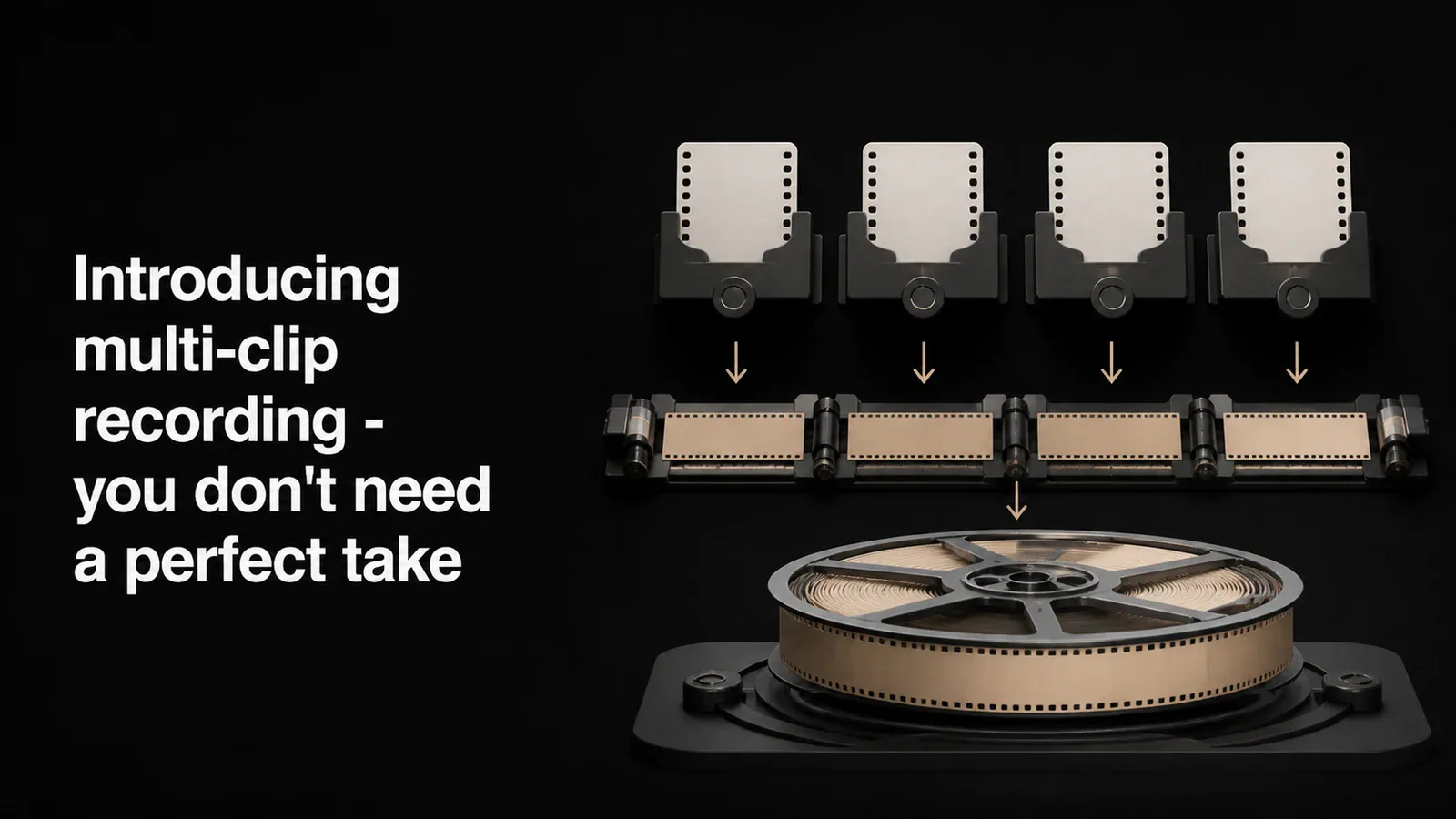
Tight Studio's multi-clip screen recorder lets Mac users record in parts, reorder the takes, and export them together as one finished video.
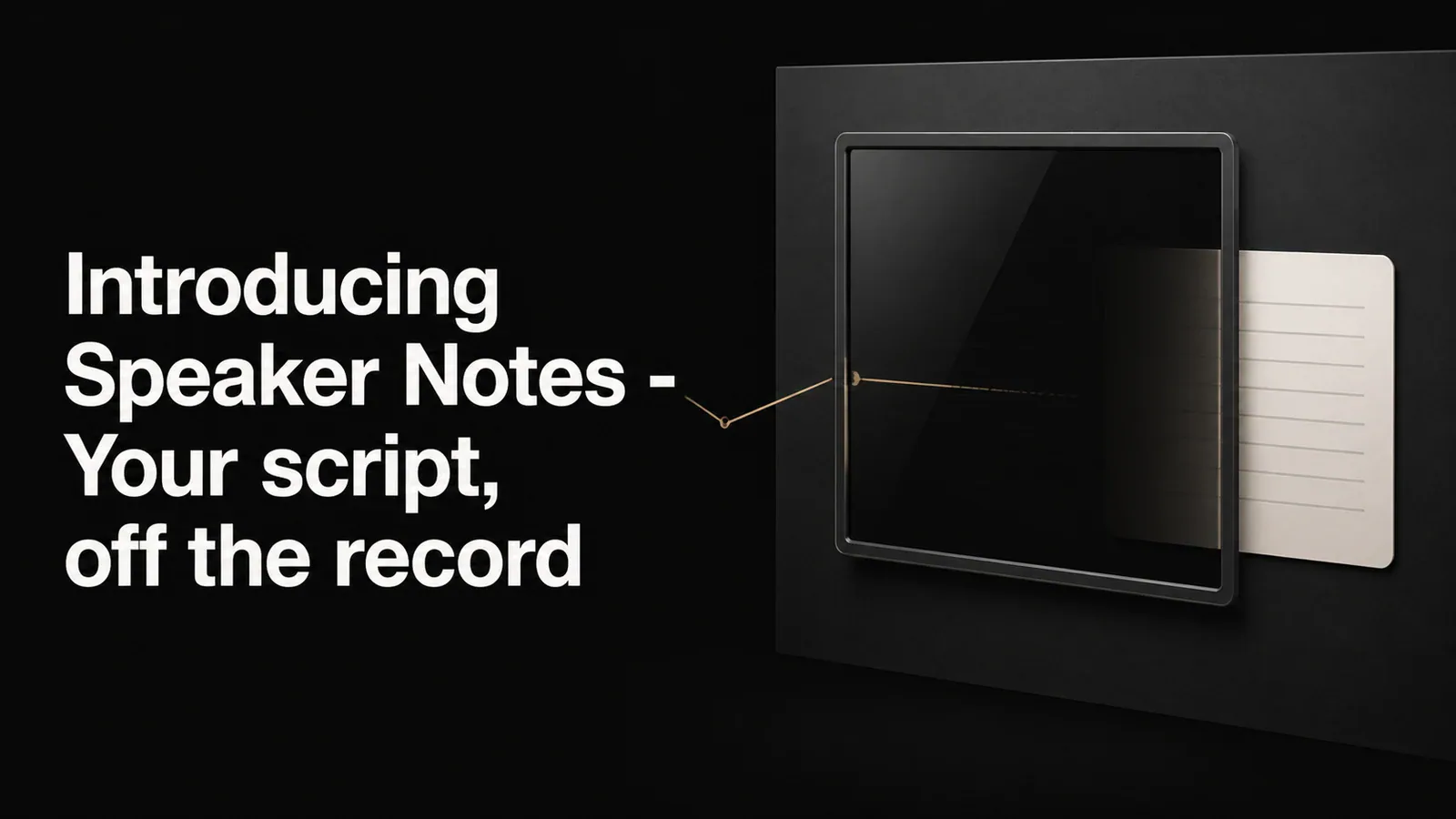
A floating notes window that stays visible while you record but never appears in the final video. Write your script, keep your talking points handy, and stay on message.
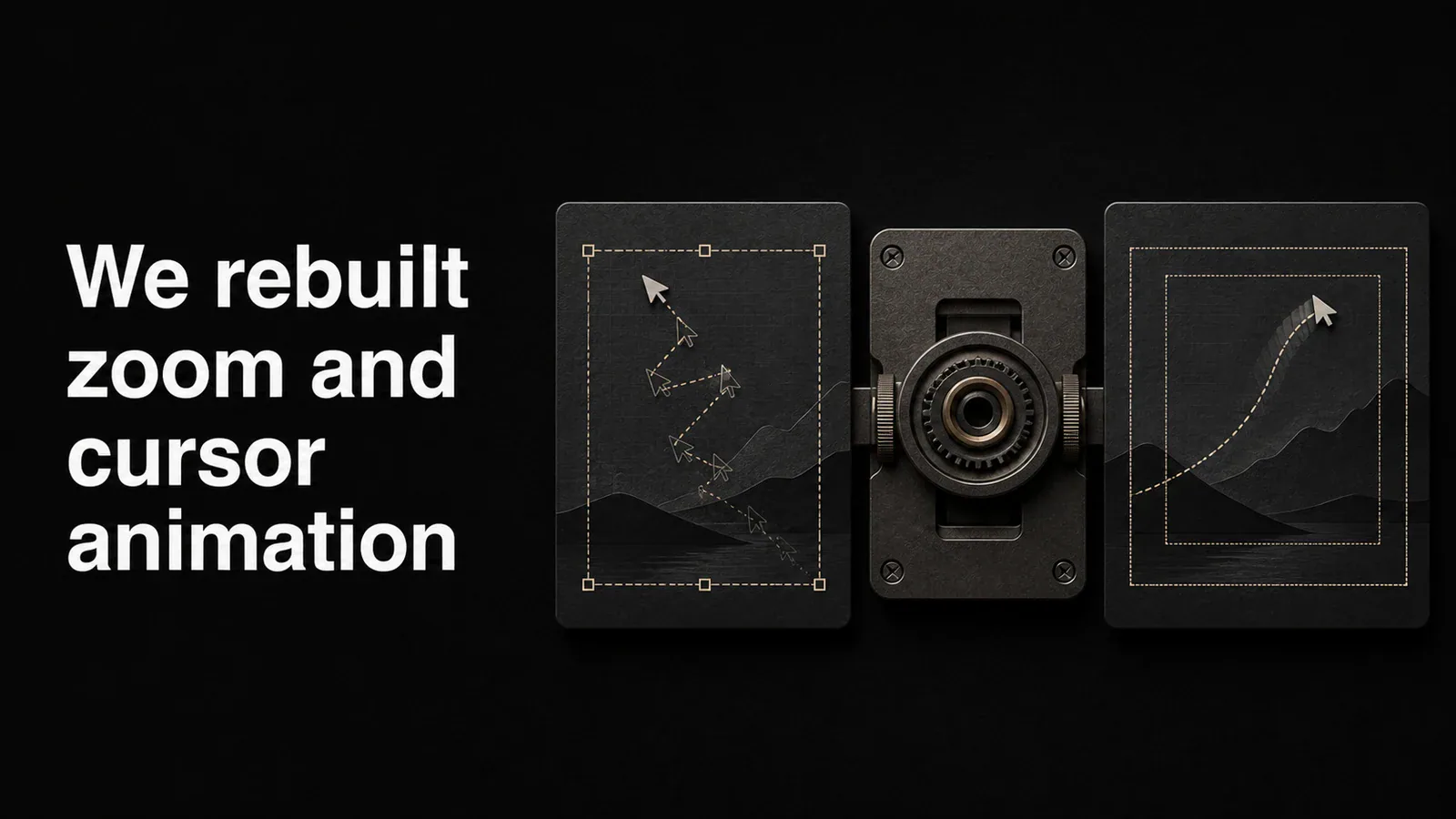
We rebuilt auto zoom and cursor animation from the ground up. Smoother transitions, smarter focus detection, and a cursor that finally looks like it belongs in a professional video.