
How to record a PowerPoint presentation with audio
Learn how to record a PowerPoint presentation with audio and voiceover - using PowerPoint's built-in Record Slide Show, exporting to video, and screen recorders.

Product & company
See what changed in Tight Studio, why each improvement matters, and how to use the newest capabilities.
7 articles
Learn how to record a PowerPoint presentation with audio and voiceover - using PowerPoint's built-in Record Slide Show, exporting to video, and screen recorders.
Step-by-step guide to recording your iPhone screen from a Mac. Covers QuickTime Player, the iOS built-in recorder, and how to capture a polished version with Tight Studio.
How to record your screen with a webcam overlay (facecam) for tutorials, demos, and online courses. Free picture-in-picture screen recording methods compared.
Learn how to screen record on Mac using built-in tools and professional screen recorders. Step-by-step guide covering Screenshot toolbar, QuickTime, and Tight Studio.
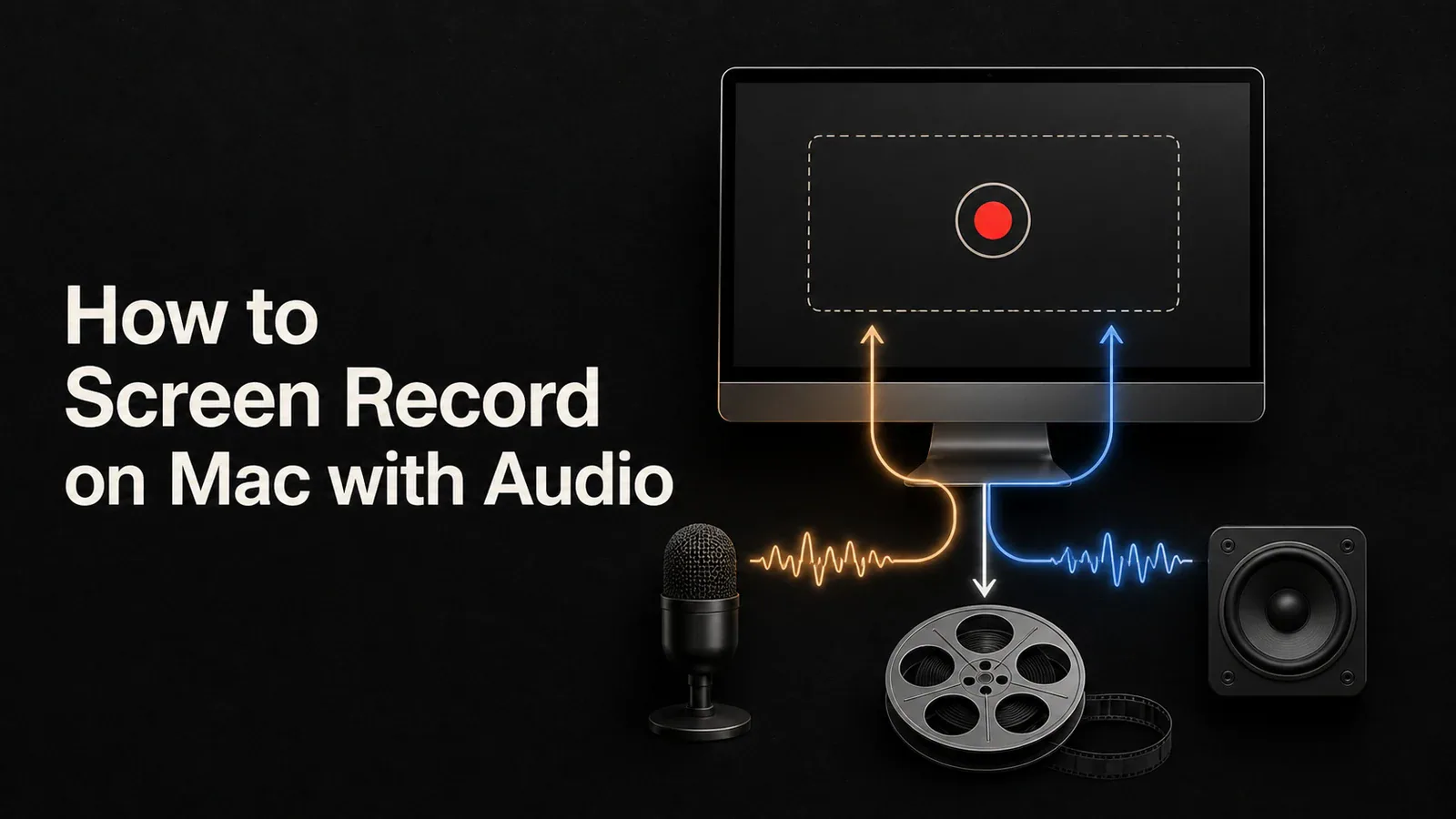
Learn how to screen record with audio on Mac using built-in tools, BlackHole, or Tight Studio's direct microphone and system-audio capture.
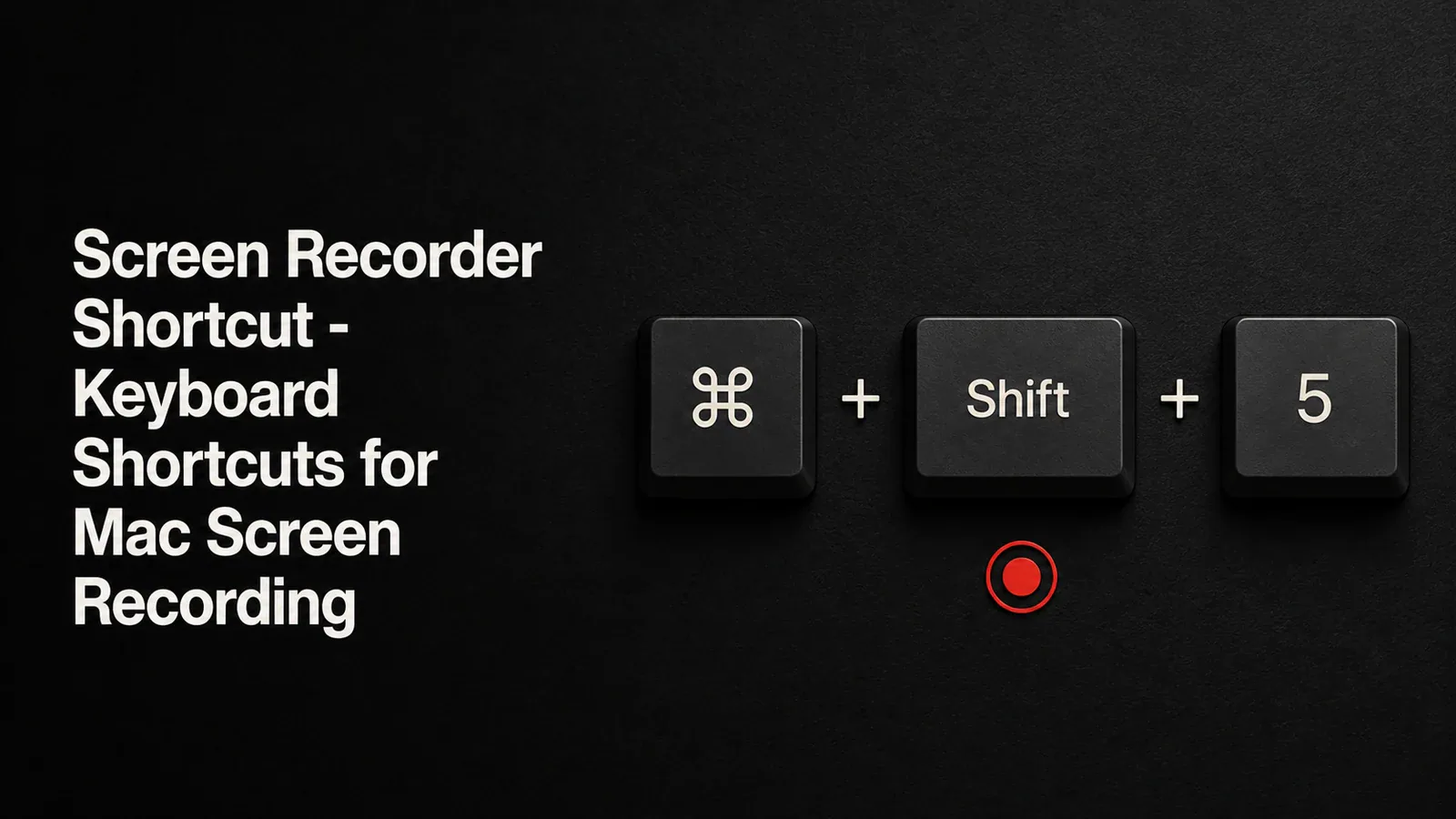
Complete reference of Mac screen recording keyboard shortcuts including Cmd+Shift+5 and QuickTime. Plus how to get professional results with zoom, cursor effects, and editing.
Tight Studio auto-saves your edits every 30 seconds so you never lose work. No more forgetting to hit save.