
How to add intro and outro slides in Screen Studio
Screen Studio cannot add standalone intro or outro slides. See its current text options and how Tight Studio adds text overlays or imported title-card clips.

Archive
Screen Studio cannot add standalone intro or outro slides. See its current text options and how Tight Studio adds text overlays or imported title-card clips.
Screen Studio cannot add another recording to an existing project. See the workaround and Tight Studio's Add Clip workflow for recording in multiple takes.
Screen Studio does not currently detect or remove filler words. Here is what you can do today, plus how to get a filler-free recording in Tight Studio.
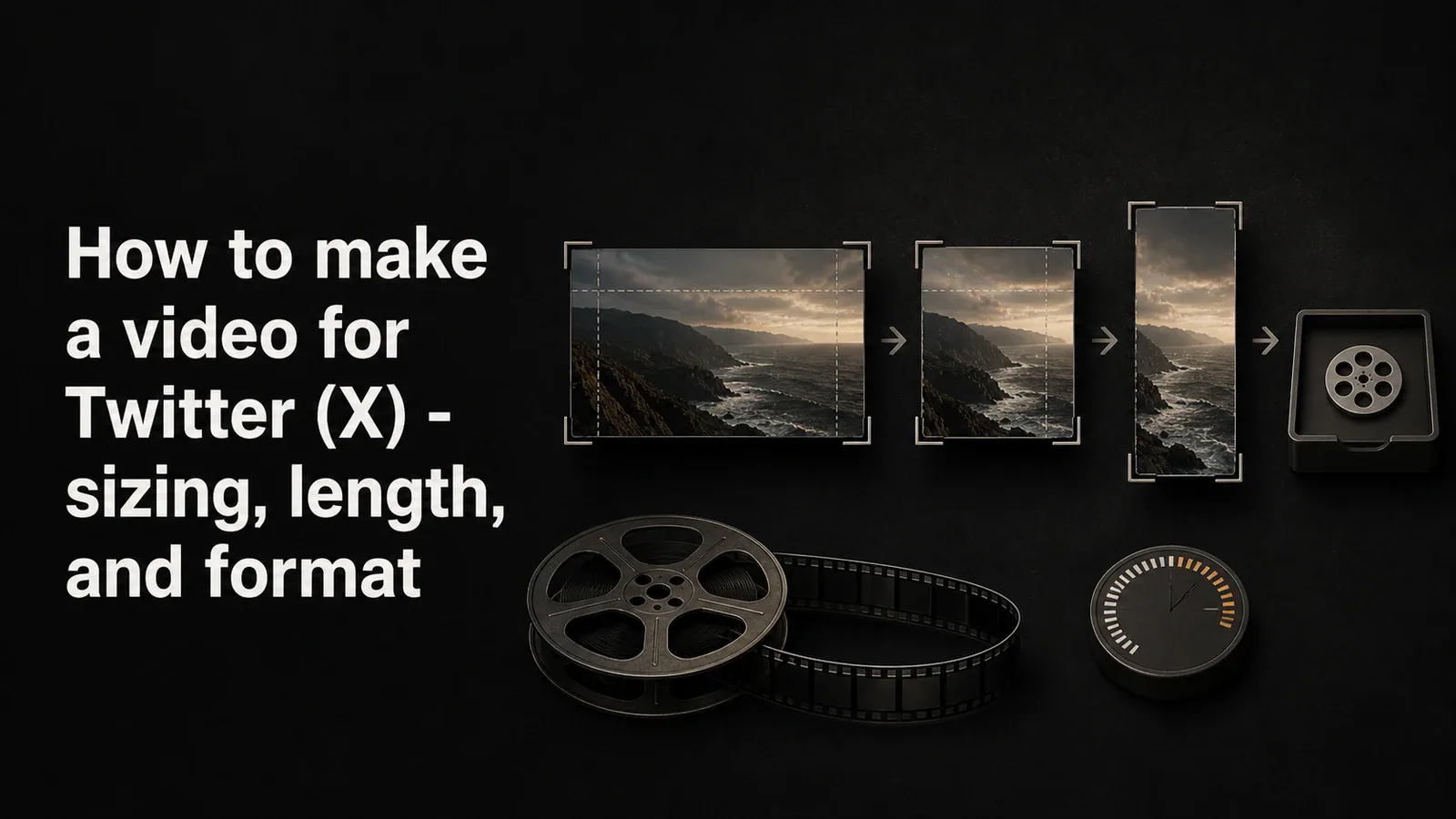
Twitter / X video specs explained - aspect ratios, length limits, file size, and format. A complete guide to recording, editing, and uploading video that looks right on X.
How to share a video as a link instead of an email attachment. Covers Google Drive, Dropbox, WeTransfer, YouTube unlisted, and one-click share tools.
A step-by-step guide to writing a video script that sounds natural on camera. Includes a free template you can copy, formatting tips, and examples.
A practical home studio setup guide for tutorial creators - mic, webcam, lighting, screen recorder, and space tips across three budget tiers.
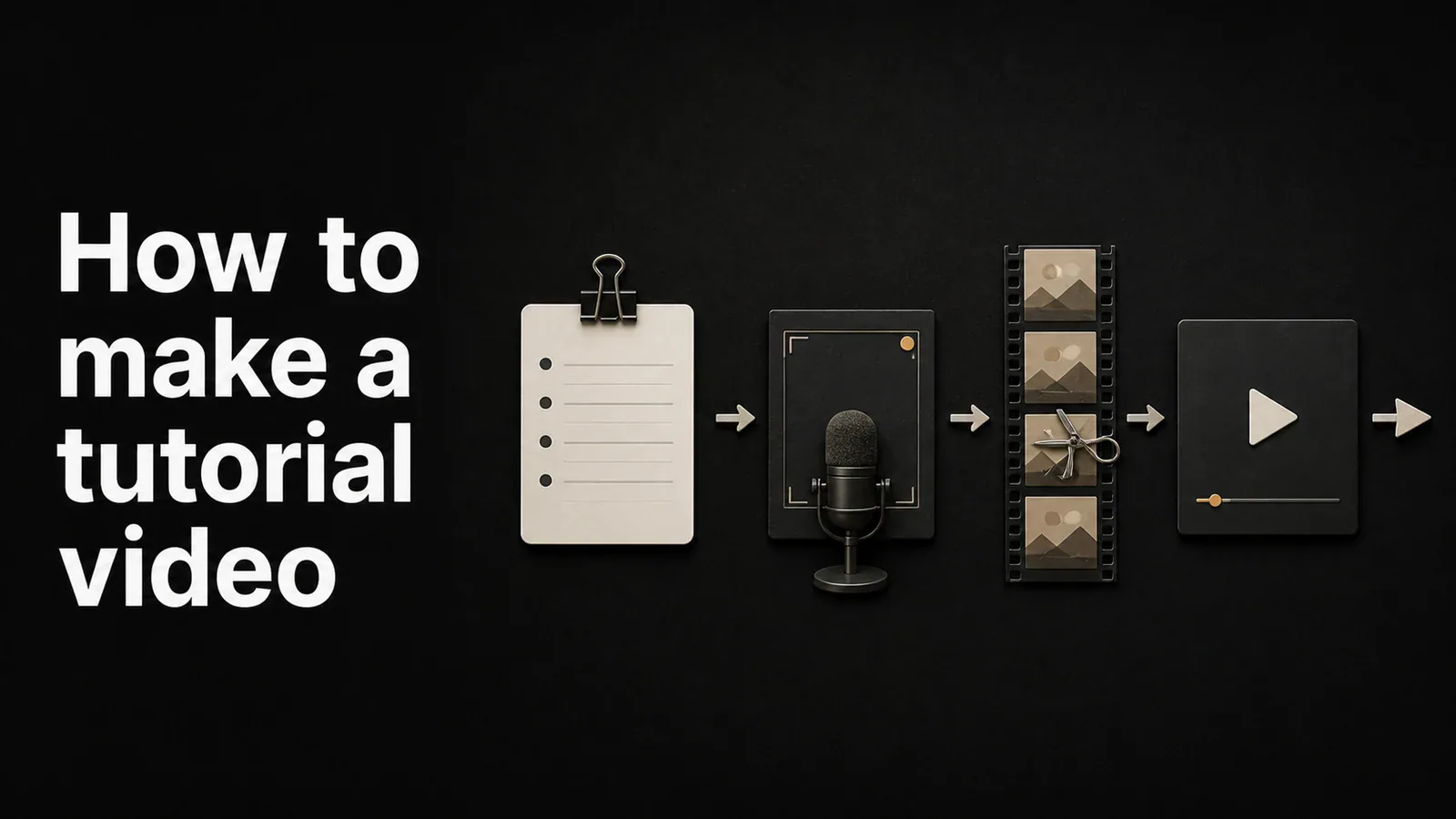
A practical guide to making a tutorial video - planning, recording, editing, and publishing. Tools and steps for software demos, how-tos, and training videos.
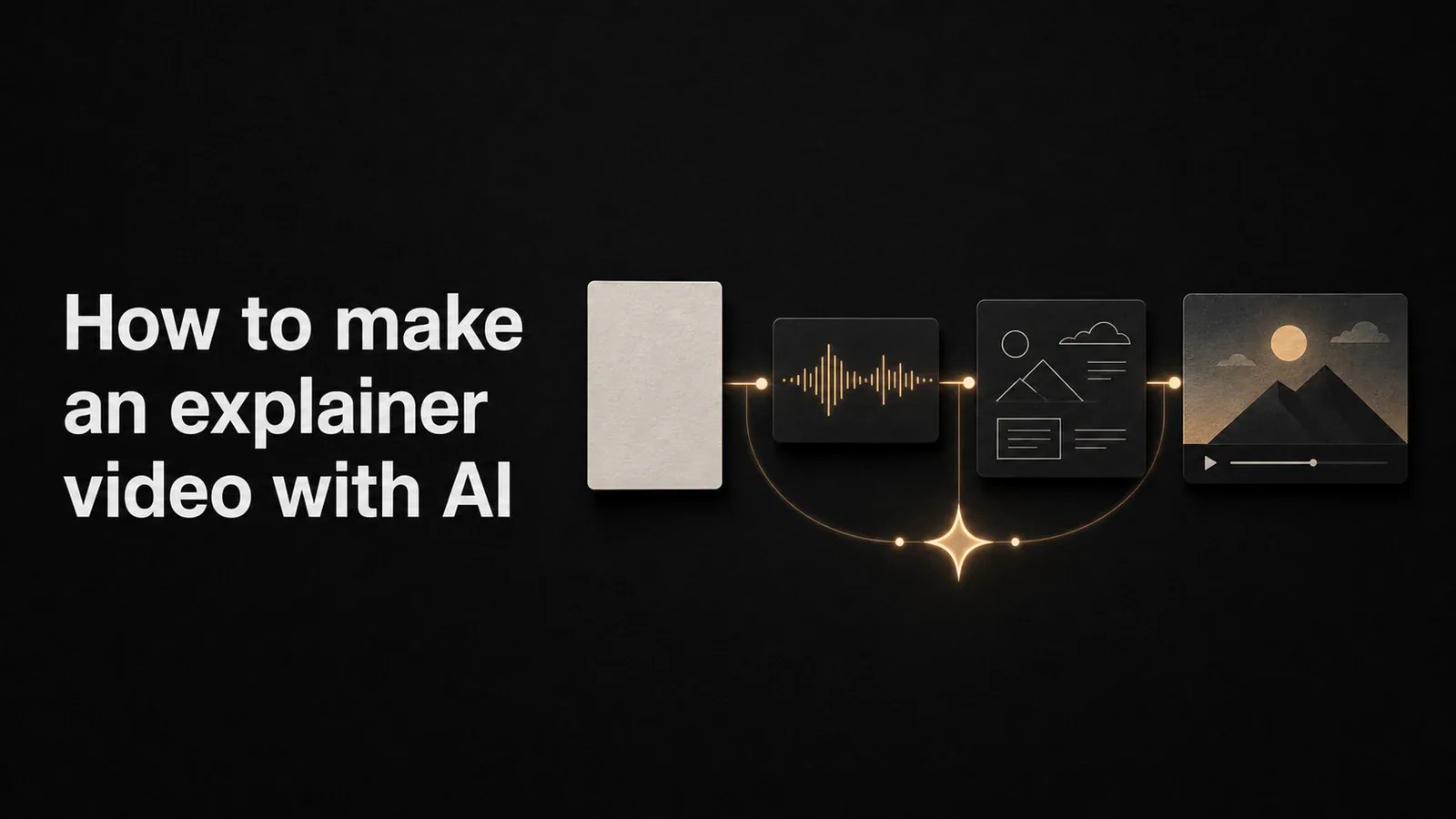
Step-by-step guide to making an explainer video with AI - scripts, voiceovers, avatars, animation, and screen-recorded demos. Tools, workflows, and tradeoffs.
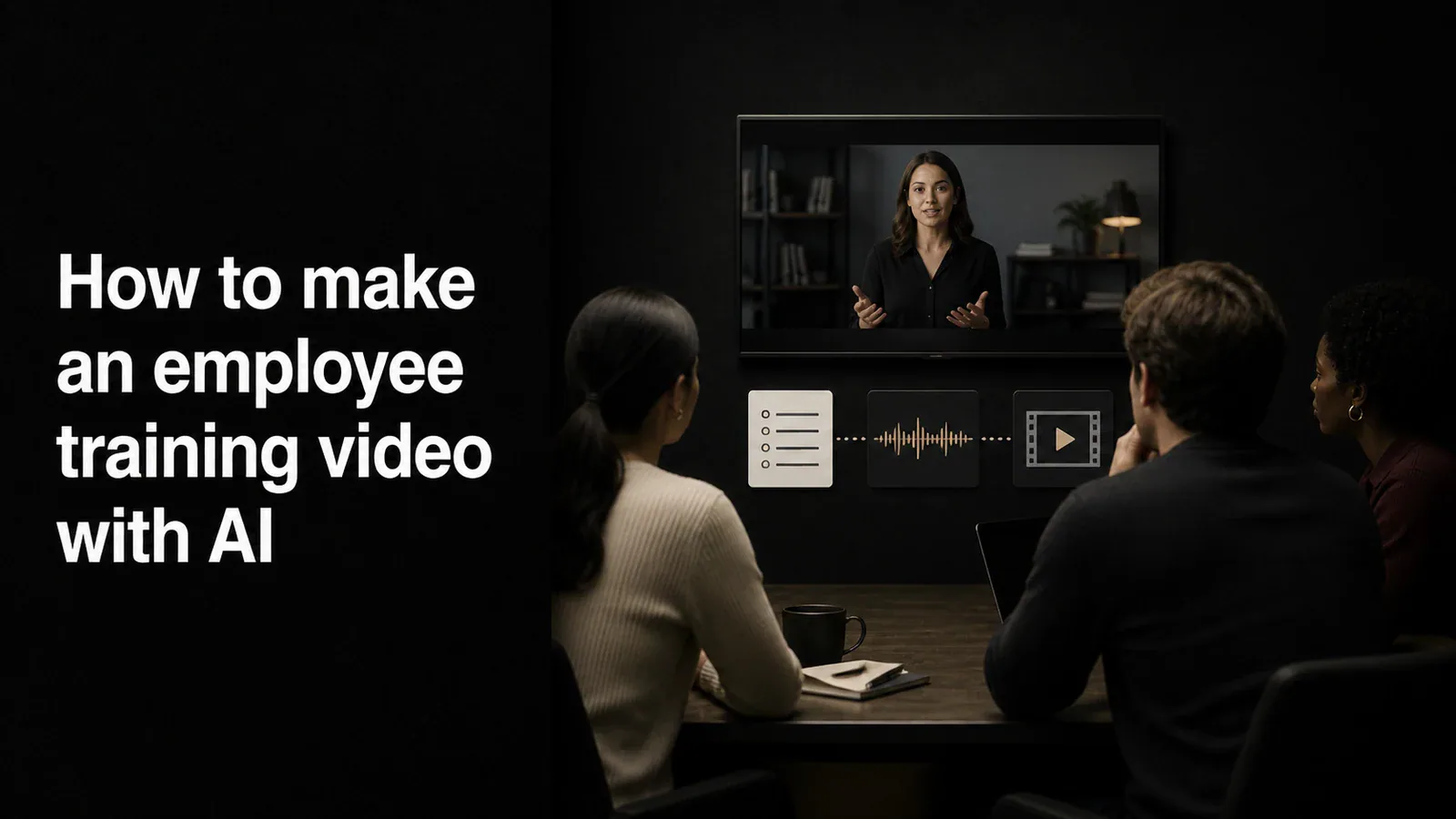
Step-by-step guide to making an employee training video with AI - from scripting and AI voiceover to screen recording, captions, and distribution.
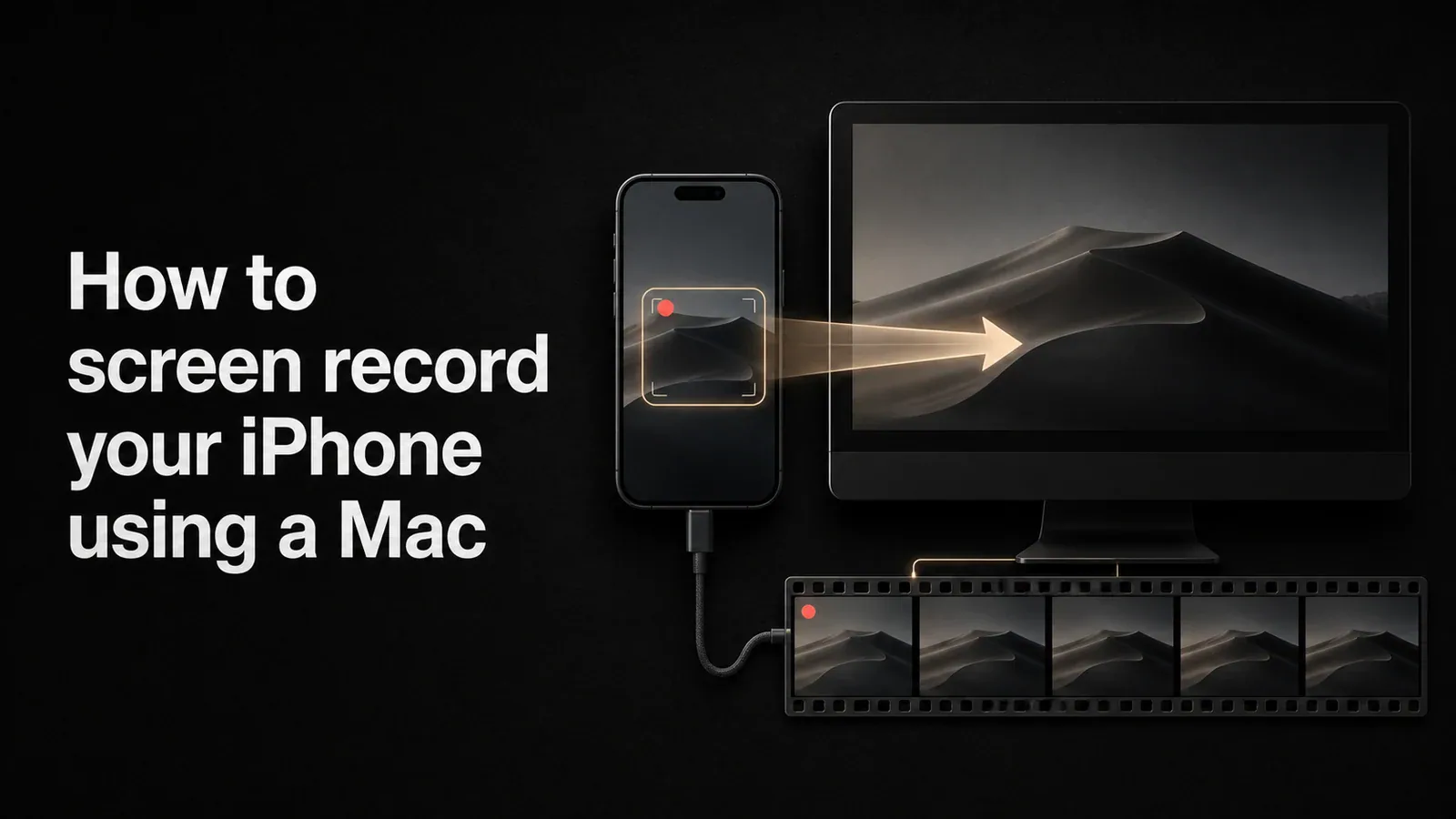
Step-by-step guide to recording your iPhone screen from a Mac. Covers QuickTime Player, the iOS built-in recorder, and how to capture a polished version with Tight Studio.
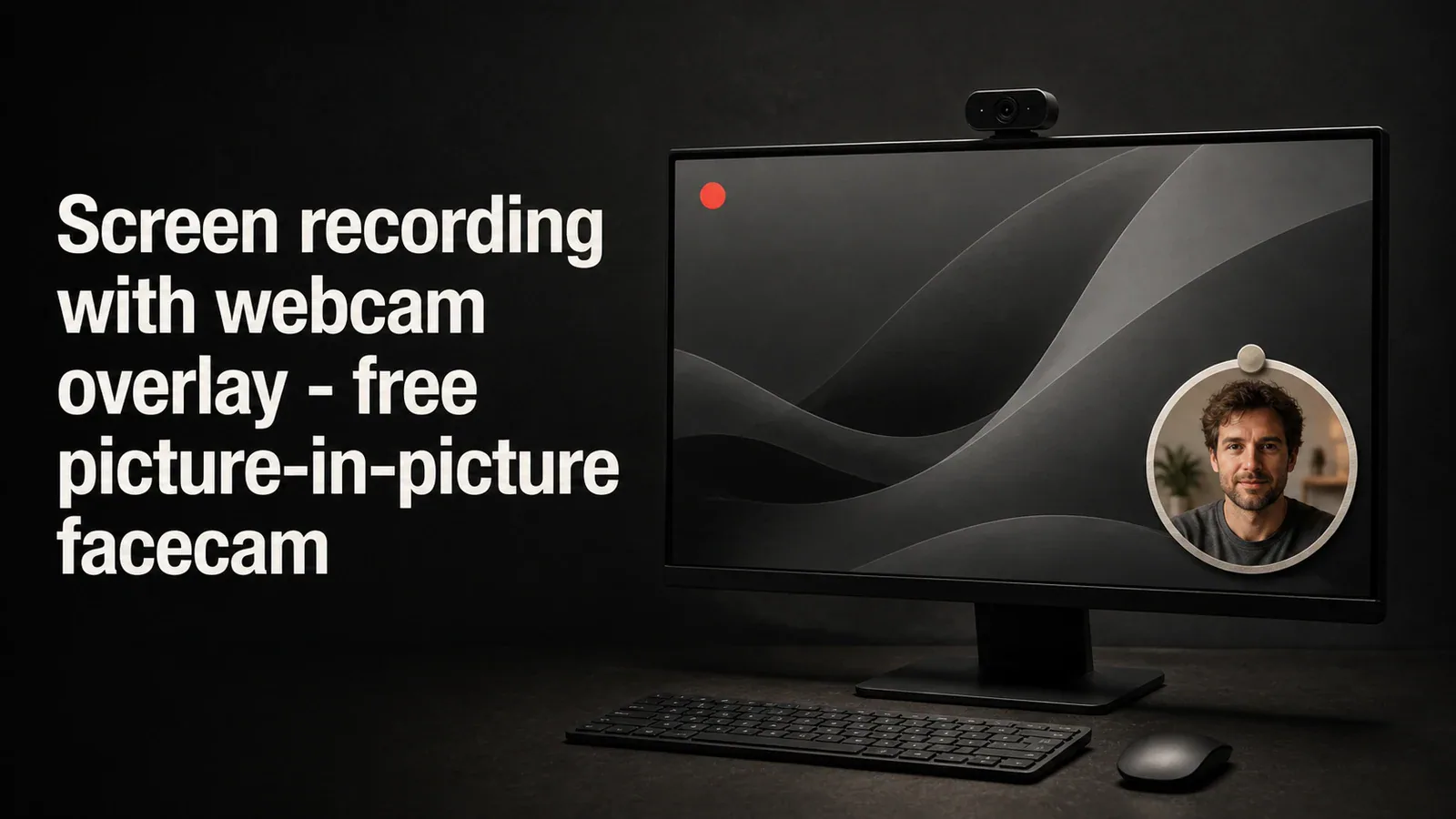
How to record your screen with a webcam overlay (facecam) for tutorials, demos, and online courses. Free picture-in-picture screen recording methods compared.